KHIZHNYAKOVGuides

← All templates

Meeting Room and Office Booking — Excel Template

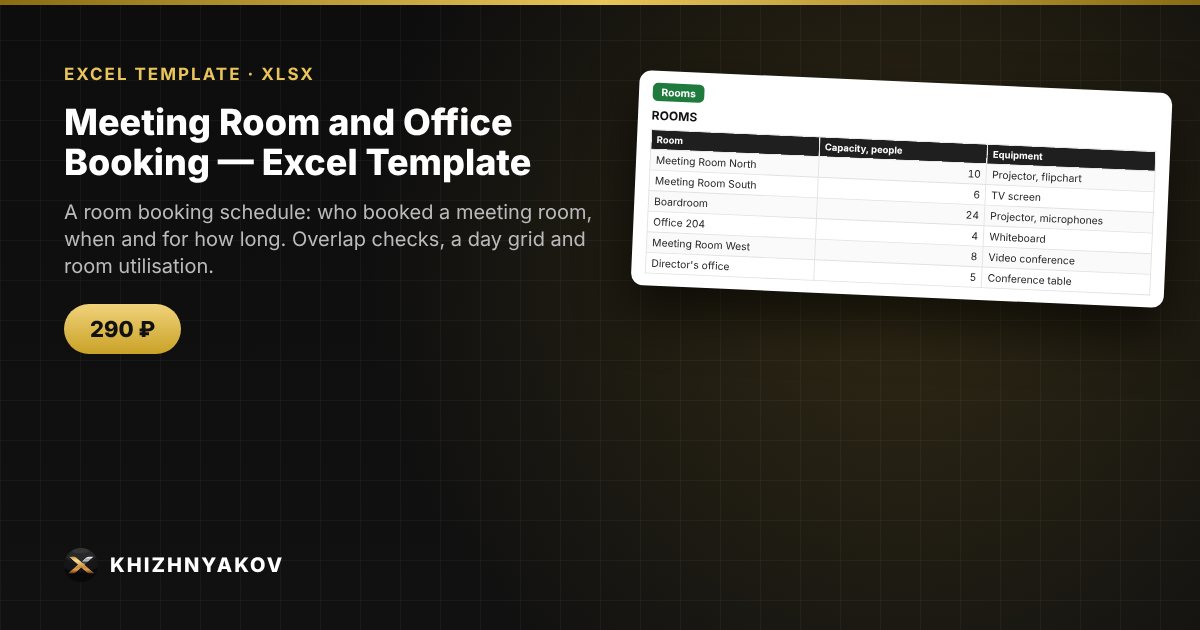
A room booking schedule: who booked a meeting room, when and for how long. Overlap checks, a day grid and room utilisation.

Meeting Room and Office Booking — Excel Template
290 ₽
≈ 3 USD
Blank template + filled-in example · Excel 2007+, LibreOffice, Google Sheets
Payment is processed securely by YooKassa in Russian rubles. If your card is declined, email us at info@хижняков.рф and we will arrange another way to pay.

What it is for

Two meetings in one meeting room is a familiar problem. In the template each booking is checked for overlaps automatically, and the “Day” sheet shows room occupancy by the hour.

What is inside

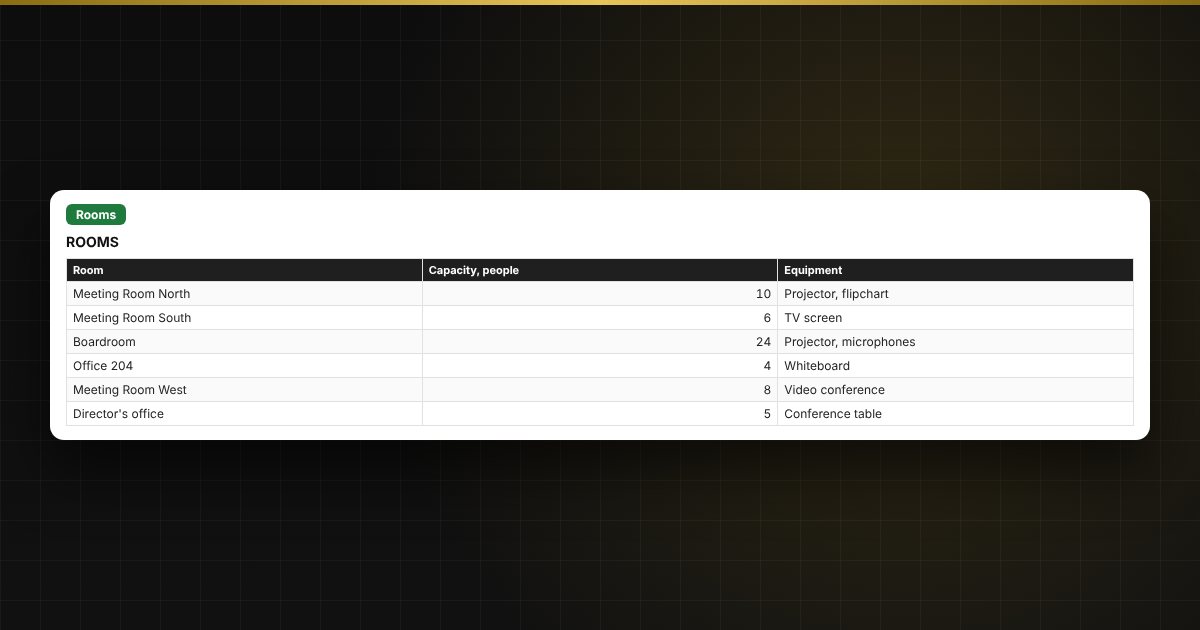
  • “Rooms”: a list of meeting rooms and offices, and their capacity.
  • “Bookings”: date, time, room, who booked, subject, number of participants; duration, overlap check and whether there are enough seats are calculated automatically.
  • “Day”: an occupancy grid in 30-minute steps for the date chosen in “Settings” (the first 6 rooms).
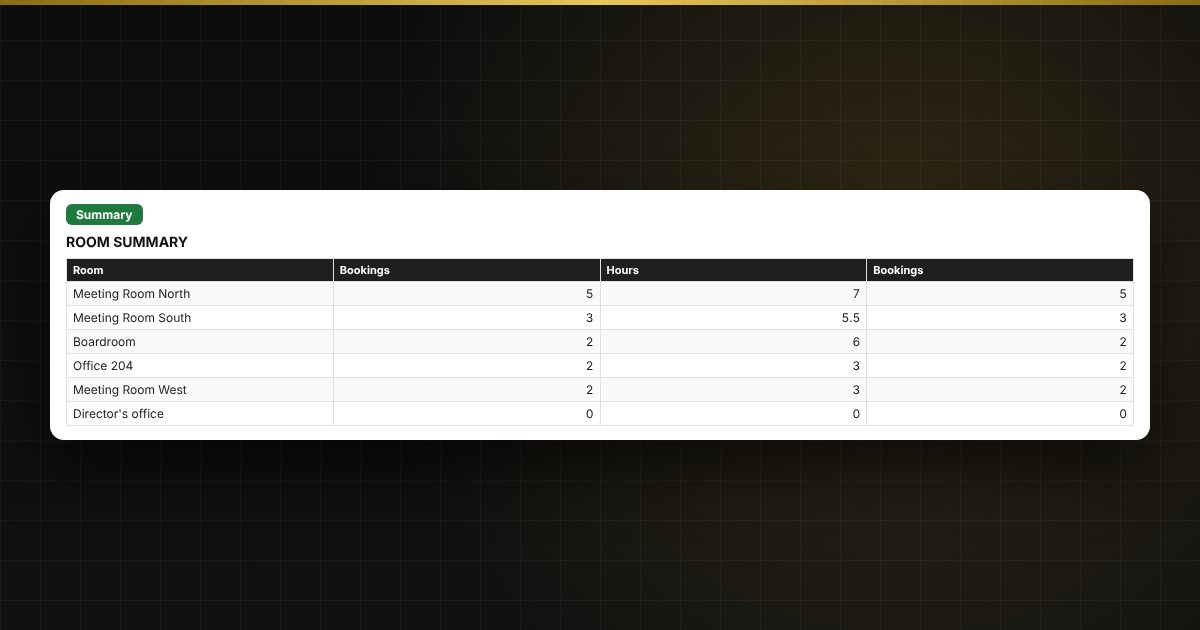
  • “Summary”: number of bookings, overlaps and bookings over capacity, hours and bookings for each room.

Who it suits

Office managers, receptionists, schools, coworking spaces and companies with shared rooms.

Compatibility

Excel 2007 and newer, LibreOffice. No macros. The file is in English. Rates, thresholds and reference values are set in the parameters: check them against current rules before use. The calculation is approximate.

Questions and answers

How is an overlap detected?
If the time of a new booking overlaps another one in the same room, the status shows “Overlap”, and if there are more participants than seats, “Not enough seats”.
How do I choose the day in the grid?
Enter the date in “Settings” and the grid on the “Day” sheet recalculates.
How many rooms can I enter?
The list holds up to 12 rooms; the day grid and the summary show the first 6.
Is it suitable for rentals?
Yes, you can manage offices and coworking spaces.
Are macros needed?
No. The file works in Excel 2007 and newer and in LibreOffice, and all calculations use ordinary formulas.