 KHIZHNYAKOV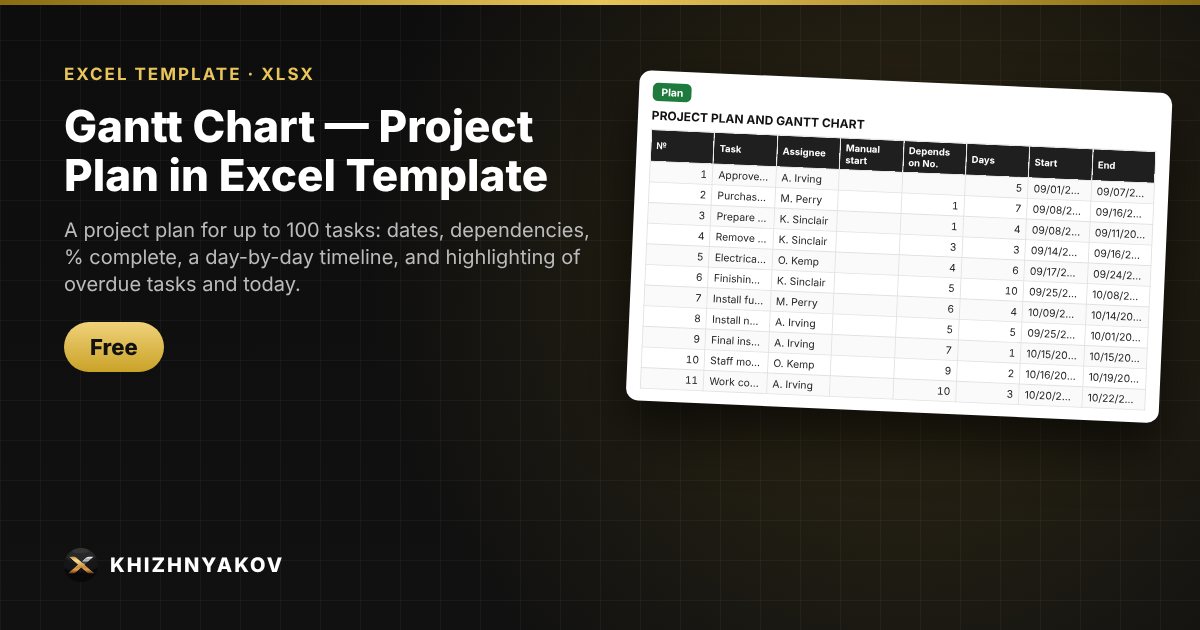
What it is for
A Gantt chart shows what needs to be done, by when, and what is falling behind. Here it builds itself: enter the tasks, start dates and durations, and bars are shaded on the day scale, the completed part is shown in a different color, and overdue tasks and today are highlighted.
What is inside
- “Settings”: project name, start date, working week, holidays, timeline step.
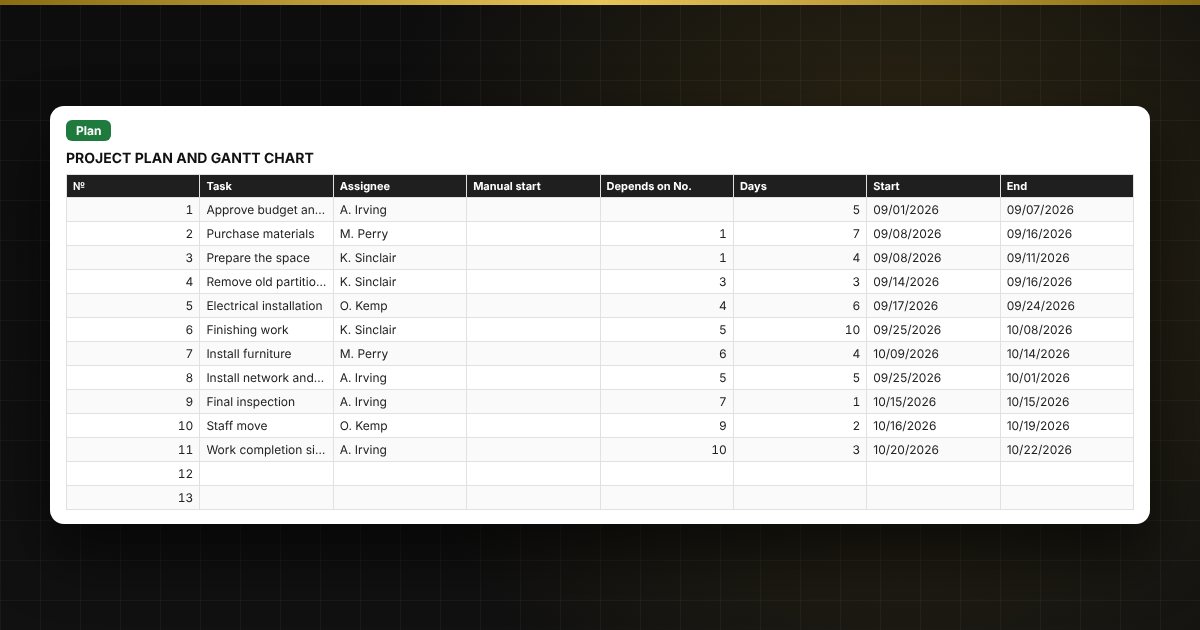
- “Plan”: up to 100 tasks with assignee, start, duration, a “Depends on No.” dependency, percent complete and status; working and calendar days are handled through the work calendar.
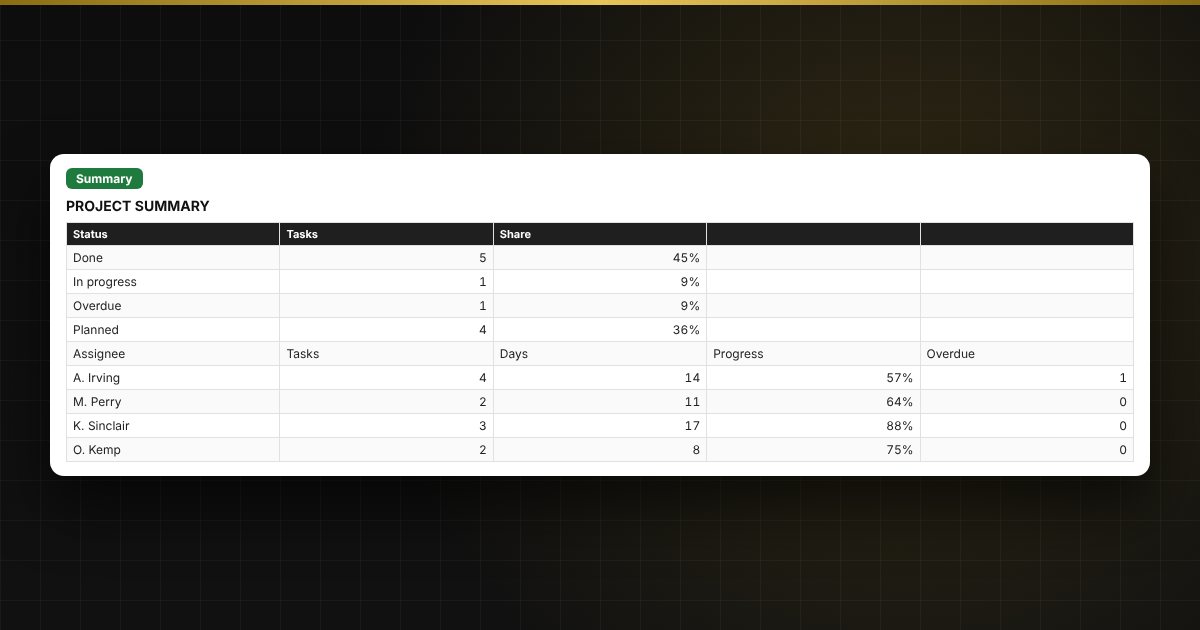
- “Summary”: how many tasks are on time, in progress or overdue, project completion percentage and days to the end.
- “Instructions” — how to fill it in within 10 minutes.
Who it is for
Project managers, business owners, office and facilities managers, and anyone organizing a renovation, event or launch who needs a clear plan without special software.
What you get
An empty template and a filled-in sample with fictitious data, so you can see how the formulas and checks work. It is an Excel template built on ordinary formulas. All fixes and new versions of the project are free.
Compatibility
Excel 2007 and later, LibreOffice. No macros. The calculation is indicative. The file is in English.