KHIZHNYAKOVGuides

← All templates

Houseplant Diary — Watering and Feeding Schedule, Excel Template

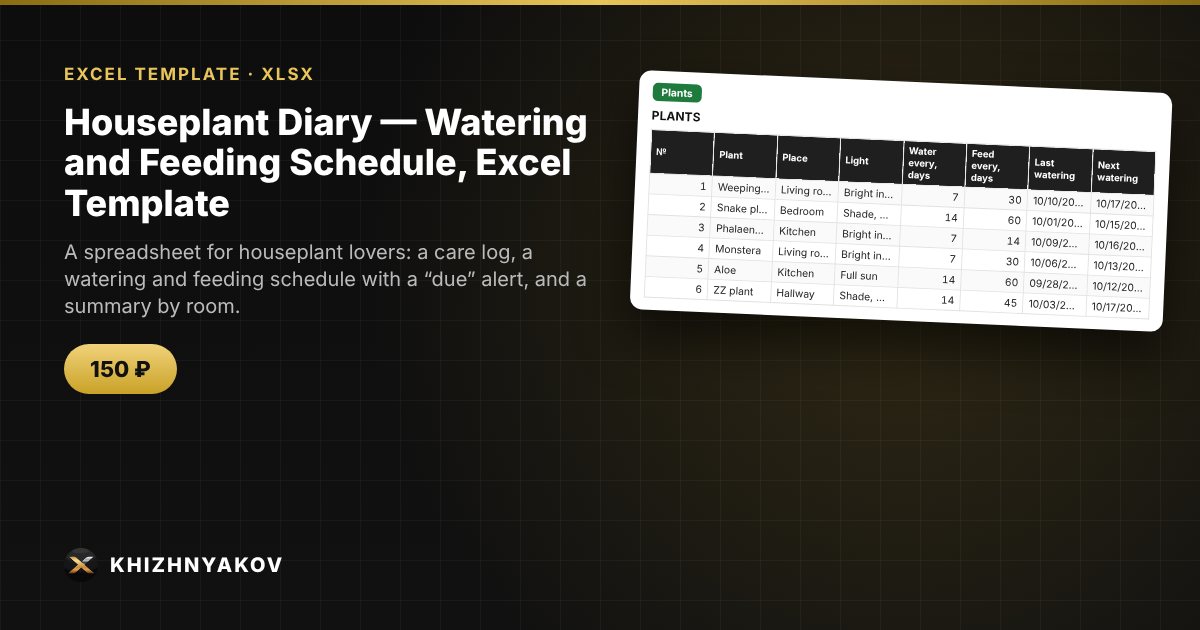
A spreadsheet for houseplant lovers: a care log, a watering and feeding schedule with a “due” alert, and a summary by room.

Houseplant Diary — Watering and Feeding Schedule, Excel Template
150 ₽
≈ 2 USD
Blank template + filled-in example · Excel 2007+, LibreOffice, Google Sheets
Payment is processed securely by YooKassa in Russian rubles. If your card is declined, email us at info@хижняков.рф and we will arrange another way to pay.

What it is for

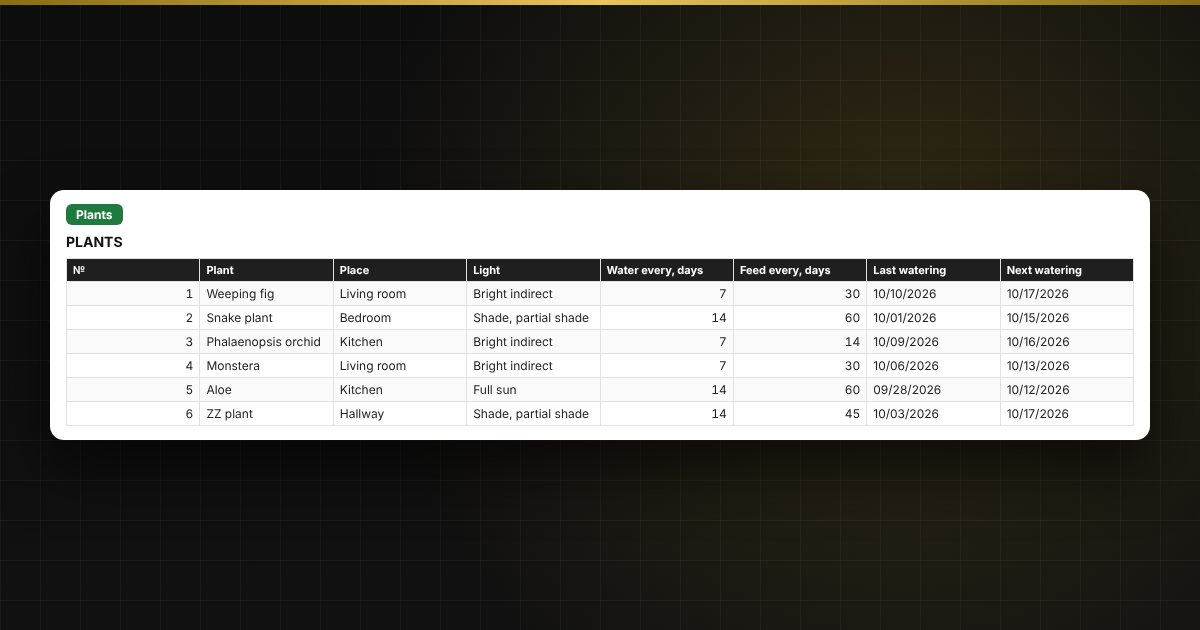
Every plant has its own rhythm: a weeping fig likes watering once a week, a snake plant once in two. The template keeps a care log, finds the date of the last watering and feeding by itself, calculates the next ones and highlights which plants to water today and which in the coming days.

What is inside

  • “Settings”: the report date and the list of places (rooms).
  • “Plants”: up to 40 plants — watering and feeding intervals in days; dates and alerts are calculated automatically.
  • “Log”: up to 400 entries — watering, feeding, repotting, treatment, pruning.
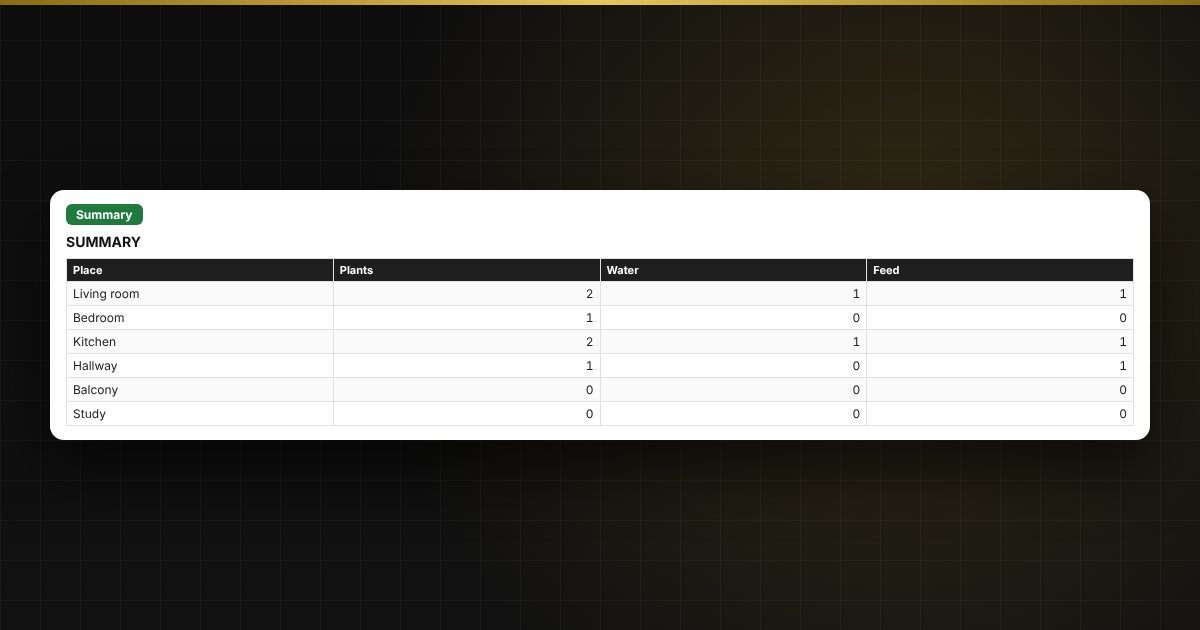
  • “Summary”: how many plants need watering and feeding, by room, and a chart.

Who it suits

Houseplant lovers, flower growers, office “green corners” and anyone who often forgets to water.

Compatibility

Excel 2007 and newer, LibreOffice. No macros. The file is in English. Intervals and thresholds are set in the parameters; adjust them to your plants.

Questions and answers

How does the template know when to water?
It finds the last “Watering” entry for the plant in the log, adds the watering interval and compares the result with the report date.
Where do I get the intervals?
From care recommendations for your plant species. They depend on the season and conditions, so you can change them at any time.
Can I track plants in an office?
Yes, places and plants are entered manually.
How many plants fit?
Up to 40 plants and 400 log entries.
Are macros needed?
No. The file works in Excel 2007 and newer and in LibreOffice, and all calculations use ordinary formulas.