 KHIZHNYAKOV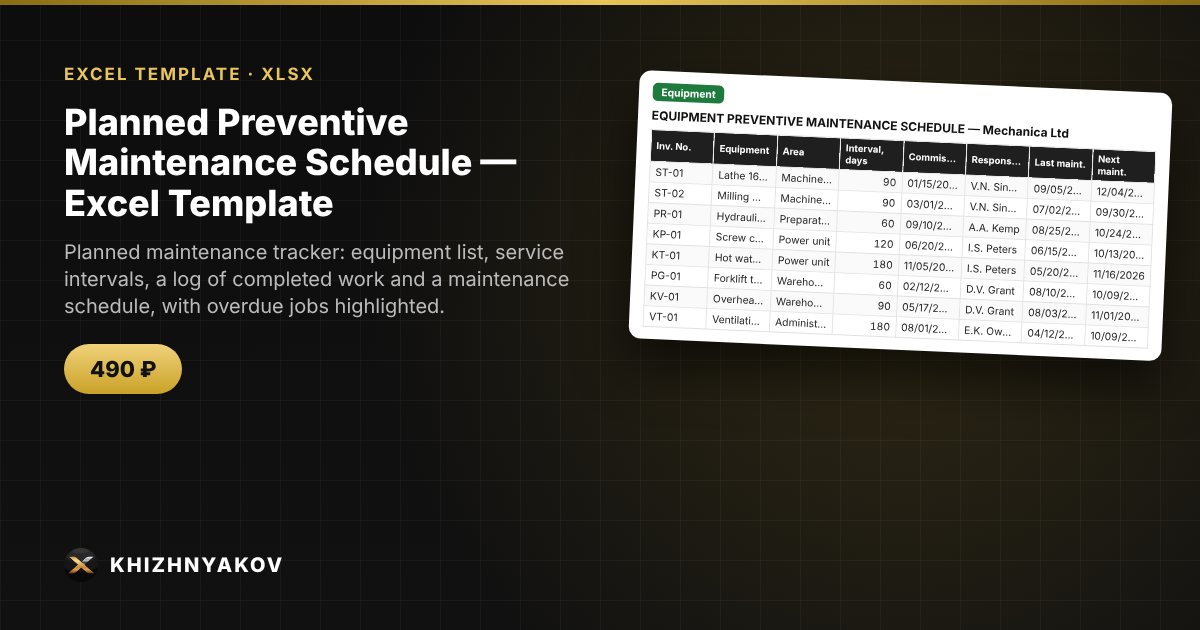
What it is for
Equipment breaks down when maintenance is skipped. From the date of the last maintenance and the service interval, the workbook works out the next job, shows what is overdue and builds a schedule.
What is inside
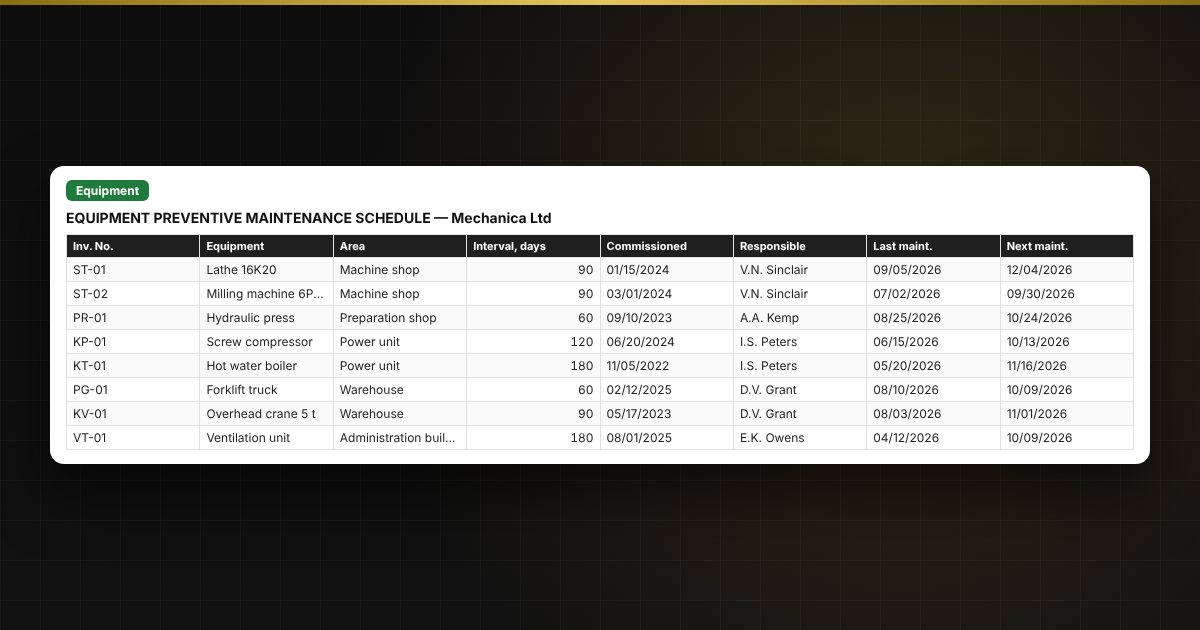
- “Equipment”: a list with service intervals and the person responsible.
- “Work log”: what was done and when.
- “PM schedule”: upcoming and overdue planned work, most urgent first.
- “Summary”: costs and downtime by area.
Who it is for
Chief engineers, mechanics, maintenance and facilities managers, and managers of production sites and buildings.
What you get
An empty template and a filled-in sample with fictitious data, so you can see how the formulas and checks work. It is an Excel template built on ordinary formulas, not an accounting program. All fixes and new versions of the project are free.
Compatibility
Excel 2007 and later, LibreOffice. No macros. Service intervals are entered by you: follow the manufacturer’s documentation. The calculation is indicative. The file is in English.