 KHIZHNYAKOV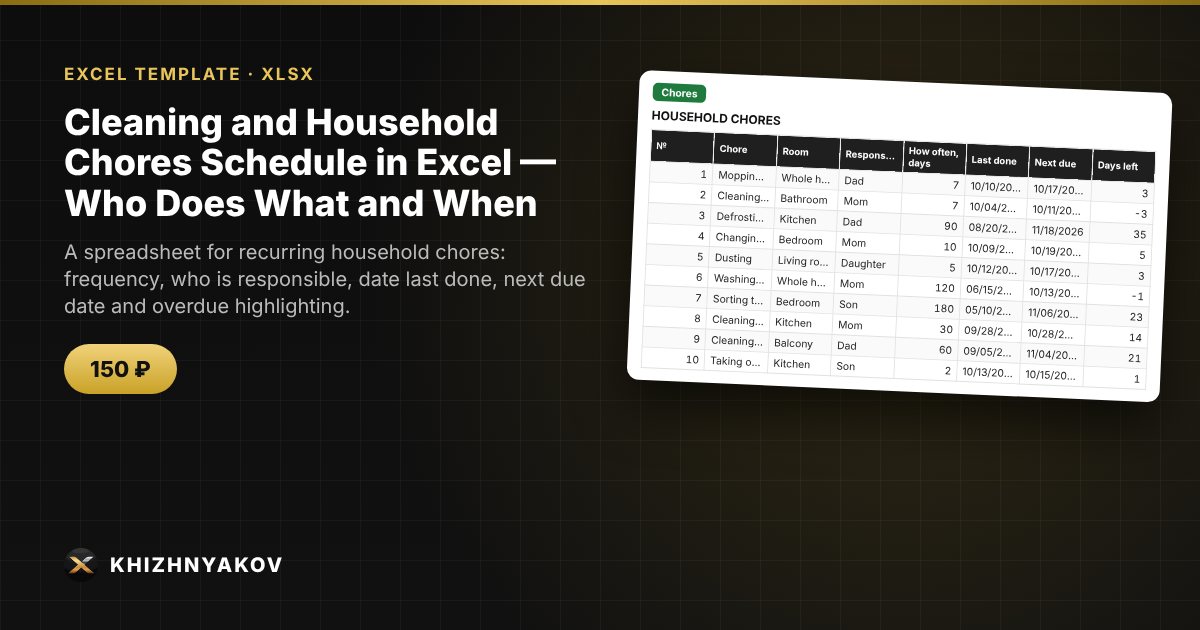
What it is for
Washing windows, defrosting the fridge, changing bed linen: chores that are needed regularly but are easy to forget. The spreadsheet stores the frequency, works out when to do each chore next, highlights what is overdue and shows the workload by family member.
What is inside
- "Settings": report date, warning period, rooms and people.
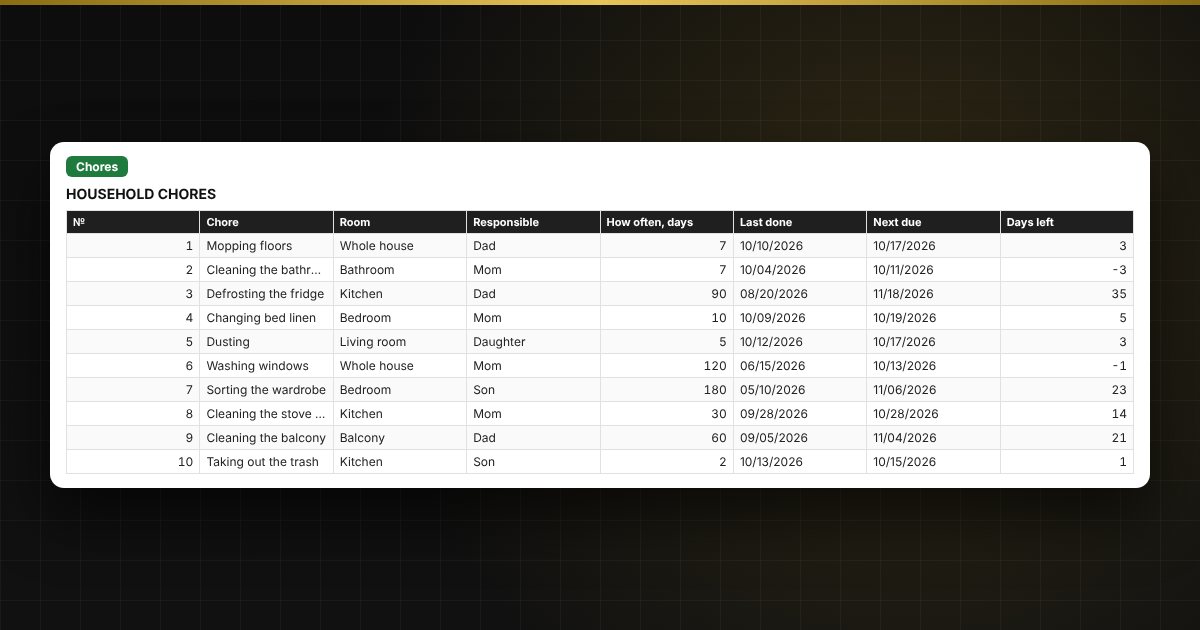
- "Chores": up to 80 chores: room, person responsible, frequency, last done; next due date and status are calculated automatically.
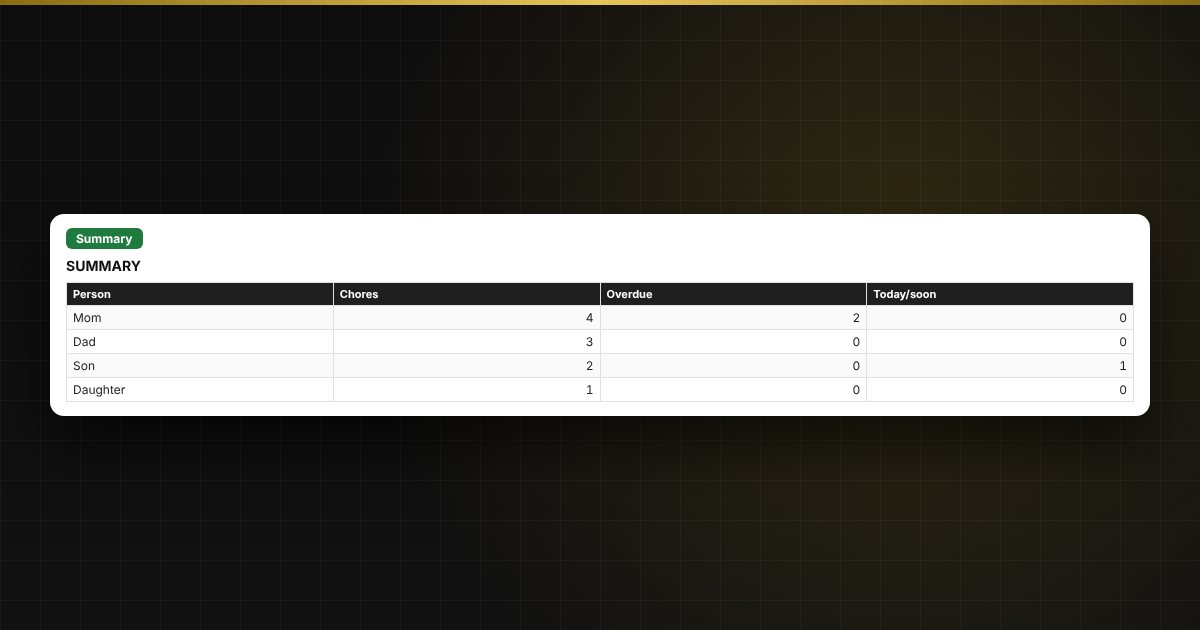
- "Summary": what is overdue, workload by person, and a chart.
Who it is for
Families, flatmates, tenants, and anyone who wants to share household chores fairly and not forget the rare ones.
What you get
The download includes a blank template and a filled-in sample with fictitious data, so you can see how the formulas and checks work. It is an Excel spreadsheet with ordinary formulas, not a specialized program. All fixes and new versions of the project are free.
Compatibility
Excel 2007 and later, LibreOffice. No macros. The file is in English. Intervals and thresholds are set in the settings: adjust them to suit yourself.