KHIZHNYAKOV

← All templates

Savings Goal Planner — Excel Template

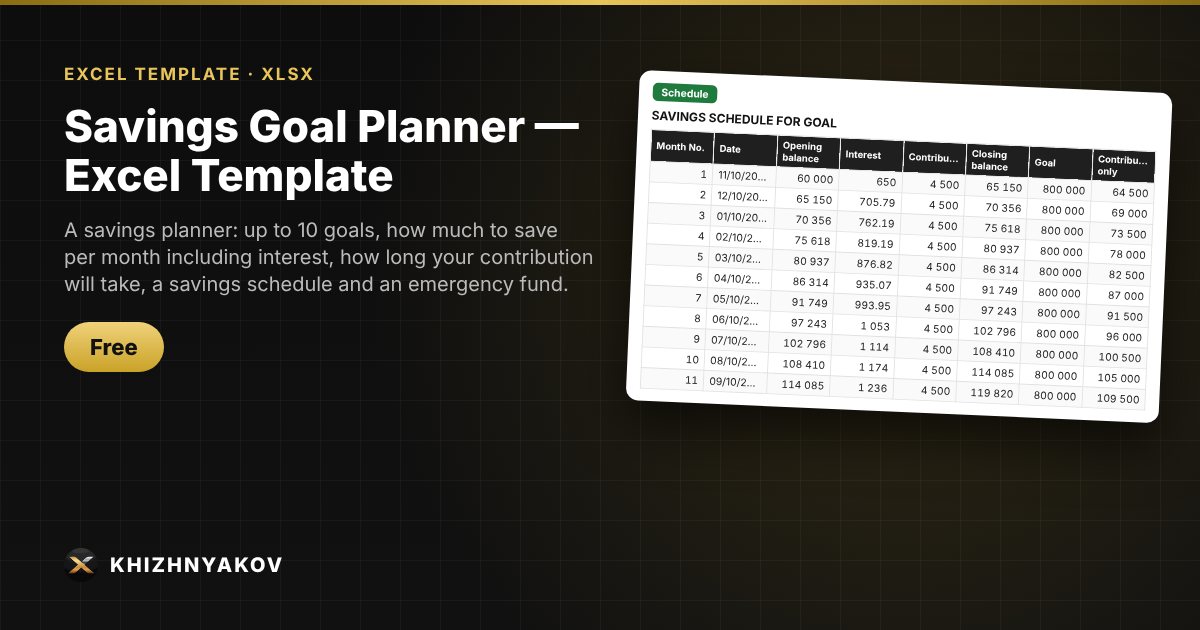
A savings planner: up to 10 goals, how much to save per month including interest, how long your contribution will take, a savings schedule and an emergency fund.

Savings Goal Planner — Excel Template
Free
Download free
Blank template + filled-in example · Excel 2007+, LibreOffice, Google Sheets

What it's for

Saving for a holiday, new gadgets, a renovation or a mortgage down payment is easier when you know the exact figure: how much to set aside each month. The spreadsheet calculates it with annuity formulas including savings interest, shows whether your contribution is enough to reach the goal on time and builds a savings schedule. A separate sheet helps you calculate an emergency fund.

What's inside

  • "Goals": up to 10 goals — amount, term (in months or as a date), already saved, savings rate, your contribution; the result is the required monthly contribution, the amount saved by the deadline, the saving term and progress.
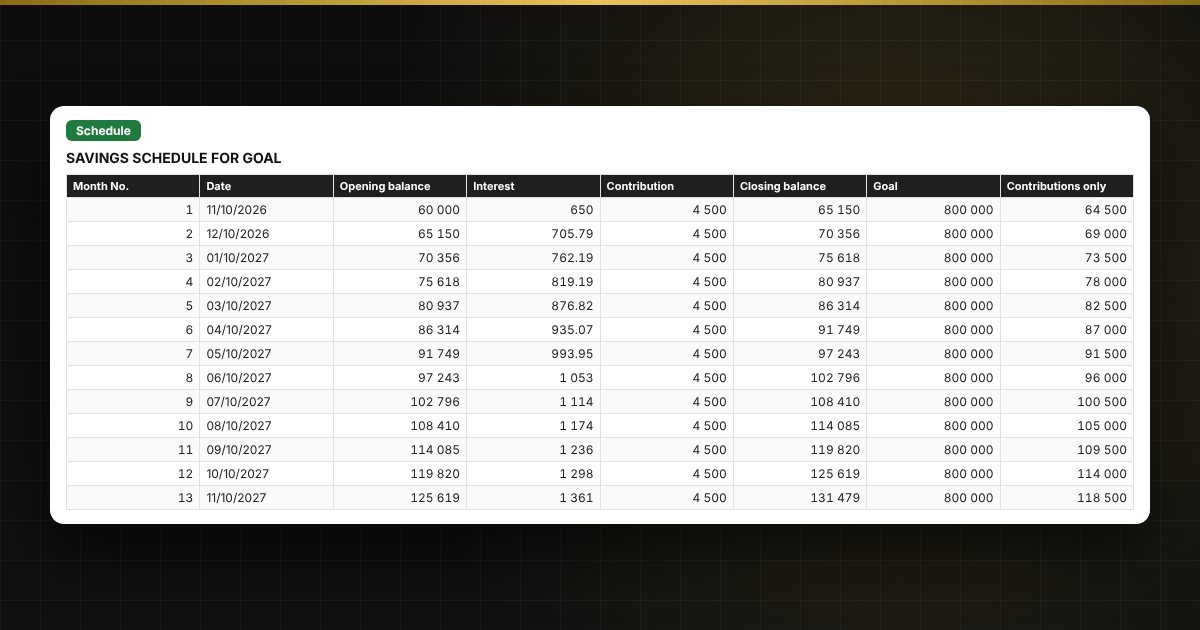
  • "Schedule": a monthly savings table for up to 120 months with interest for the selected goal, and a chart.
  • "Emergency fund": monthly expenses × number of months, saving term and required contribution.
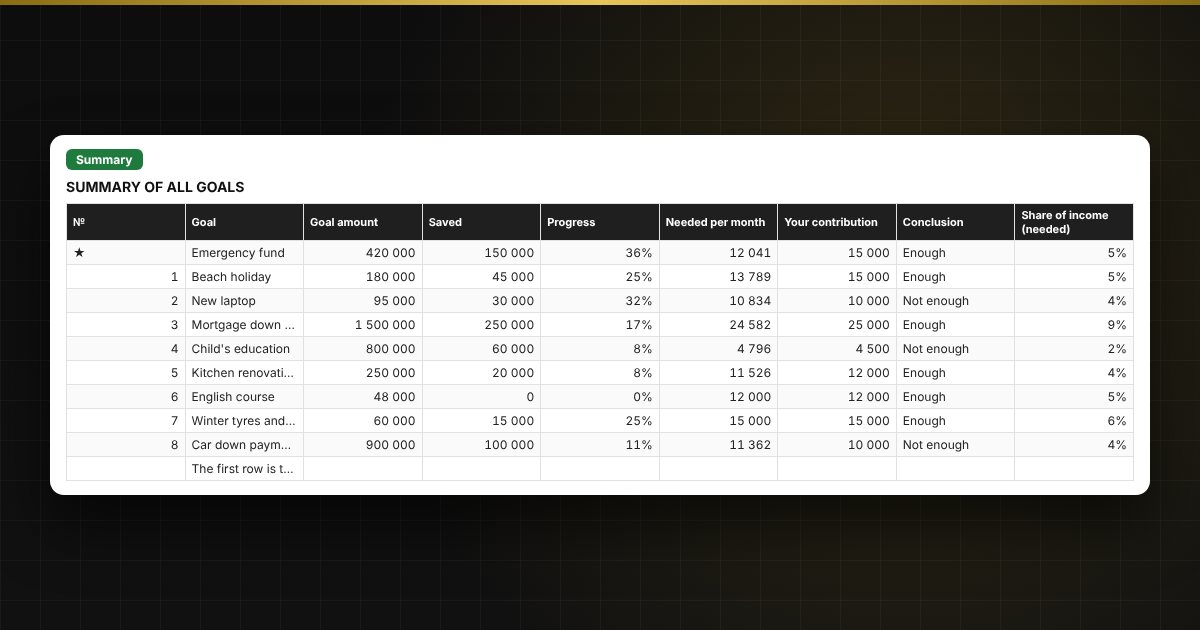
  • "Summary": all goals together, total monthly contribution and its share of income, two charts.

Who it's for

Anyone saving for a specific goal: families, students, people preparing for a big purchase, a renovation or a holiday, or building a financial cushion. Free, no macros.

Compatibility

Excel 2007 and later, LibreOffice. No macros. Rates and terms are your inputs, so you can adjust them. The calculation is indicative.

The file is in English.

Questions and answers

How is the monthly saving amount calculated?
With the annuity formula (the PMT function): it takes into account the goal amount, the amount already saved, the term in months and the annual savings rate. Interest is accrued monthly, and the contribution is paid at the end of the month. The result is rounded up to a whole unit.
How do I find out how long it will take with my contribution?
The "Months to save" column uses the NPER function: it finds the number of months in which your contribution plus interest reaches the goal. The date the goal is reached is shown next to it.
Can I set the term as a date?
Yes. Enter either the term in months or the goal date; if both are filled in, the term in months is used. The number of months from the start date to the goal date is calculated automatically.
What does the calculation include and what not?
It includes the amount, term, amount saved, rate and your contribution. It does not include tax on interest, inflation, rate changes or compounding more often than monthly. For saving without interest, set the rate to 0.