 KHIZHNYAKOV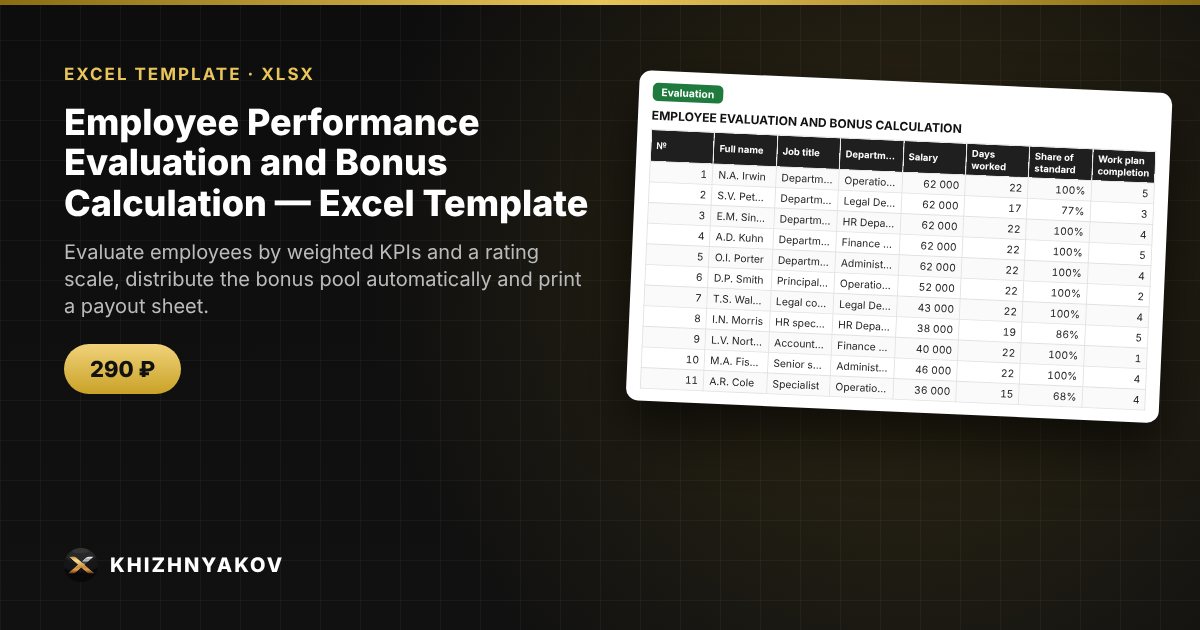
What it is for
Bonuses are often split by gut feeling, and then you have to explain to employees why one gets more than another. Here each person is scored on clear indicators and the bonus is calculated by a single formula: KPI weight, rating category, salary and time worked.
What is inside
- “Settings”: period, bonus pool, standard working days, up to 6 KPIs with weights, a scale of categories and coefficients, and a list of departments.
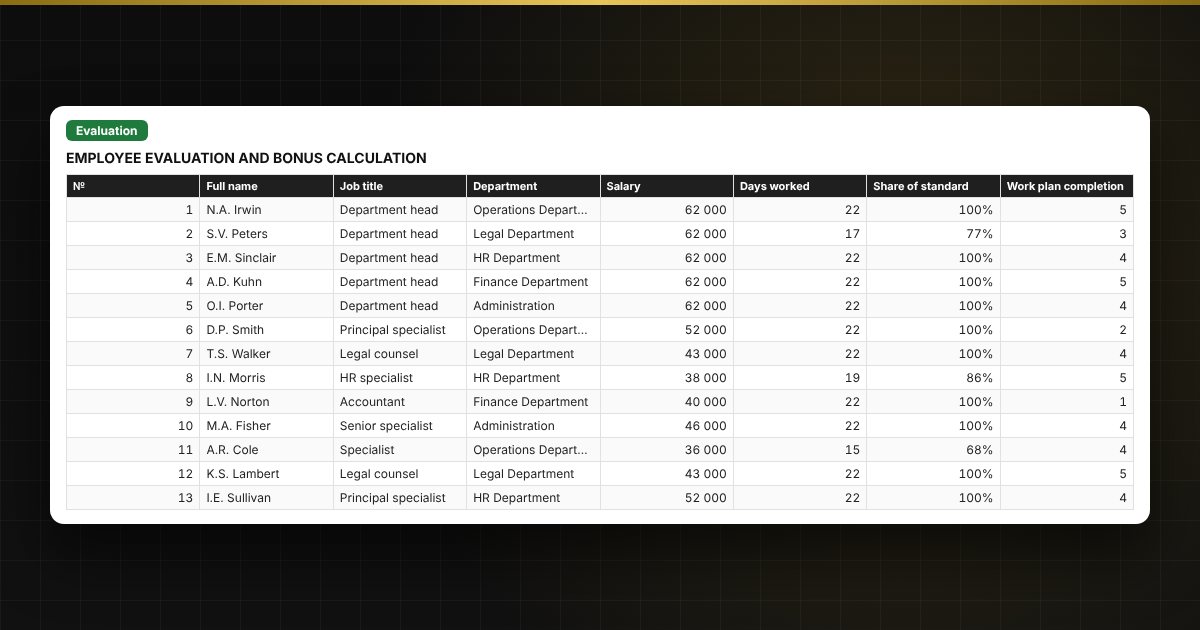
- “Evaluation”: up to 300 employees — KPI scores, final score, category, coefficient, base and bonus amount.
- “Payout sheet”: a printable form listing those who receive a bonus, the total and signature lines.
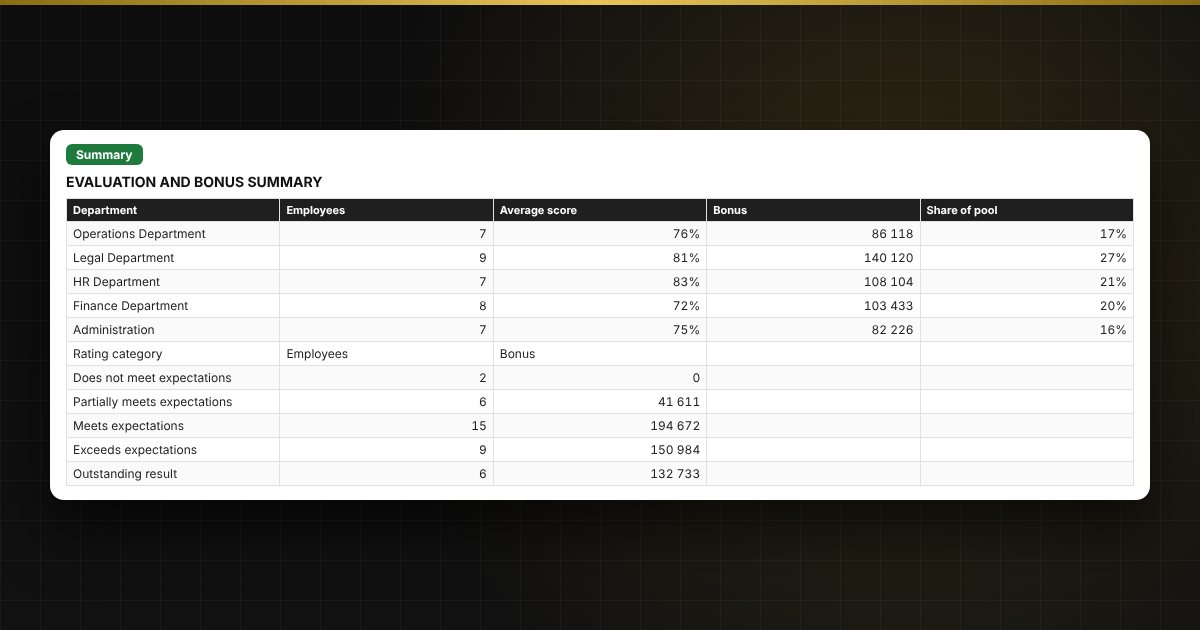
- “Summary”: average score and bonus by department, remaining pool, distribution by category, two charts.
Who it is for
Department managers, HR specialists, accountants and finance staff in companies and public organizations who distribute a bonus pool based on performance evaluation.
What you get
An empty template and a filled-in sample with fictitious data, so you can see how the formulas and checks work. It is an Excel template built on ordinary formulas, not an accounting program. All fixes and new versions of the project are free.
Compatibility
Excel 2007 and later, LibreOffice. No macros. Rates, thresholds and rules are kept in settings: check them against your own policy before use. The calculation is indicative and is before tax. The file is in English.