 KHIZHNYAKOV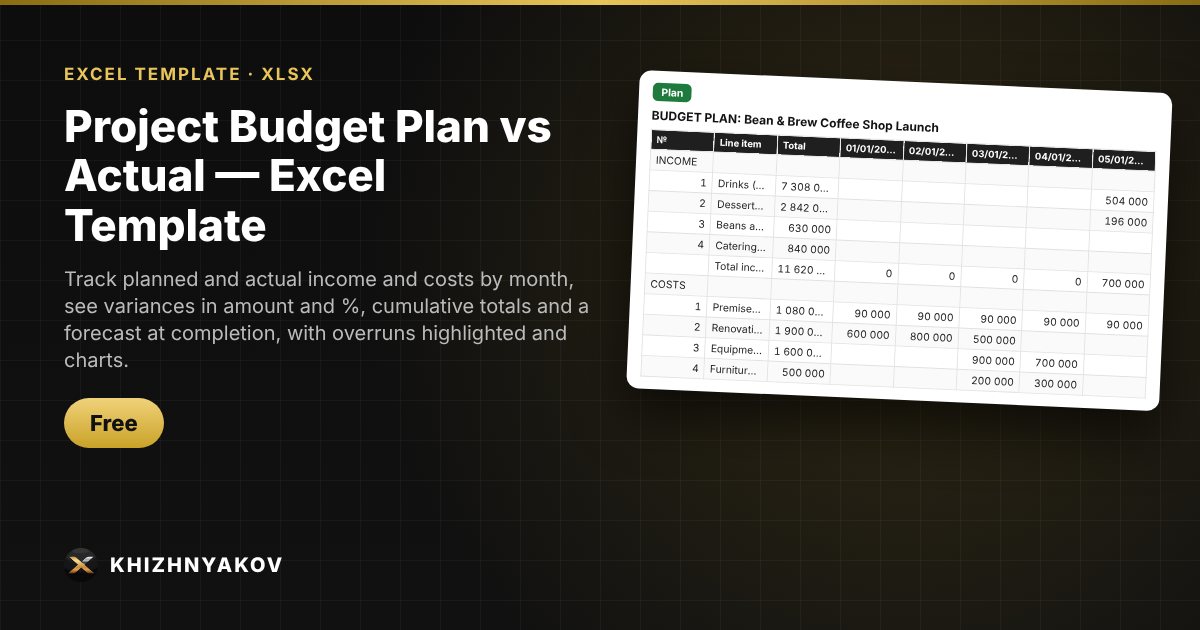
What it's for
A project budget rarely matches reality, and it's important to spot overspending before it grows. You enter plan and actual figures by month, and the spreadsheet shows the variance for every line and month, highlights overruns, calculates cumulative totals and forecasts what the project will cost by the end if the current pace continues.
What's inside
- “Settings”: name, first month, duration up to 24 months, variance tolerance, forecast method.
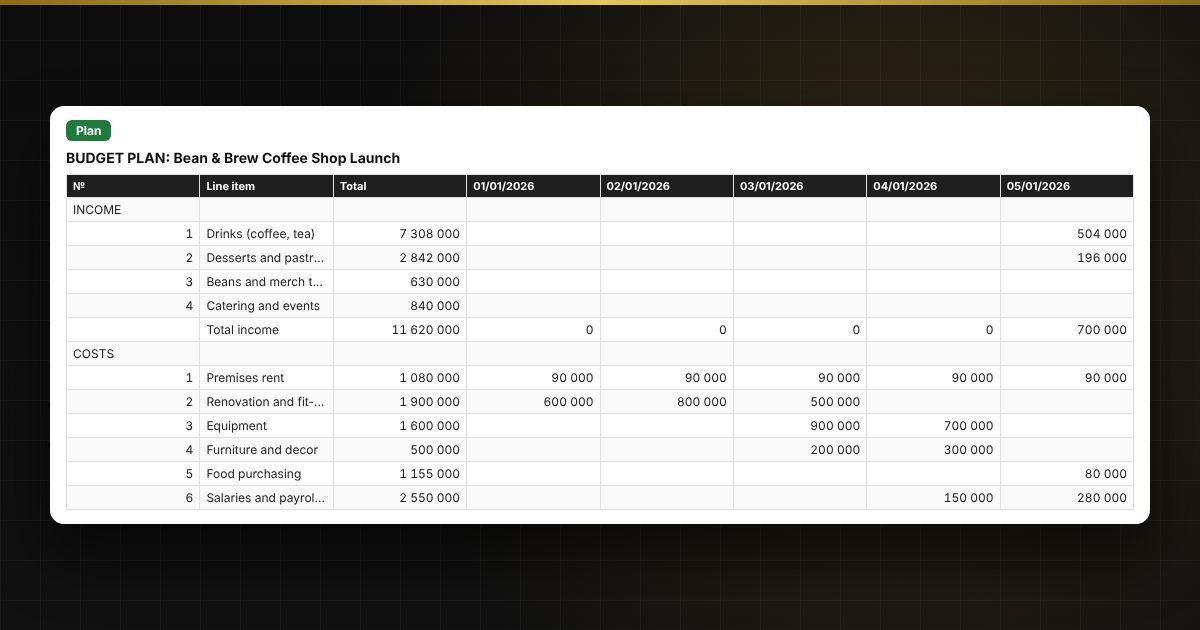
- “Plan” and “Actual”: up to 10 income lines and 20 cost lines by month; line names are entered only once.
- “Plan vs Actual”: plan and actual to date, variance in amount and %, plan used, forecast at completion and status for each line.
- “Variances”: the difference between actual and plan by line and month, with red and green highlighting.
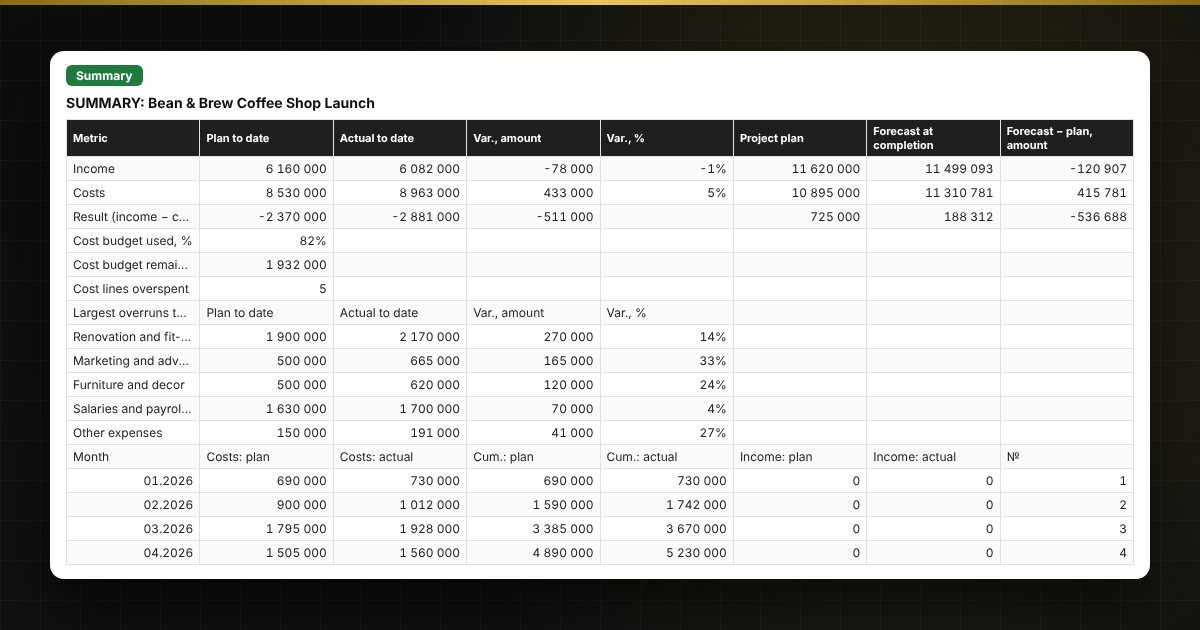
- “Cumulative” and “Summary”: running totals, project result, largest overruns and plan vs actual charts.
Who it's for
Project and department managers, entrepreneurs launching a business, organisers of events, renovations and construction, and anyone who keeps a project budget in Excel and wants to see where spending has gone over plan.
Compatibility
Excel 2007 and later, LibreOffice. No macros. Rates and thresholds are kept in the settings so you can adjust them. Calculations are approximate. The file is in English.