 KHIZHNYAKOV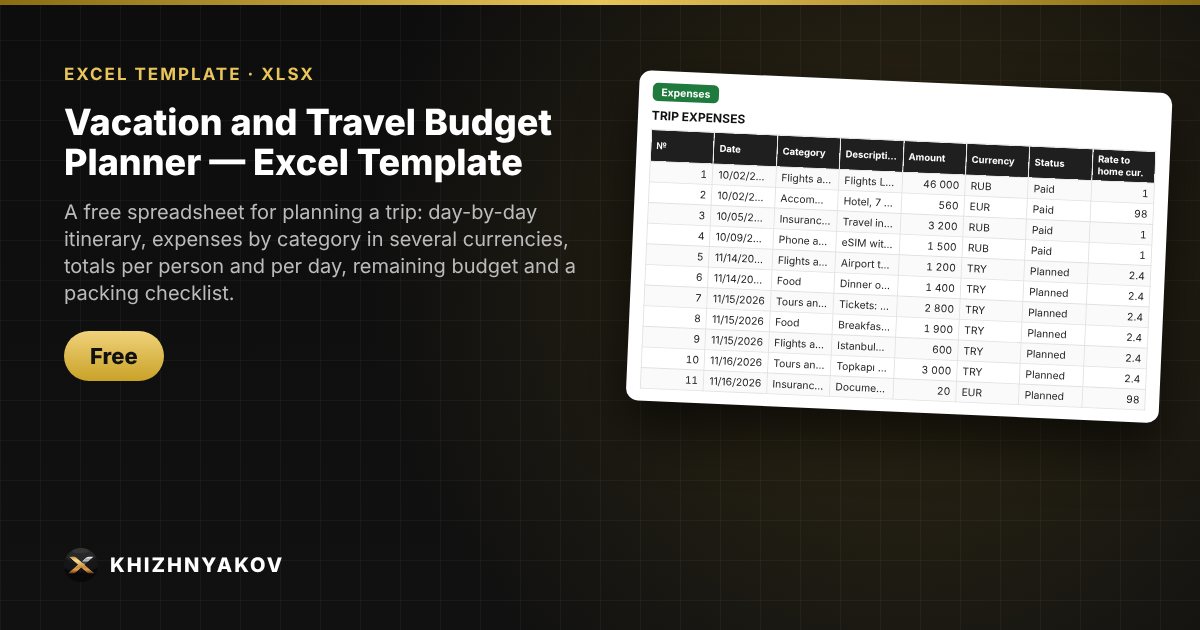
What it's for
A trip almost always costs more than planned, and you remember what to pack the night before. This Excel planner brings the itinerary, spending in different currencies and the packing list together in one workbook: amounts are converted to your home currency automatically, and the summary shows whether you are staying within budget, including a contingency reserve.
What's inside
- “Itinerary”: trip settings (dates, number of people, budget, reserve), a currency table with rates and a day-by-day plan with spending for each day.
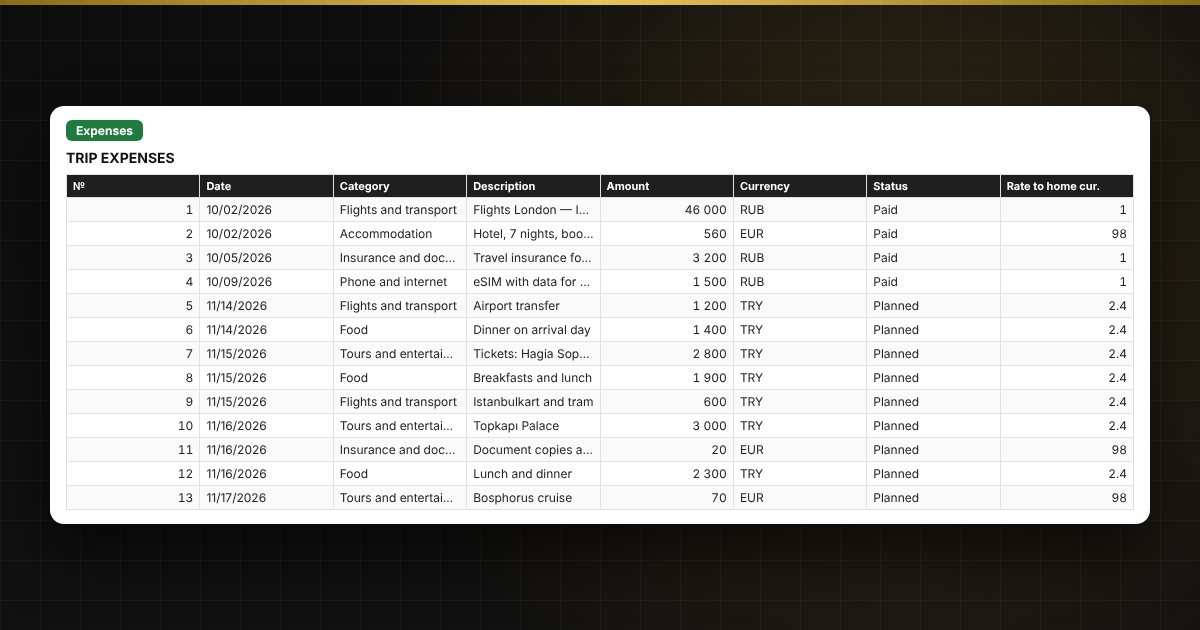
- “Expenses”: up to 500 rows: date, category, description, amount, currency, “Planned” or “Paid” status, converted to your home currency.
- “Checklist”: up to 150 items with group, quantity and a “packed” mark.
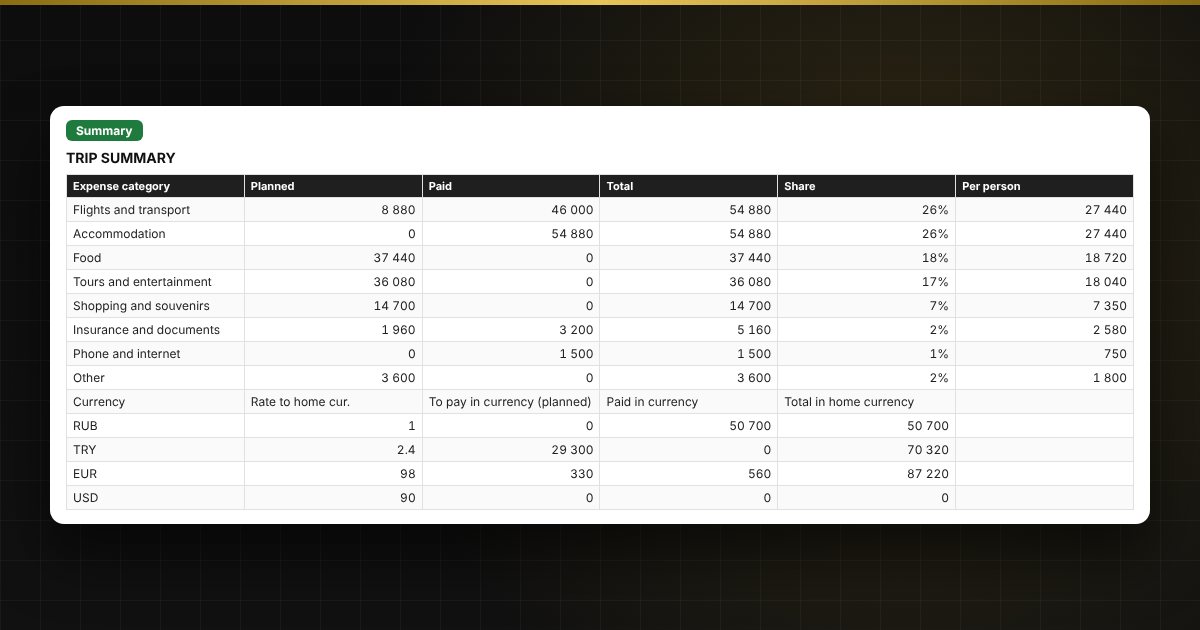
- “Summary”: totals by category, remaining budget, spending per person and per day, foreign currency needed, packing progress and two charts.
Who it's for
Anyone planning a holiday on their own: families, couples, groups of friends, and travellers going abroad who want to know in advance how much money and which currency to take.
Compatibility
Excel 2007 and later, LibreOffice. No macros. Calculations are approximate. The file is in English.