 KHIZHNYAKOV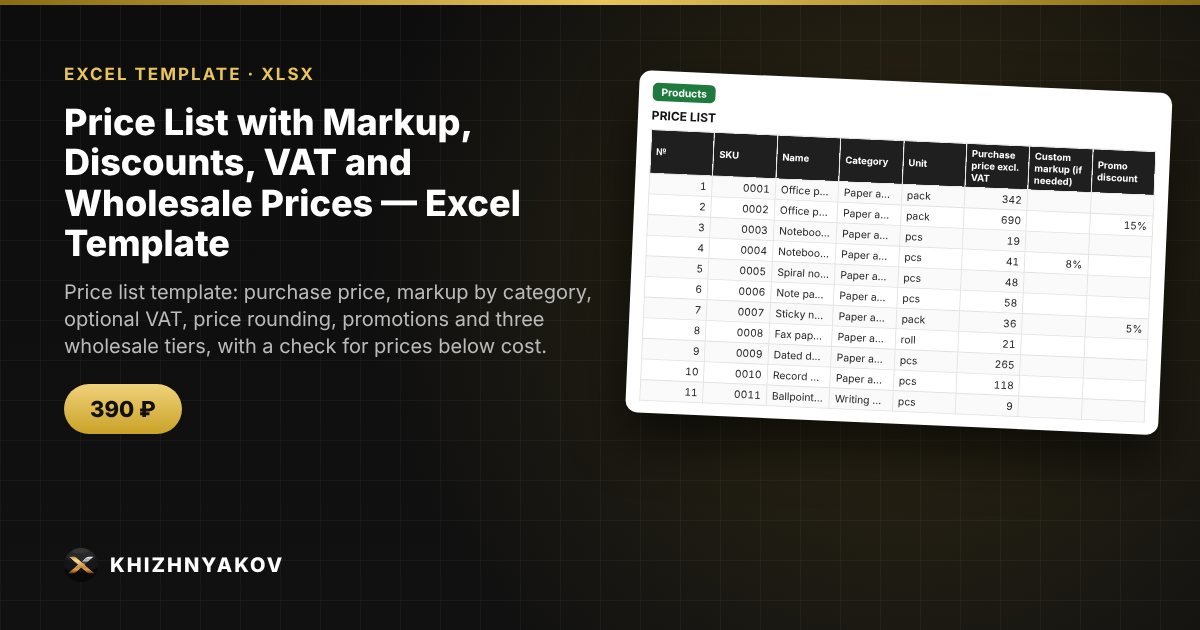
What it is for
Prices in a price list are often recalculated by hand, and every time purchase costs rise, someone forgets to update a couple of dozen items. Here you enter the purchase price, and the retail, promo and wholesale prices are calculated automatically from the category markup, with or without VAT, using the rounding you choose. The control column immediately shows where a promotion or wholesale price has fallen below cost.
What is inside
- "Settings": VAT on/off and rate, default markup, rounding step and method, three wholesale tiers, up to 12 categories with markups, units of measure.
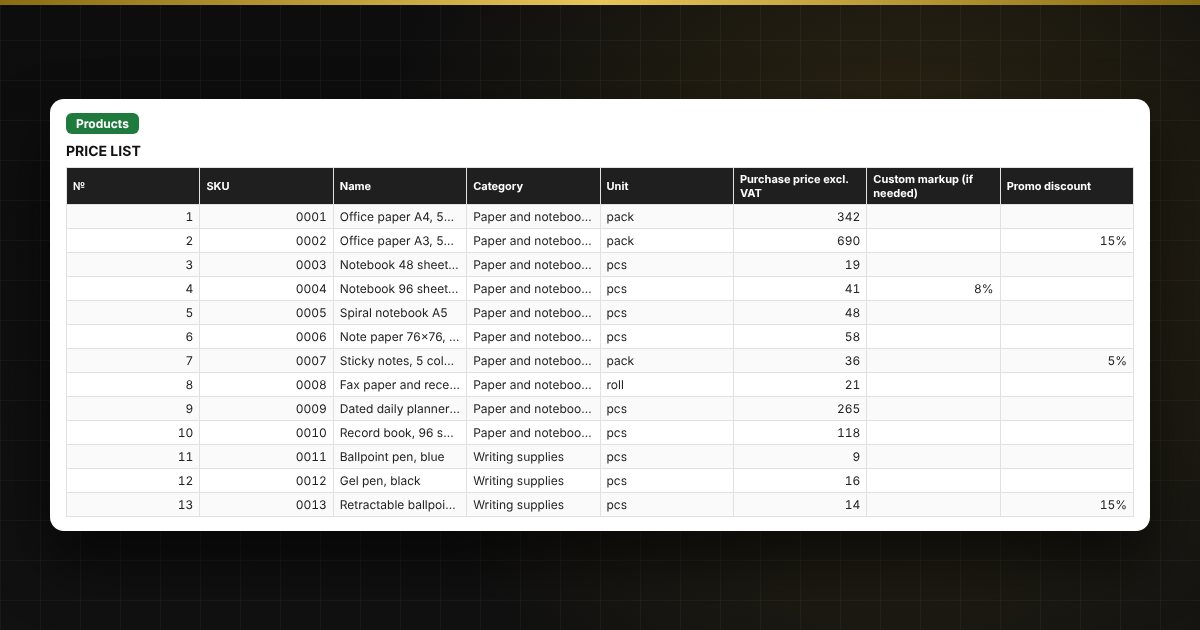
- "Products": up to 1000 items: SKU, name, category, purchase price, custom markup, promo discount, retail, promo and three wholesale prices, margin in amount and percent, control.
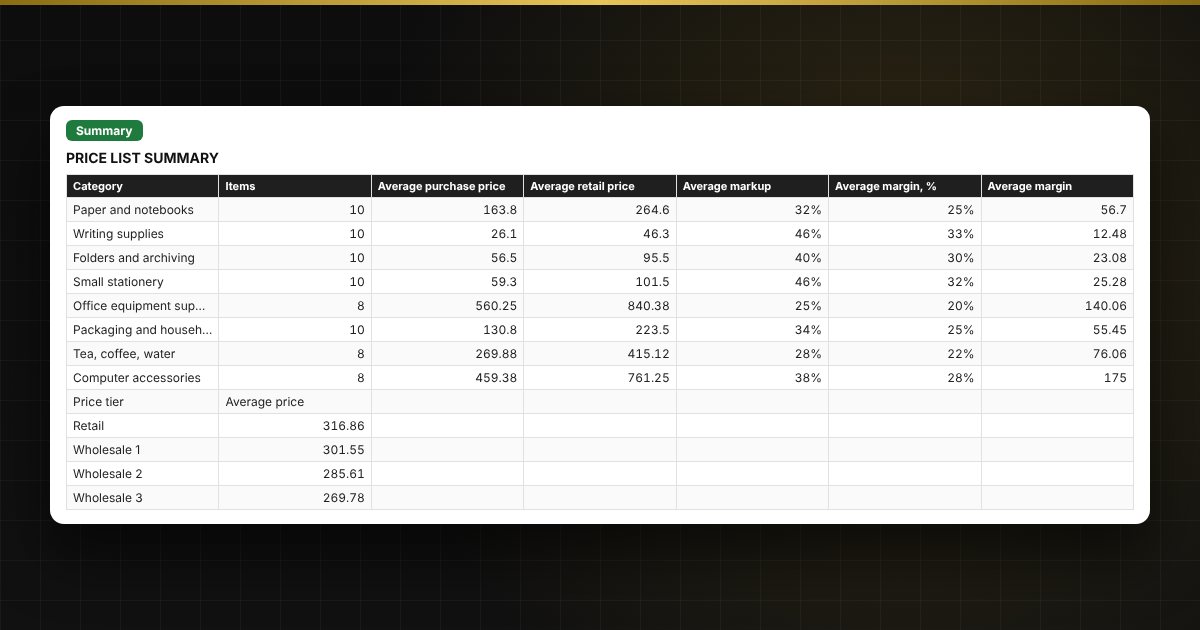
- "Summary": number of items, average markup and margin, average prices by category and tier, two charts.
Who it is for
Shop owners and small wholesale businesses, purchasing and sales managers, marketplace sellers, sole traders and buyers who need a clear price list without a complex accounting system.
What you get
The download includes a blank template and a filled-in sample with fictitious data, so you can see how the formulas and checks work. It is an Excel spreadsheet with ordinary formulas, not an accounting program. All fixes and new versions of the project are free.
Compatibility
Excel 2007 and later, LibreOffice. No macros. The file is in English. Rates and thresholds are set in the settings: check them against the current values before use. Calculations are approximate.