 KHIZHNYAKOV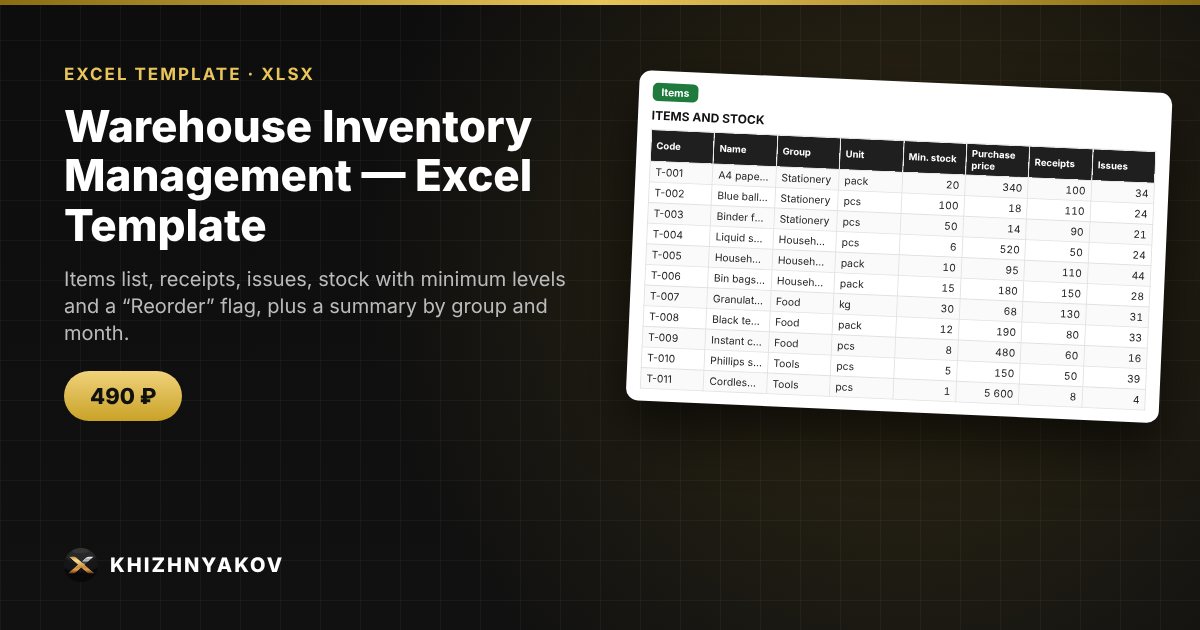
What it is for
A small warehouse, shop or office does not need heavy software: a workbook that calculates stock by itself is enough. You enter receipts and issues by product code, and the stock, value and “Reorder” status update automatically.
What is inside
- “Settings”: product groups, units of measure, organization.
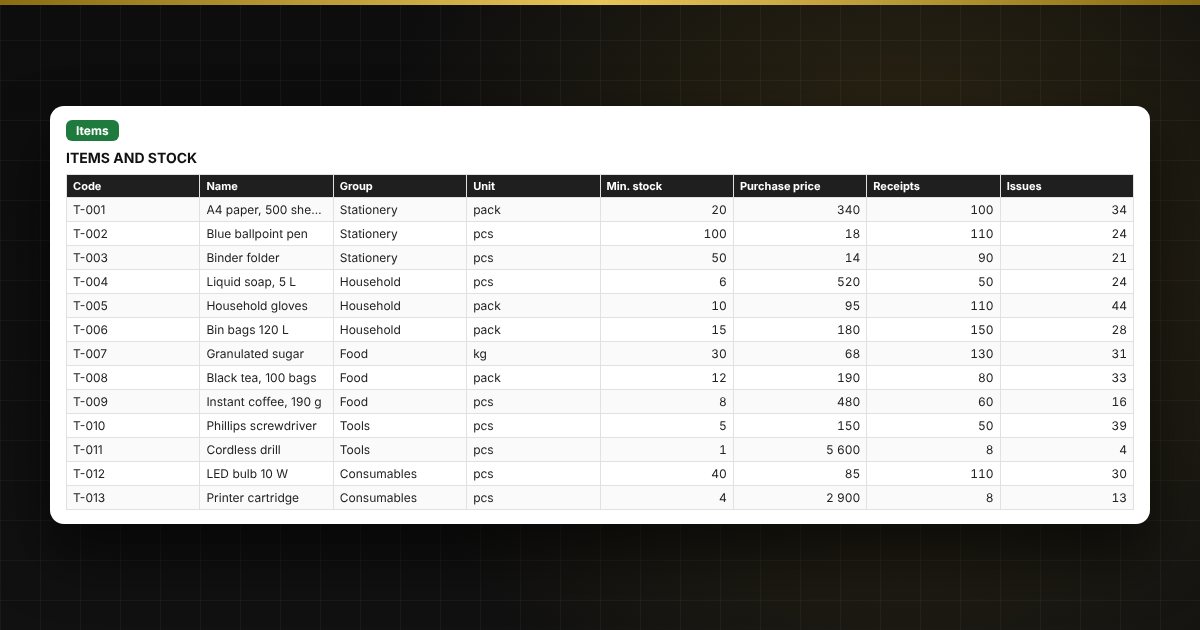
- “Items”: up to 300 products, minimum stock, price, stock, value and status.
- “Receipts” and “Issues”: 1,000 rows each, code chosen from a list, name filled in automatically, check for issues exceeding stock.
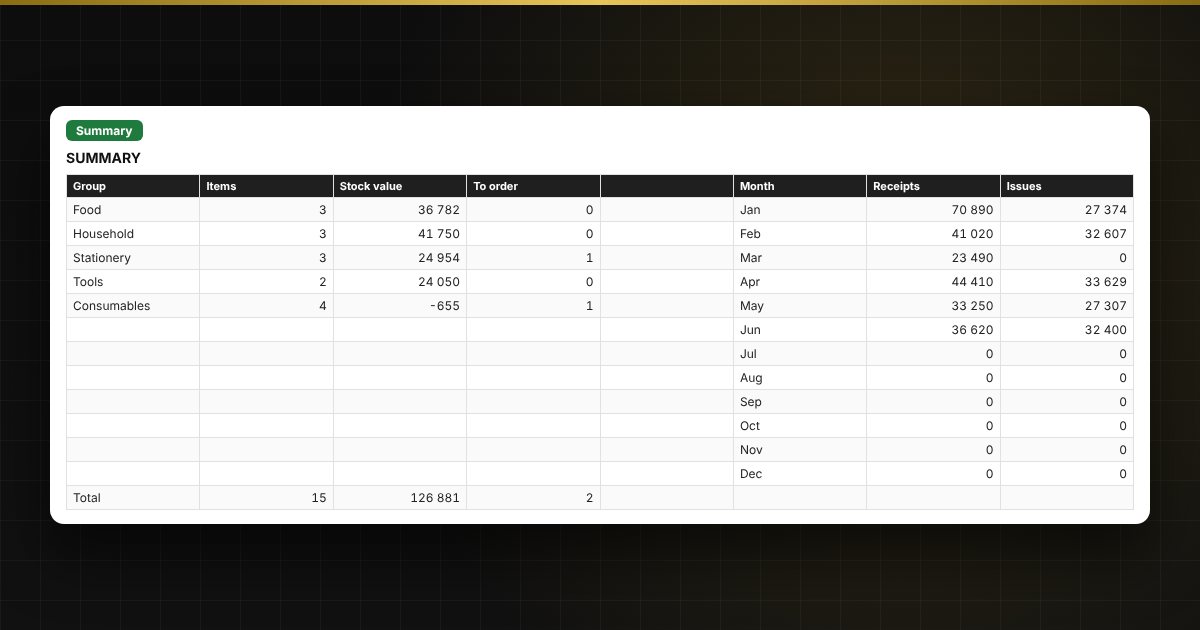
- “Summary”: stock value by group, number of items to reorder, monthly turnover and a chart.
Who it is for
Storekeepers, office managers, shop owners, small production sites and offices that need to know what is in stock and what to order.
What you get
An empty template and a filled-in sample with fictitious data, so you can see how the formulas and checks work. It is an Excel template built on ordinary formulas, not an accounting program. All fixes and new versions of the project are free.
Compatibility
Excel 2007 and later, LibreOffice. No macros. The calculation is indicative. The file is in English.