 KHIZHNYAKOV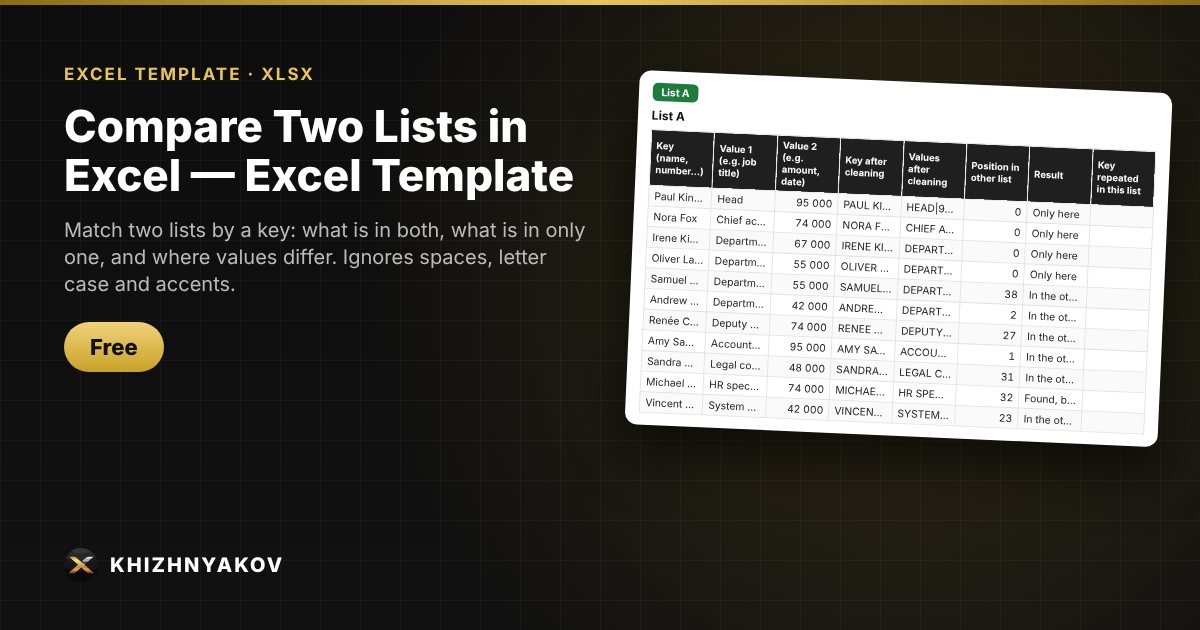
What it is for
Reconciling two exports: staff lists from different systems, payments and invoices, contract lists, registers. Paste the lists and Excel shows which records are in both, which are in only one, and where the key matches but the values differ.
What is inside
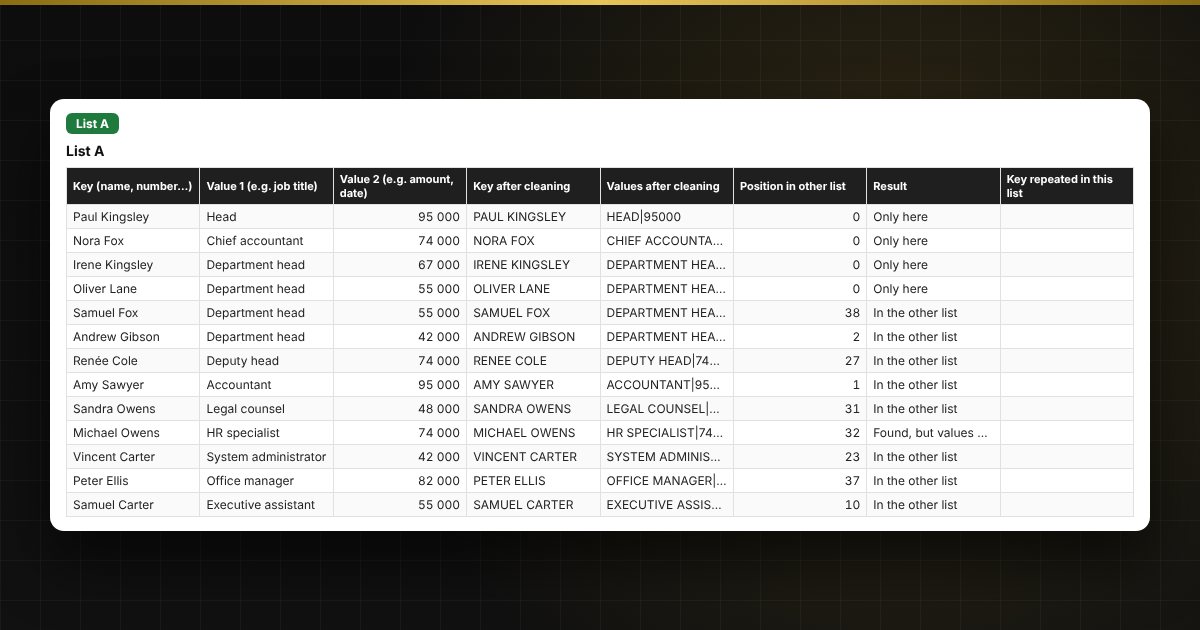
- Sheets “List A” and “List B”: a key and two additional values, up to 5,000 rows each.
- Automatic key cleaning: extra spaces, letter case, and the letter É (treated as E).
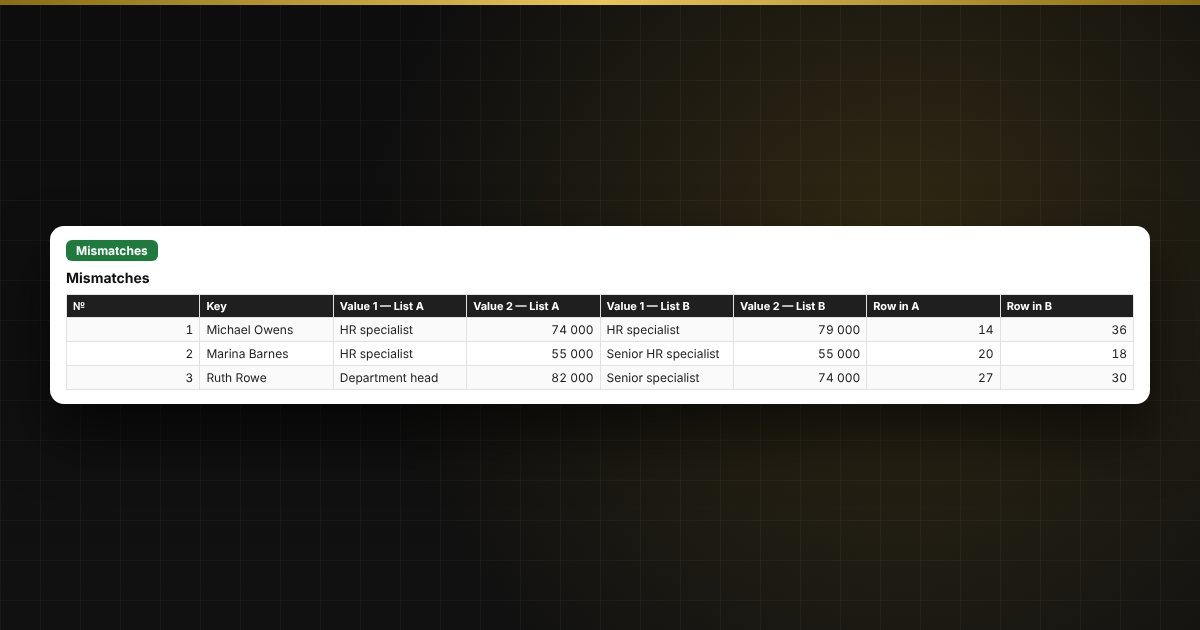
- A result for every row: “In the other list”, “Only here”, “Found, but values differ”; repeated keys are flagged.
- Sheet “Summary”: total, matched, only in A, only in B, mismatches, duplicates.
- Sheets “Only in A”, “Only in B” and “Mismatches” with ready-made lists and row numbers.
Typical uses
A common task is to reconcile two lists: HR records against payroll, a supplier list against your own register, or a list received from head office. The template finds mismatches and duplicates in seconds instead of a manual check.
Who it is for
Accountants, HR specialists, auditors and anyone who reconciles lists by hand with VLOOKUP and filters.
Compatibility
Excel 2007 and later, LibreOffice. No macros or external links. The file is in English.