KHIZHNYAKOV

← All templates

Reorder Point and Purchase Plan — Excel Template

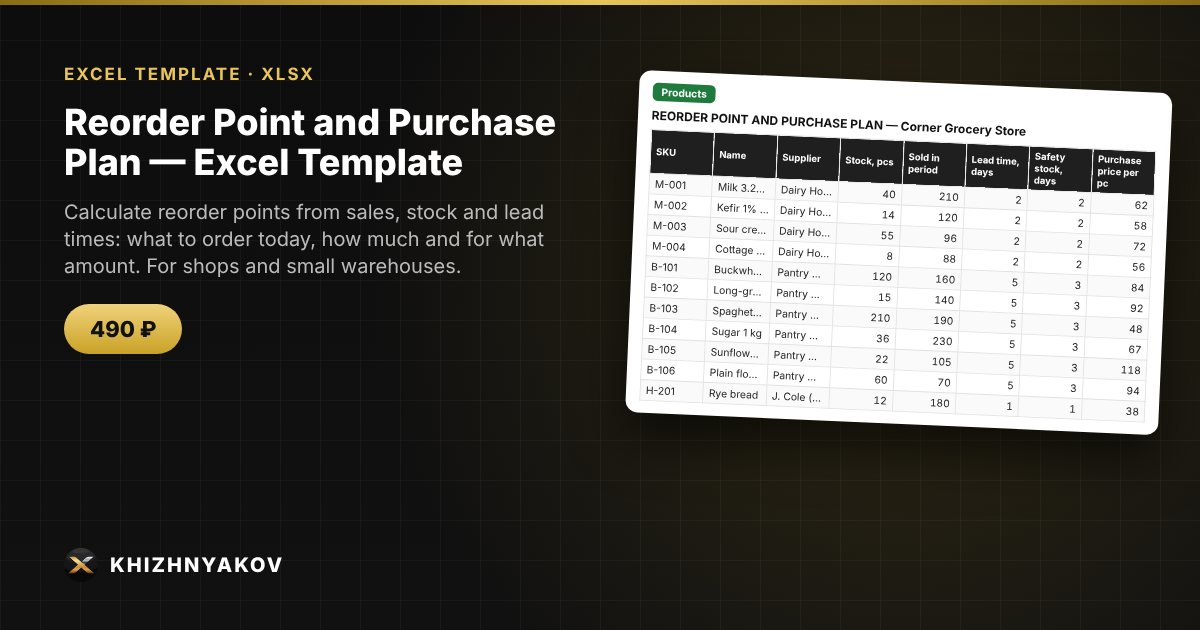
Calculate reorder points from sales, stock and lead times: what to order today, how much and for what amount. For shops and small warehouses.

Reorder Point and Purchase Plan — Excel Template
490 ₽
≈ 5 USD
Blank template + filled-in example · Excel 2007+, LibreOffice, Google Sheets
Payment is processed securely by YooKassa in Russian rubles. If your card is declined, email us at info@хижняков.рф and we will arrange another way to pay.

What it's for

Stock either runs out or sits on the shelf as dead weight. Based on average sales, lead time and safety stock, the spreadsheet calculates the reorder point and tells you what to order today and in what quantity.

What's inside

  • “Settings”: safety stock in days and the analysis period.
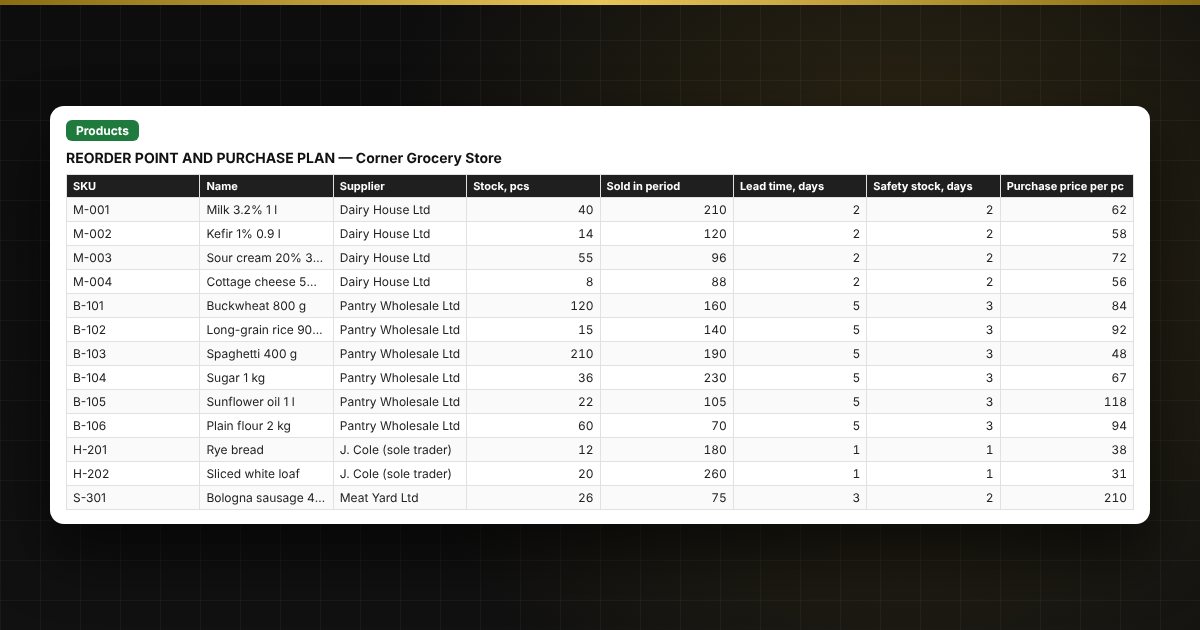
  • “Products”: stock, sales, lead time, purchase price, supplier.
  • “Order today”: the list of items to order with quantity and value.
  • “Purchase plan”: a summary by supplier with the purchase total.

Who it's for

Shop owners, buyers, warehouse managers and small wholesalers.

Compatibility

Excel 2007 and later, LibreOffice. No macros. Calculations are approximate. The file is in English.

Questions and answers

How is the reorder point calculated?
Average daily sales × (lead time + safety stock).
How much should I order?
Enough for the stock to cover the period between orders.
Can I group orders by supplier?
Yes, the “Purchase plan” sheet totals the order by supplier.
Does it work for seasonal products?
Yes, but choose the analysis period manually.
Do I need macros?
No. The file works in Excel 2007 and later and in LibreOffice; all calculations use standard formulas. For those who want buttons, there is a separate version with macros.