KHIZHNYAKOV

← All templates

Monthly Habit and Task Tracker — Excel Template

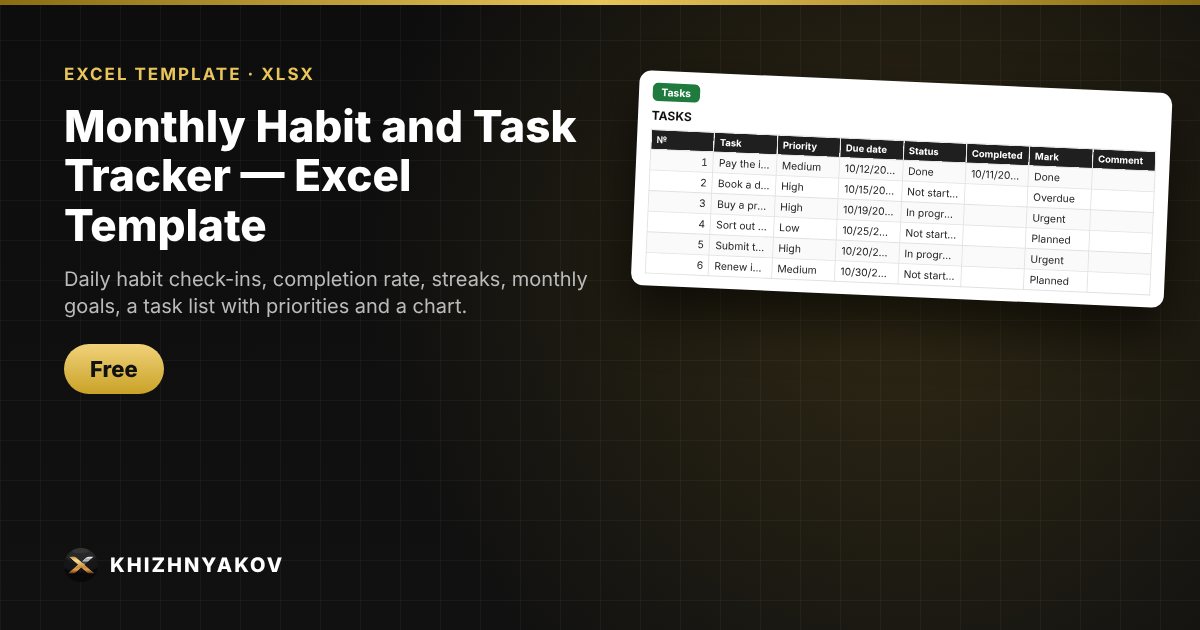
Daily habit check-ins, completion rate, streaks, monthly goals, a task list with priorities and a chart.

Monthly Habit and Task Tracker — Excel Template
Free
Download free
Blank template + filled-in example · Excel 2007+, LibreOffice, Google Sheets

What it's for

Habits stick when you can see your progress. Put “1” in a cell and it turns green, while the spreadsheet counts days done, the percentage, your streak and goals reached. Next to it is a task list with priority and due date.

What's inside

  • “Tracker”: choose the month and year, up to 20 habits, 31 days, goals and streaks.
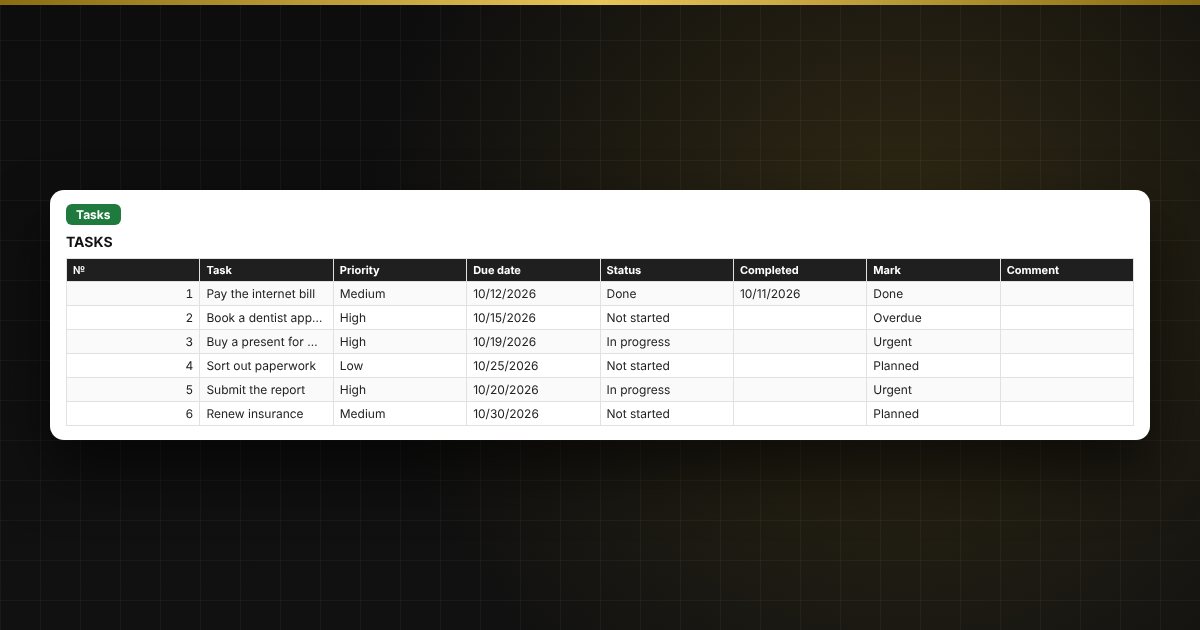
  • “Tasks”: up to 100 tasks with priority, due date, status and overdue highlighting.
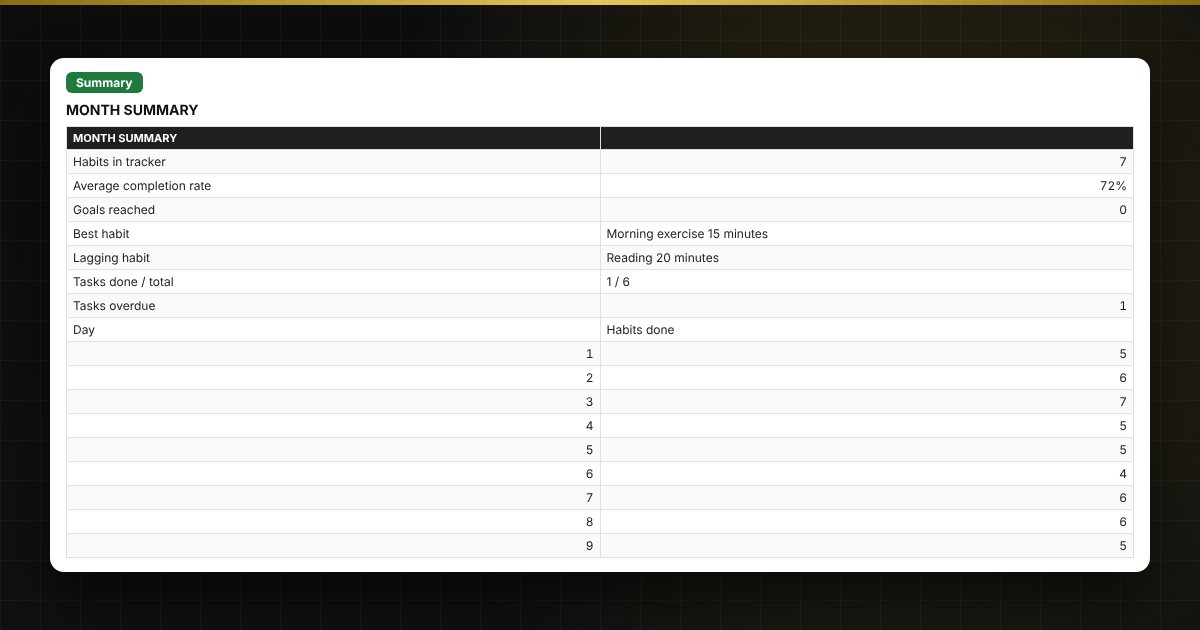
  • “Summary”: average percentage, best and lagging habits, tasks and a day-by-day chart.

Who it's for

Anyone who wants to build habits (exercise, reading, water, sleep, study) and keep personal to-dos under control.

Compatibility

Excel 2007 and later, LibreOffice. No macros. The file is in English.

Questions and answers

How do I mark a habit as done?
Put “1” (or any character) in the day's cell and it turns green.
How is the percentage calculated?
Days done are divided by the days of the month so far; future days are not counted.
How do I start a new month?
Choose the month at the top and clear the check-mark cells, or make a copy of the file.
Can I track tasks too?
Yes, the “Tasks” sheet has priority, due date and overdue highlighting.