 KHIZHNYAKOV
What it is for
In a gym, dance or yoga studio it is important to know who has how many sessions left and when the membership ends. The spreadsheet deducts sessions from the visit log, calculates the membership end date and highlights clients who are due to renew.
What is inside
- «Types»: membership types — sessions, validity, price.
- «Clients»: contacts, total visits and days without visits.
- «Memberships»: up to 1500 sales, end date, used, remaining and status.
- «Visits»: up to 8000 entries with a check for a valid membership.
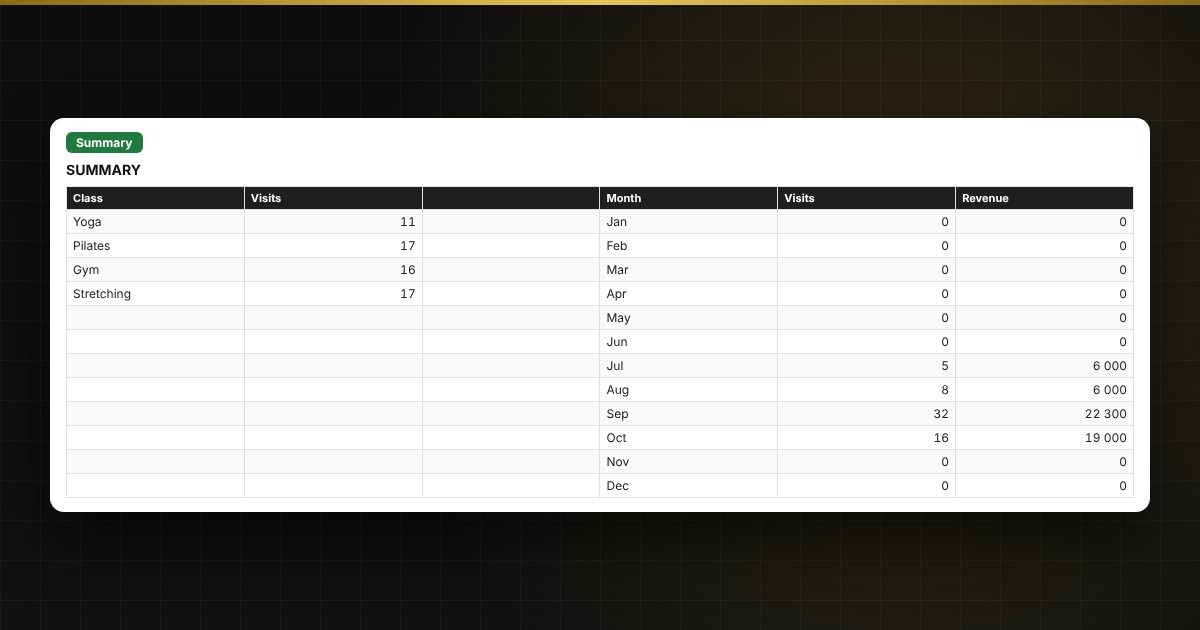
- «Summary»: revenue, active memberships, attendance by class and month.
Who it is for
Owners and managers of fitness clubs, yoga and dance studios, children's clubs, art schools and independent trainers.
What you get
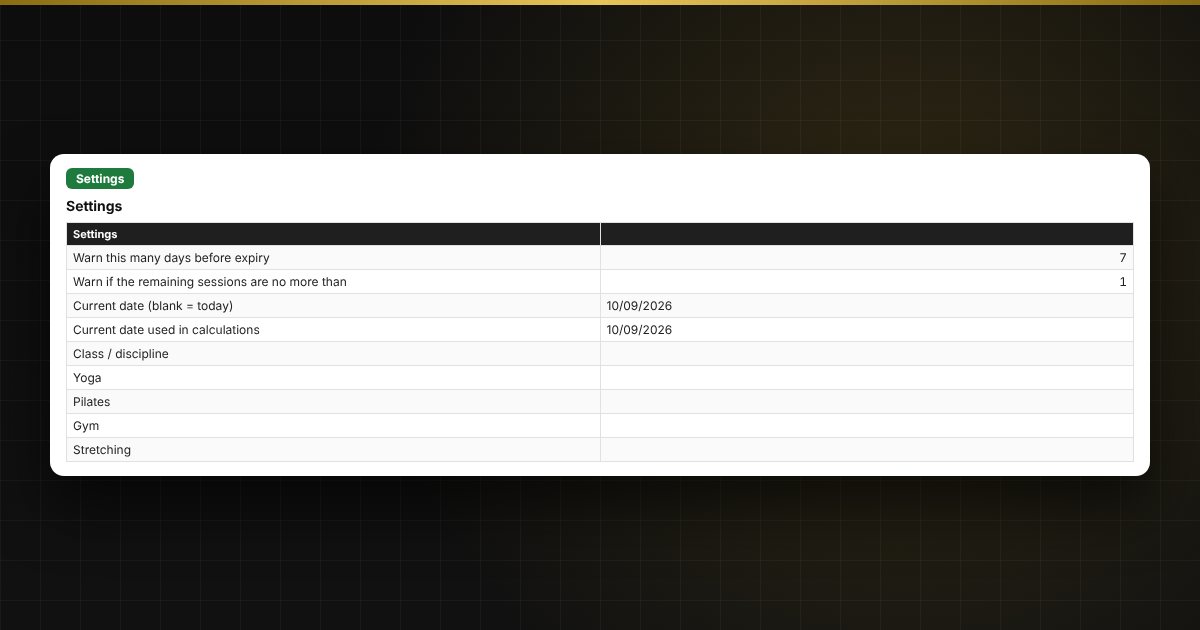
The package includes a blank spreadsheet and a filled-in sample with fictional data, so you can see how the formulas and checks work. It is a spreadsheet built on ordinary formulas, not an accounting program. All fixes and new versions of the project are free.
Compatibility
Excel 2007 and later, LibreOffice. No macros. Rates, thresholds and reference values are kept in settings: check them against the rules that apply to you before use. Calculations are approximate. The file is in English.