 KHIZHNYAKOV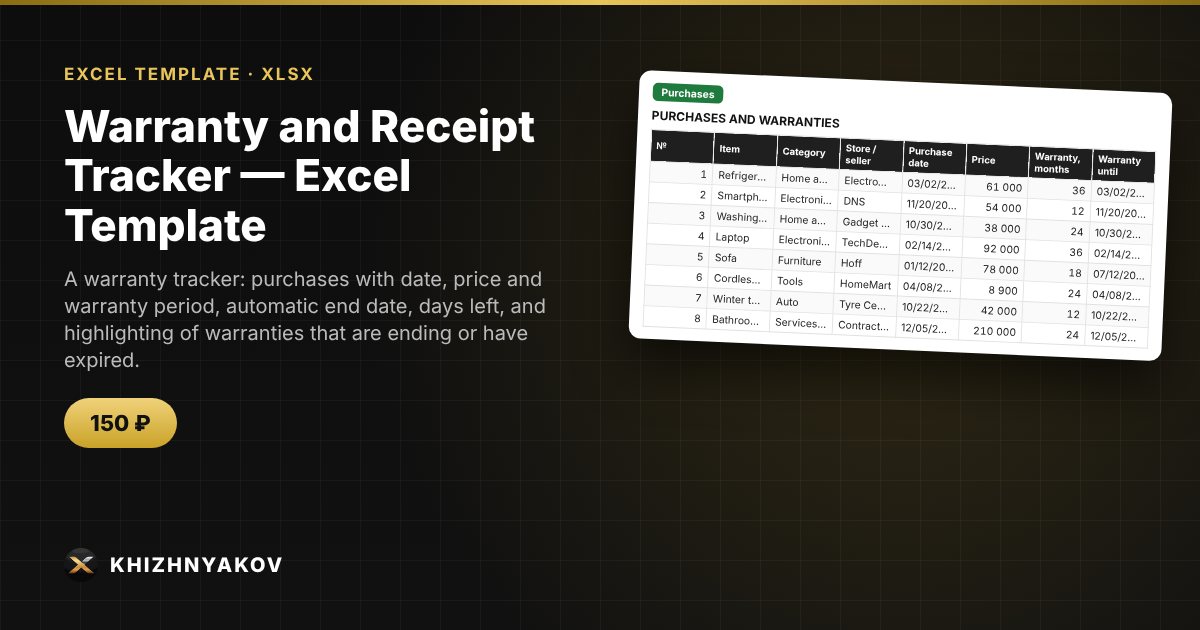
What it is for
Warranty cards get lost, and the warranty period is usually remembered when it is already too late. The workbook stores your purchases, calculates the warranty end date, highlights warranties that are ending or have expired, shows where the receipt is kept, and totals the value of items under warranty.
What is inside
- “Settings”: report date, how many days ahead to warn, categories.
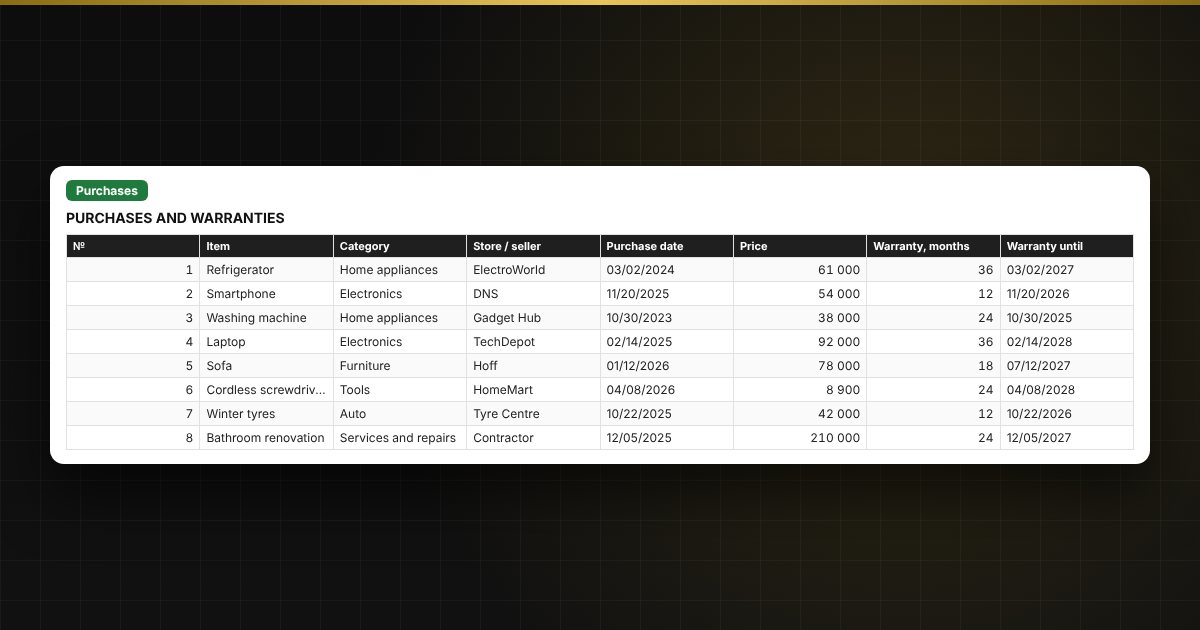
- “Purchases”: up to 300 purchases — store, price, warranty period, serial number, where the receipt is; the end date and status are calculated automatically.
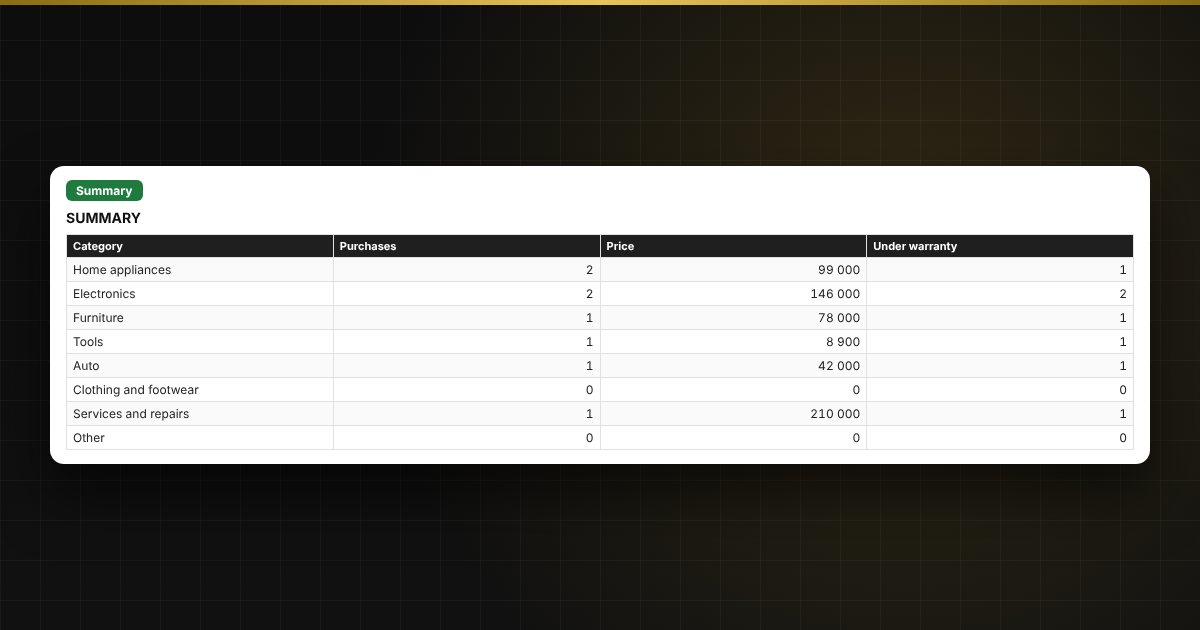
- “Summary”: how many purchases are under warranty, how many are ending or expired, and the value of items under warranty.
Who it is for
Anyone who buys appliances and furniture, homeowners and car owners, and small businesses with equipment.
What you get
An empty template and a filled-in sample with fictitious data, so you can see how the formulas and checks work. It is an Excel template built on ordinary formulas, not a special program. All fixes and new versions of the project are free.
Compatibility
Excel 2007 and later, LibreOffice. No macros. Intervals and thresholds are kept in settings: adjust them to suit you. The file is in English.