 KHIZHNYAKOV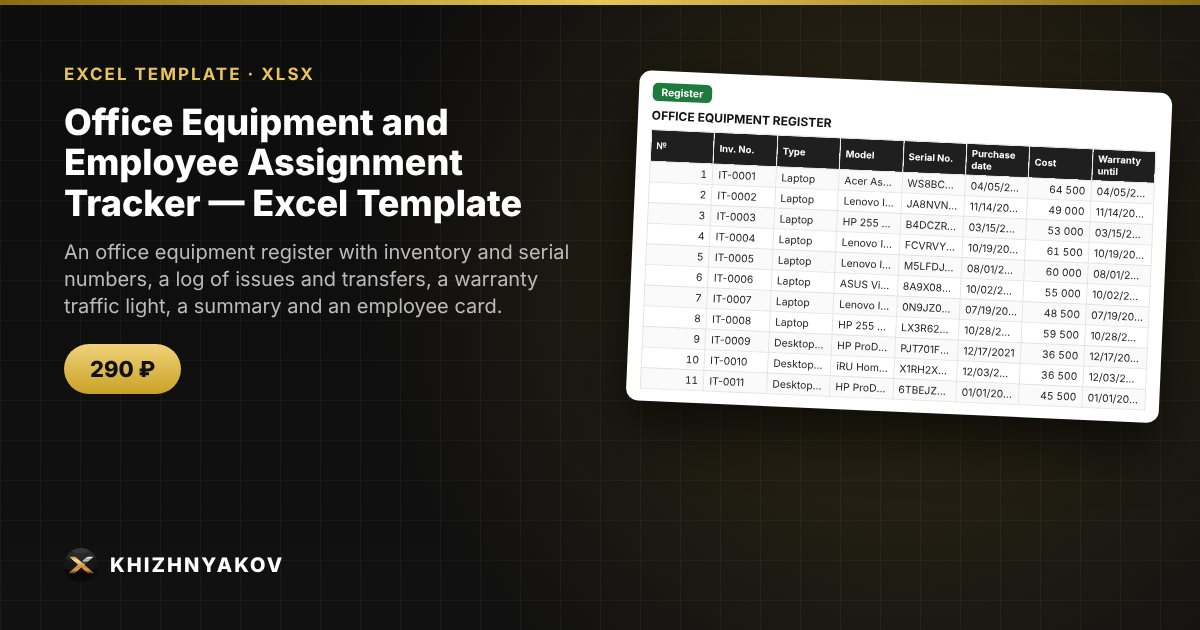
What it is for
When there is a lot of equipment, it is easy to lose track of who has which laptop, where the serial number is and whether the warranty has run out. You keep a register and an issue log in the workbook: the current holder, department and assignment date are worked out automatically, and the warranty is highlighted by color.
What is inside
- “Lists”: equipment types, departments, employees (name, department, job title) and settings.
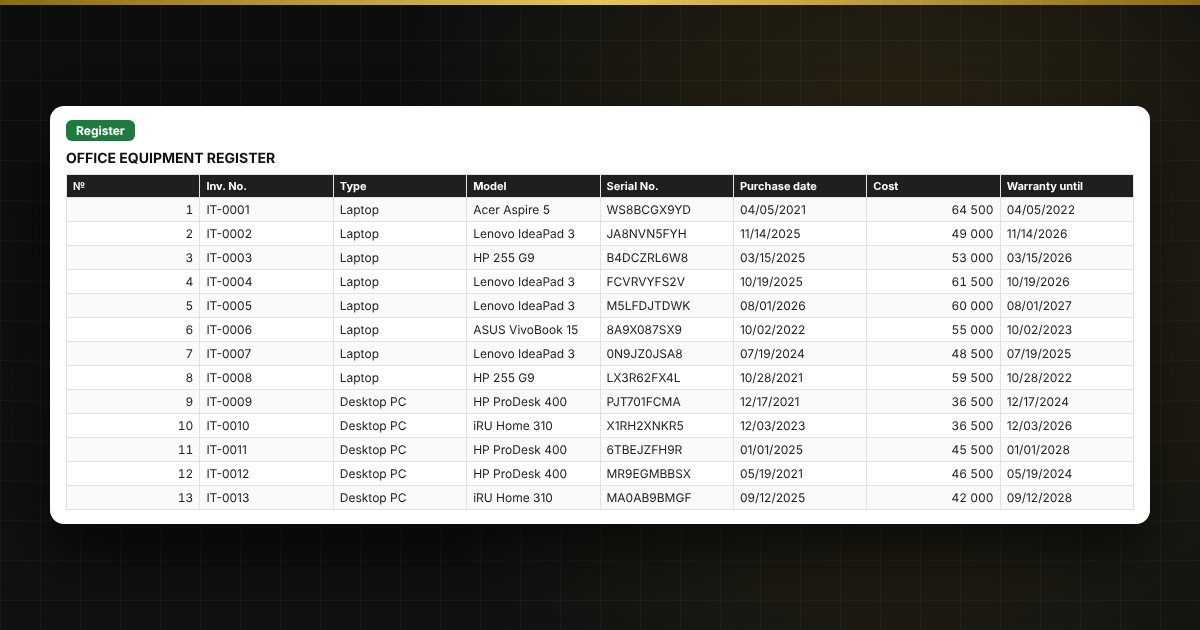
- “Register”: up to 300 items — inventory and serial number, model, purchase date, cost, warranty until, condition; assignment and the warranty traffic light are calculated automatically.
- “Issue log”: up to 1,000 operations — issue, transfer to another employee, return to stock, with input checks.
- “Summary”: number and cost by type, department and employee, plus a chart.
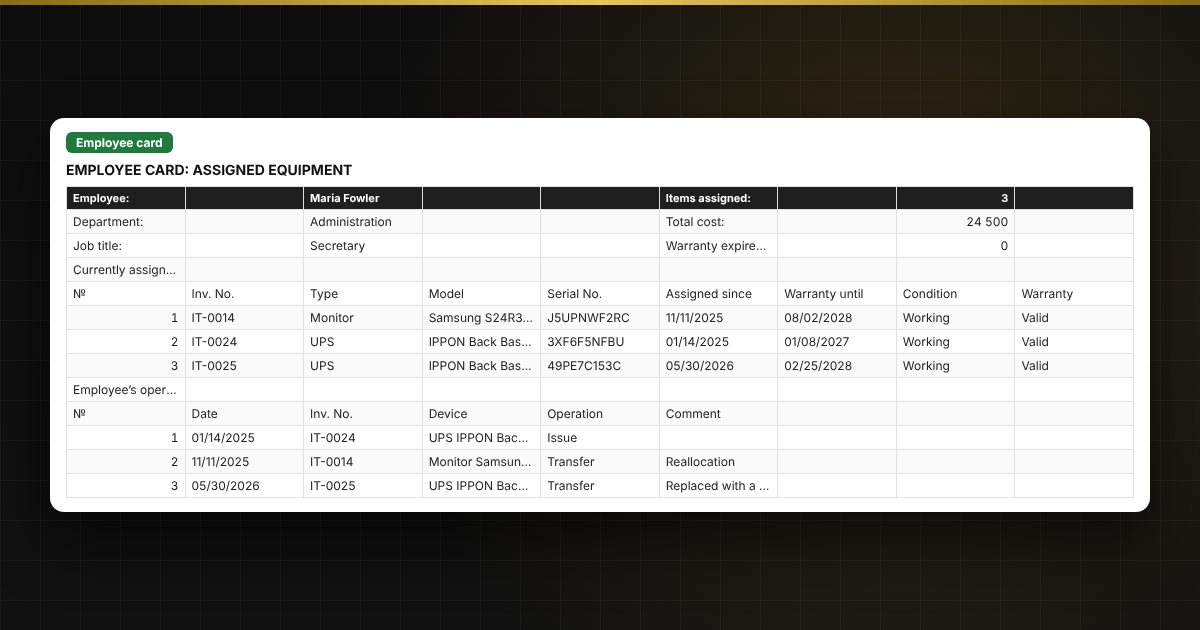
- “Employee card”: pick a name to see what is assigned to that person, its cost and the history of operations; the sheet is easy to print.
Who it is for
Office managers, administrators and system administrators of small organizations, schools, clinics, shops and business owners who need simple office equipment tracking without special software.
What you get
An empty template and a filled-in sample with fictitious data, so you can see how the formulas and checks work. It is an Excel template built on ordinary formulas, not an accounting program. All fixes and new versions of the project are free.
Compatibility
Excel 2007 and later, LibreOffice. No macros. The calculation is indicative and does not replace primary documents. The file is in English.