 KHIZHNYAKOV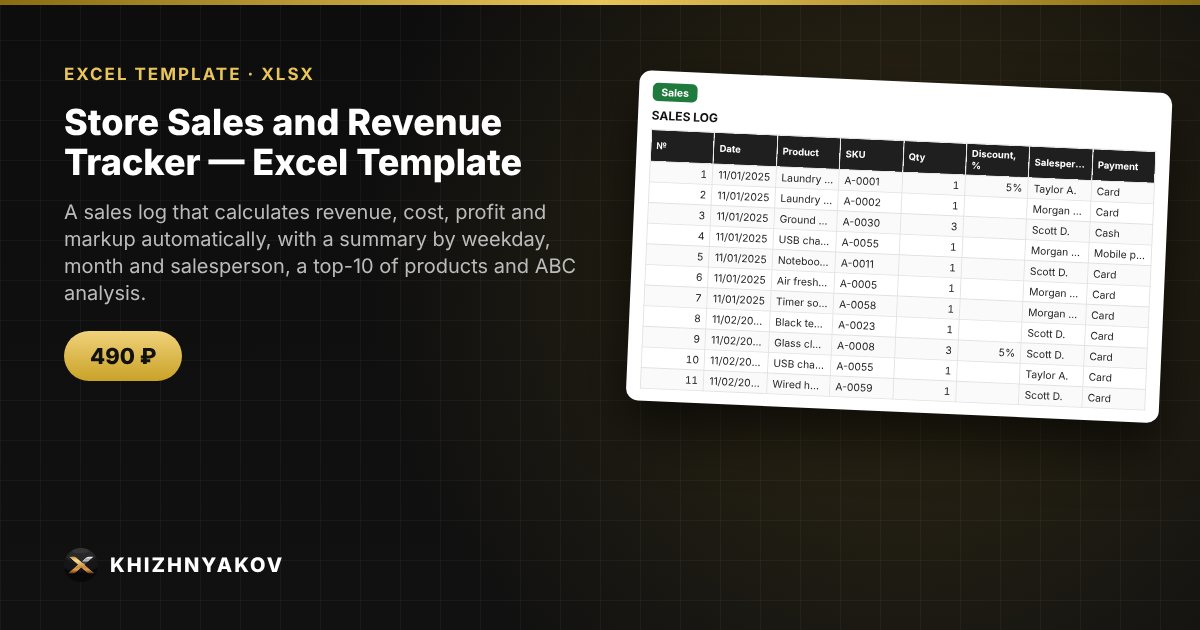
What it is for
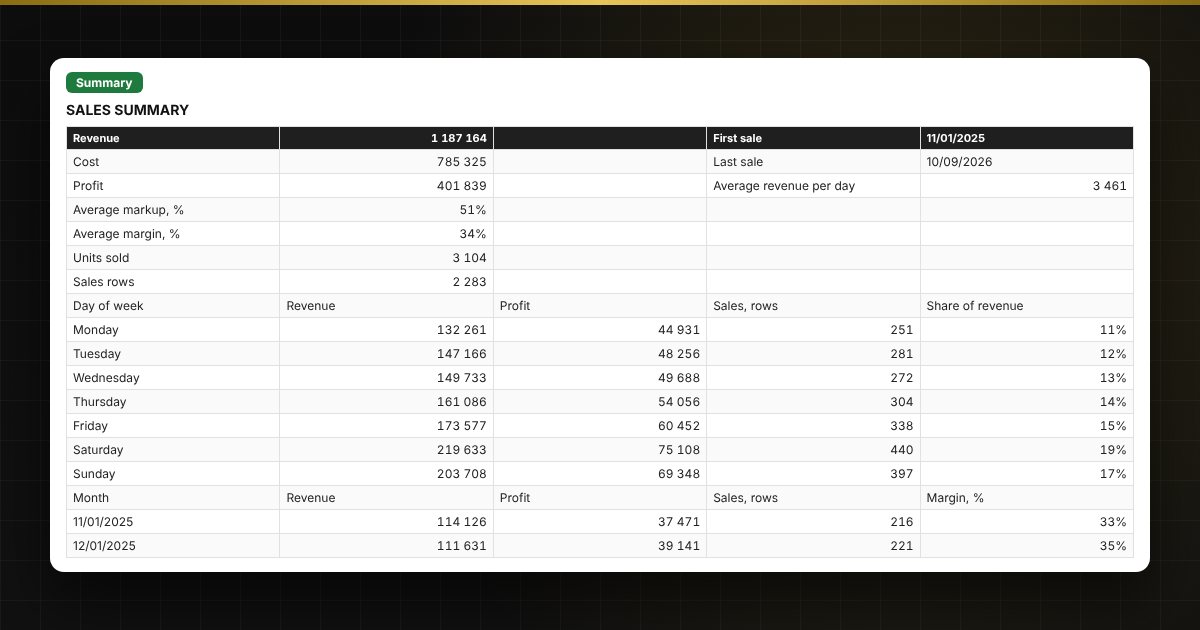
A point-of-sale system shows how much was sold, but rarely answers where you actually make money. Here each sale is entered as a row: revenue, cost, profit and markup are calculated automatically, and the summary shows the best days of the week, monthly trends, salesperson results and the products that bring most of the revenue (ABC analysis).
What is inside
- «Lists»: products (SKU, name, category, purchase and retail price), salespeople, payment methods, ABC group thresholds.
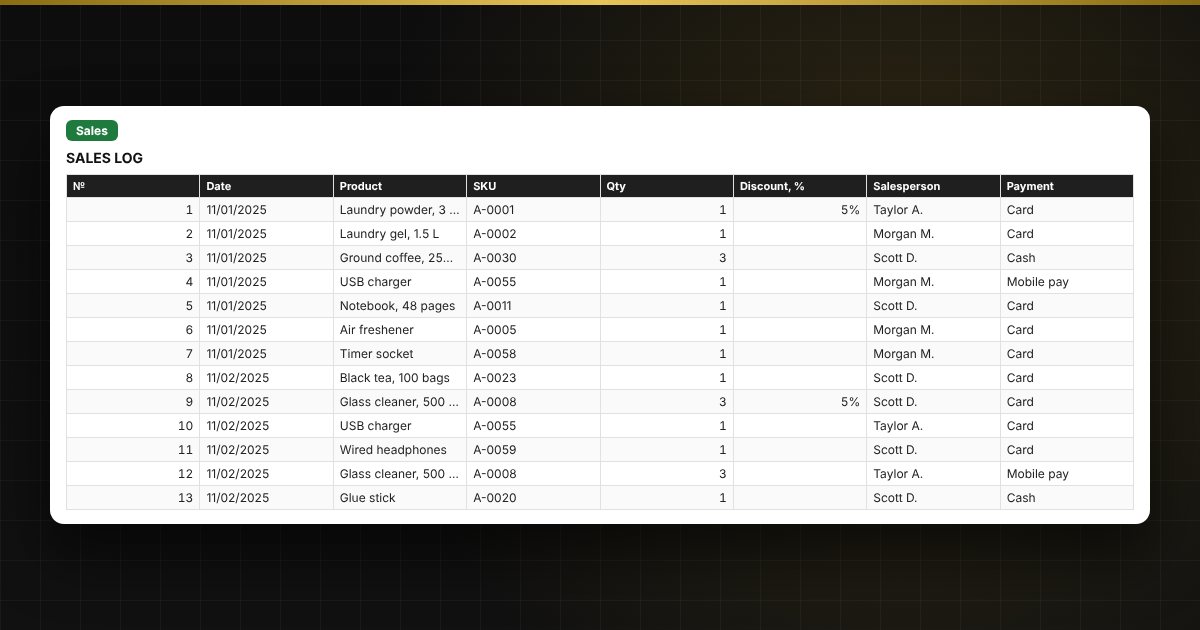
- «Sales»: up to 3000 rows — date, product from the list, quantity, discount, salesperson, payment, plus price, revenue, cost, profit and markup.
- «ABC analysis»: a product ranking by revenue with share, cumulative share and group A, B or C.
- «Summary»: totals, by weekday, month, salesperson and payment method, the top 10 products and four charts.
Who it is for
Owners and managers of small shops, retail outlets and online stores, sole traders and the self-employed who want to understand the structure of sales and profit without complicated software.
What you get
The package includes a blank spreadsheet and a filled-in sample with fictional data, so you can see how the formulas and checks work. It is a spreadsheet built on ordinary formulas, not an accounting program. All fixes and new versions of the project are free.
Compatibility
Excel 2007 and later, LibreOffice. No macros. Rates, thresholds and reference values are kept in settings: check them against the rules that apply to you before use. Calculations are approximate. The file is in English.