KHIZHNYAKOVGuides

← All templates

Rental Property Tracker: Leases, Payments and Arrears — Excel Template

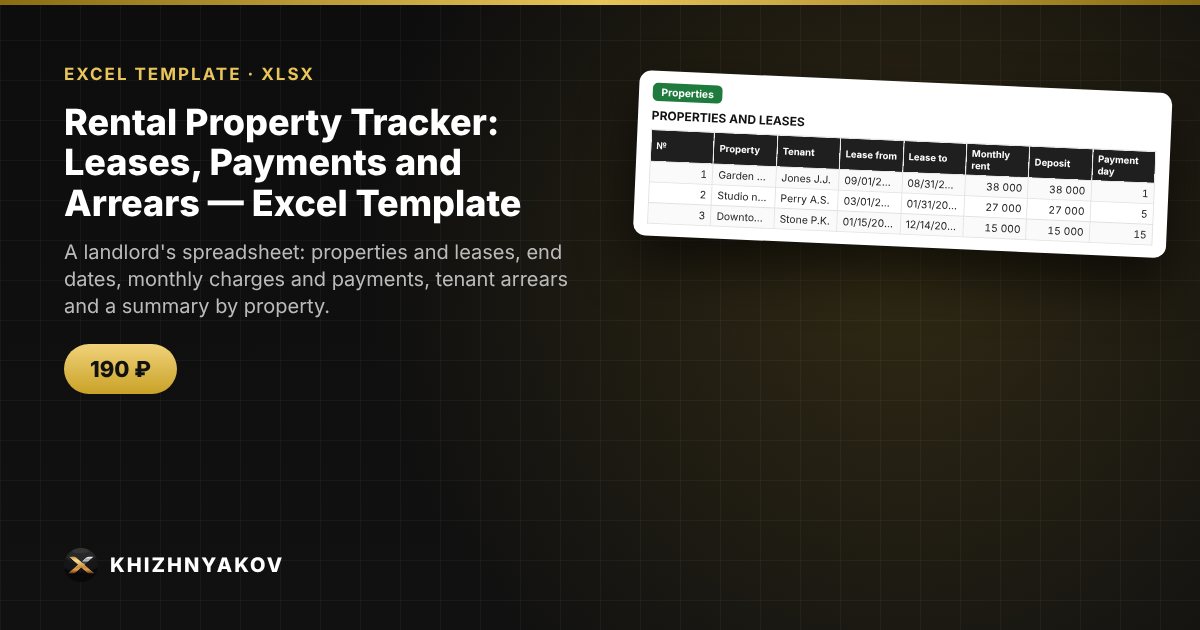
A landlord's spreadsheet: properties and leases, end dates, monthly charges and payments, tenant arrears and a summary by property.

Rental Property Tracker: Leases, Payments and Arrears — Excel Template
190 ₽
≈ 2 USD
Blank template + filled-in example · Excel 2007+, LibreOffice, Google Sheets
Payment is processed securely by YooKassa in Russian rubles. If your card is declined, email us at info@хижняков.рф and we will arrange another way to pay.

What it is for

If you rent out one or several apartments, it matters not to lose lease deadlines and to see who owes how much. The template stores leases, warns you before they end, tracks charges and payments by month and calculates arrears for each property.

What is inside

  • “Settings”: the report date and the warning period.
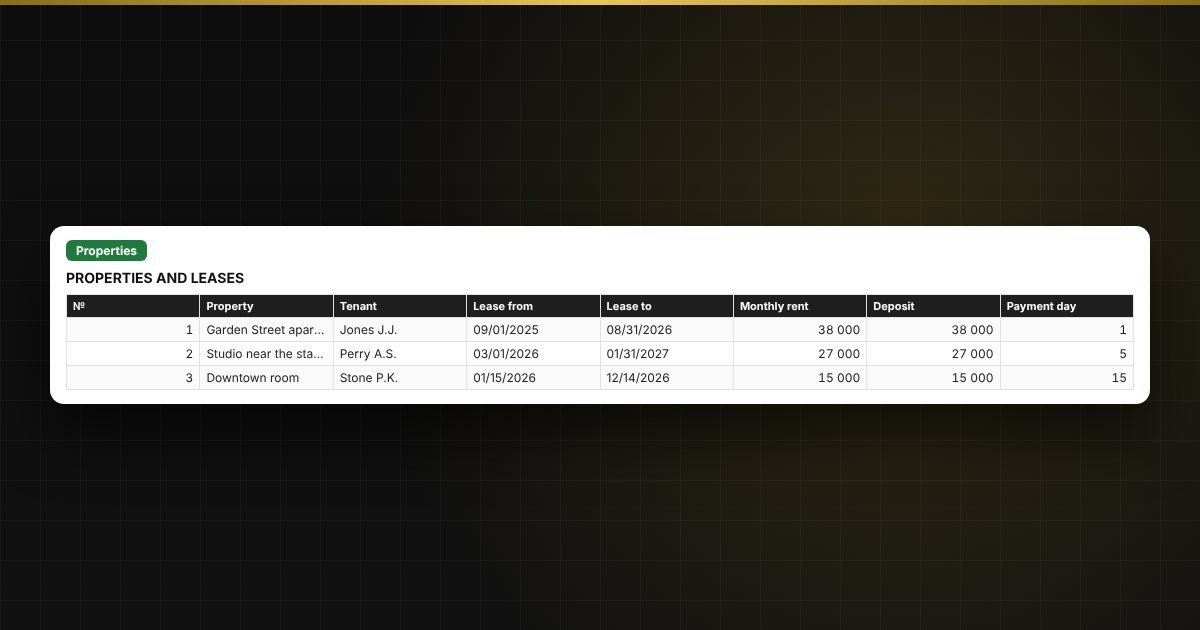
  • “Properties”: up to 10 properties — tenant, lease term, rent, deposit, payment day; lease status is calculated automatically.
  • “Payments”: up to 300 charges and payments; balance due and status are calculated automatically.
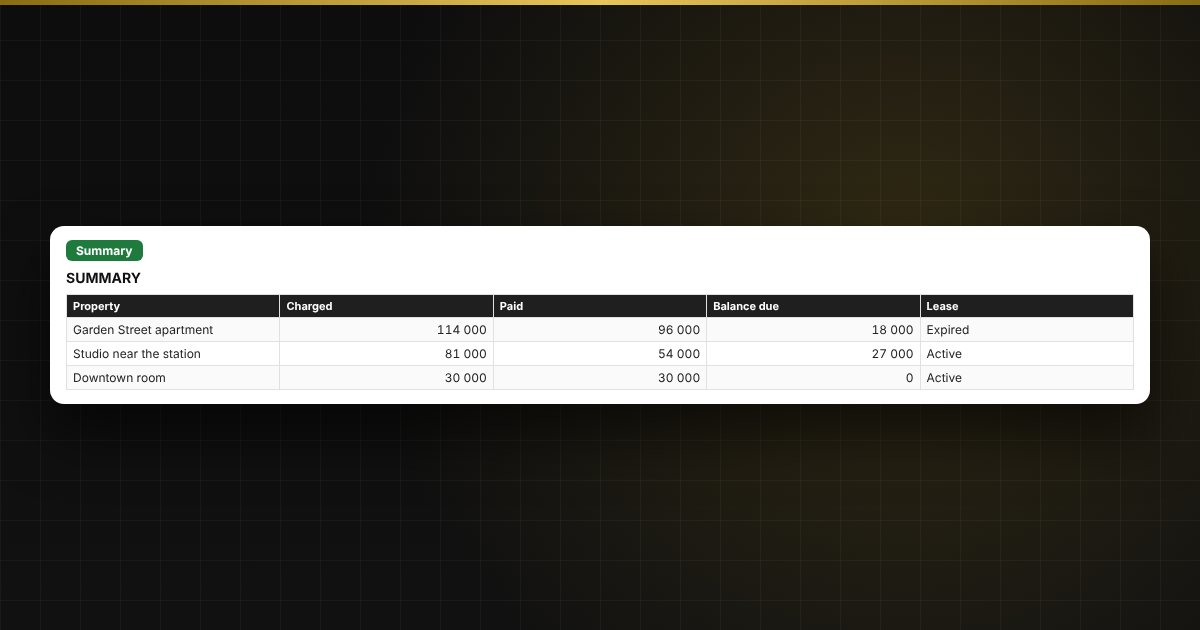
  • “Summary”: charged, paid, balance due and lease status by property, and a chart.

Who it suits

Owners who rent out apartments, rooms, garages and small premises, and property managers.

Compatibility

Excel 2007 and newer, LibreOffice. No macros. The file is in English. Intervals and thresholds are set in the parameters; adjust them to your situation.

Questions and answers

Does the template calculate taxes?
No. It keeps records of leases and payments. Check taxes and lease terms with a specialist.
How are arrears tracked?
For each month you enter the charge and the payment. The difference is the balance due. Totals by property are shown in the Summary.
How many days ahead does it warn about a lease ending?
60 days by default; you can change this value.
How many properties and payments fit?
Up to 10 properties and 300 payment rows.
Are macros needed?
No. The file works in Excel 2007 and newer and in LibreOffice, and all calculations use ordinary formulas.