 KHIZHNYAKOV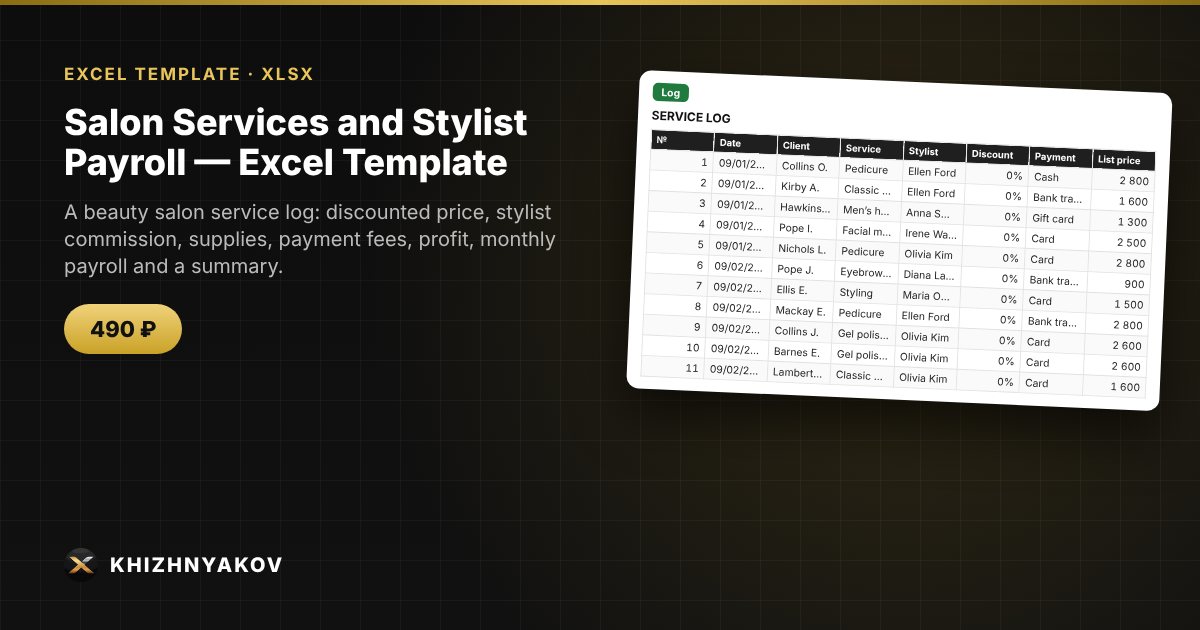
What it's for
In many salons, client bookings are kept in a notebook or a messaging app, and at the end of the month stylists argue about their pay. Here each service is entered as a row, and the spreadsheet calculates the stylist's commission, supplies and salon profit, builds payroll for the selected month and shows which days and services bring in the most.
What's inside
- “Lists”: services with price and supplies, stylists with their percentage of revenue and base salary, payment methods with fees.
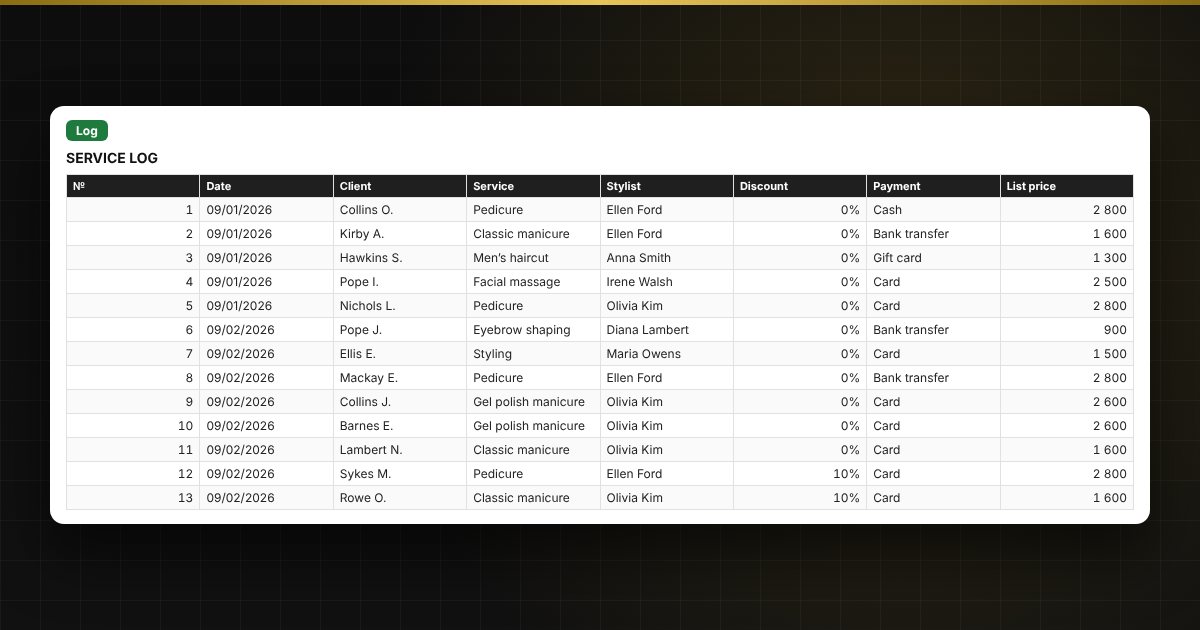
- “Log”: up to 1000 services: date, client, service, stylist, discount, payment; calculates the discounted price, stylist's commission, supplies, fee and salon profit.
- “Payroll”: choose the year and month; for each stylist you get revenue, commission, base salary, amount payable, number of clients and average ticket.
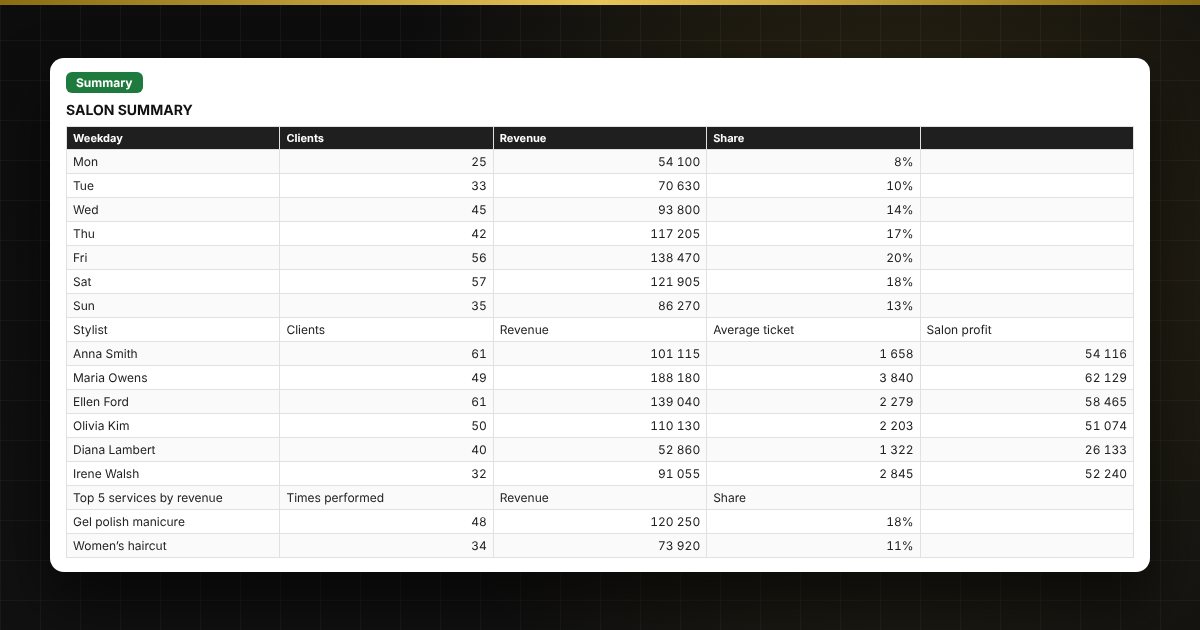
- “Summary”: revenue by weekday, stylist and service for any period, top 5 services and three charts.
Who it's for
Owners and managers of beauty salons, barbershops, nail and beauty studios, small hair salons, and chair-renting stylists who keep records in Excel instead of specialised software.
Compatibility
Excel 2007 and later, LibreOffice. No macros. Rates and percentages are kept in the lists so you can adjust them. Calculations are approximate. The file is in English.