KHIZHNYAKOV

← All templates

Freelancer Order and Time Tracker — Excel Template

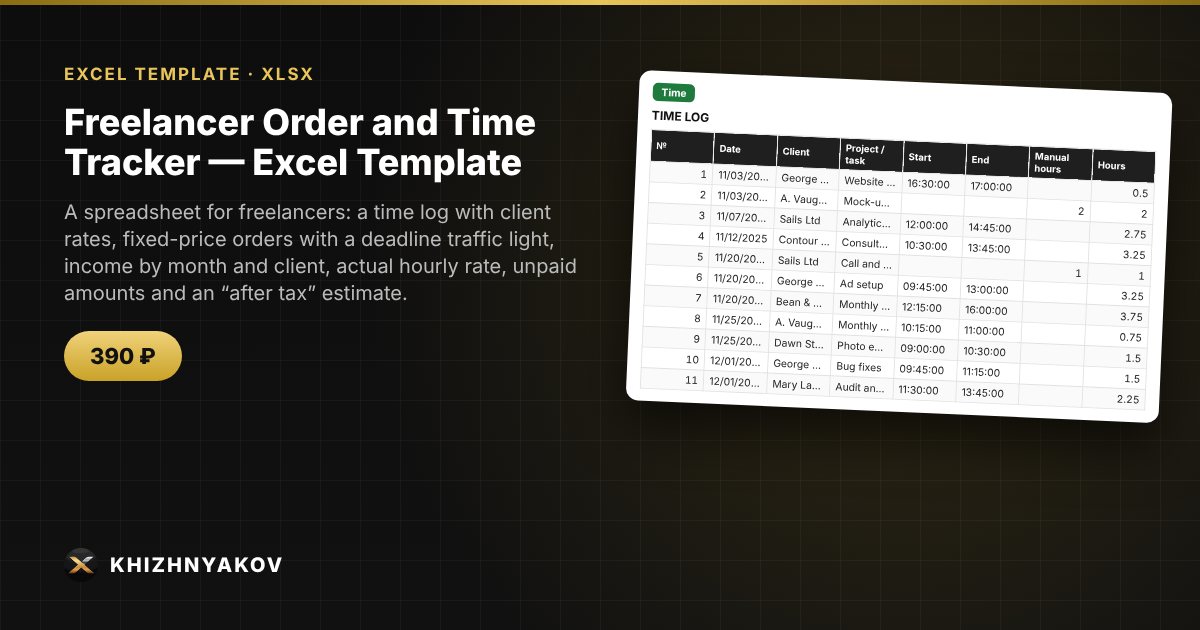
A spreadsheet for freelancers: a time log with client rates, fixed-price orders with a deadline traffic light, income by month and client, actual hourly rate, unpaid amounts and an “after tax” estimate.

Freelancer Order and Time Tracker — Excel Template
390 ₽
≈ 4 USD
Blank template + filled-in example · Excel 2007+, LibreOffice, Google Sheets
Payment is processed securely by YooKassa in Russian rubles. If your card is declined, email us at info@хижняков.рф and we will arrange another way to pay.

What it's for

A freelancer's income comes from hourly work and fixed-price orders, and payments arrive at random: some have been paid, some you forgot to invoice. Here time is entered as rows, the rate is filled in from the client, and the summary shows income by month, your actual hourly rate and exactly how much you are owed.

What's inside

  • “Clients”: a client list with hourly rates, a “today” setting, tax percentage (for reference), first report month and the “urgent” threshold.
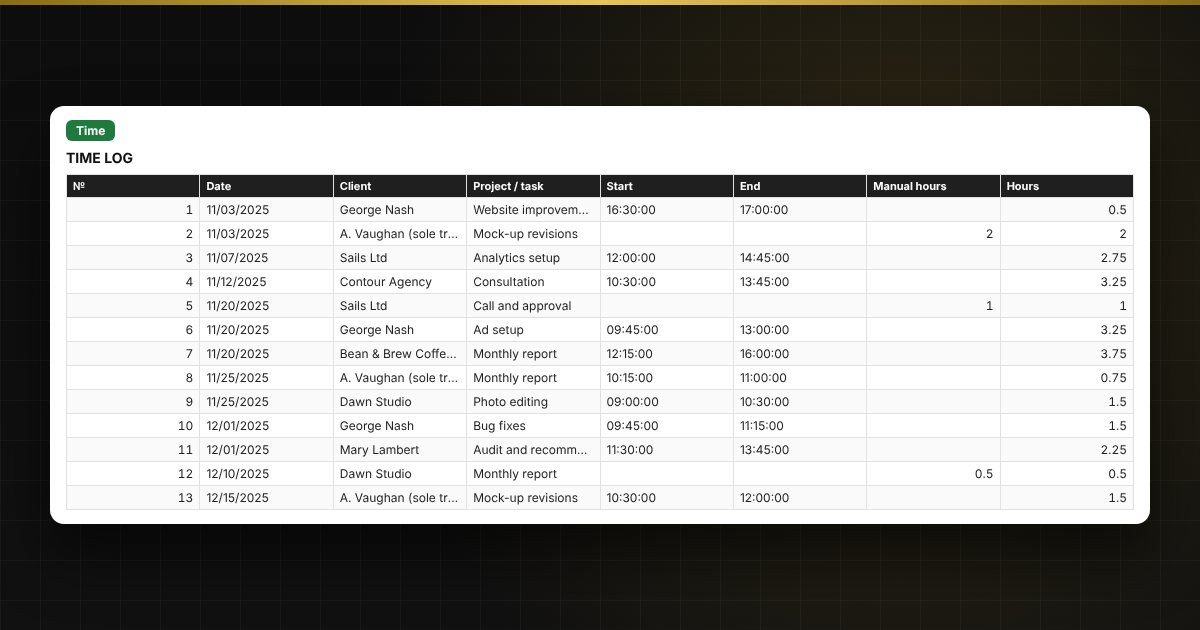
  • “Time”: up to 1000 entries: date, client, task, start and end or manual hours, custom rate for rush jobs, amount and a “Paid” mark.
  • “Orders”: up to 500 fixed-price orders: amount, deadline, status, paid, balance and a deadline traffic light.
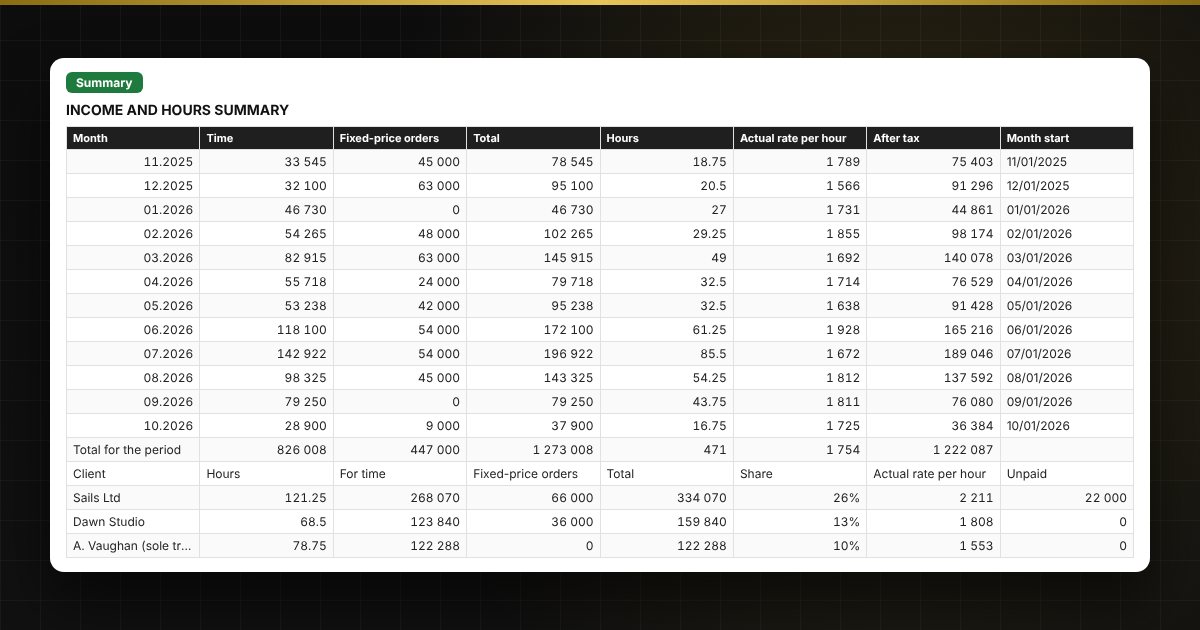
  • “Summary”: income by month and client, hours this week and month, average hourly rate, unpaid amounts, “after tax” and two charts.

Who it's for

Freelancers, designers, developers, copywriters, marketers, tutors and consultants, self-employed people and sole traders who work with several clients and want to know how much they really earn per hour.

Compatibility

Excel 2007 and later, LibreOffice. No macros. The tax rate is kept in the settings: check it against current rules. Calculations are approximate. The file is in English.

Questions and answers

How is the amount for time calculated?
Hours equal the difference between end and start (if you didn't time it, the manual hours are used), and the amount equals hours multiplied by the client's rate. For rush work, enter a custom rate in the row.
How are fixed-price orders different from hourly work?
A fixed-price order has an agreed amount and a deadline. It counts as income with status “Delivered” on the delivery date, and the balance due is the amount minus what has been paid.
What is the “after tax” calculation?
It is a reference row: income multiplied by (1 − tax, %). You set the rate yourself and check it against your tax authority's current rules, as rates change.
How do I find my actual hourly rate?
The summary divides hourly earnings by the hours worked. Fixed-price orders are not included in this rate because no hours are tracked for them.