 KHIZHNYAKOV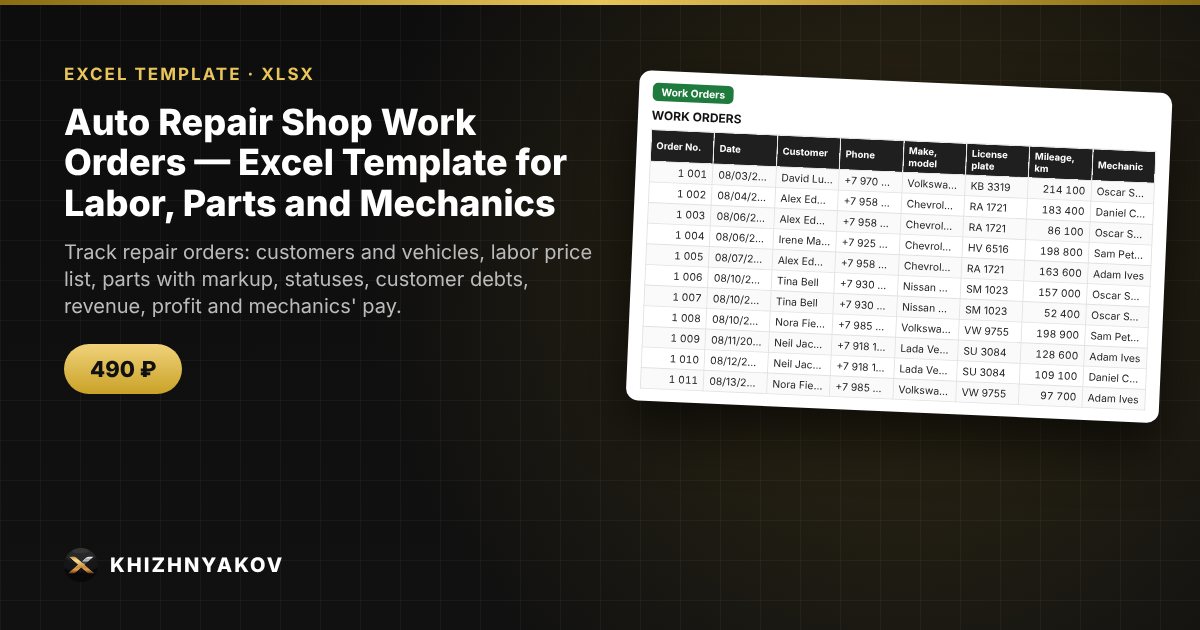
What it is for
In notebooks and messaging apps, repair orders get lost: it is unclear what is in progress, who owes money and how much each mechanic has earned. Here an order is entered as a row, labor and parts are collected as line items, the price comes from the price list or from cost plus markup, and revenue, profit, debts and mechanics' pay are calculated automatically.
What is inside
- "Reference Data": labor price list, mechanics with their percentage of labor, parts markup, first month of the summary.
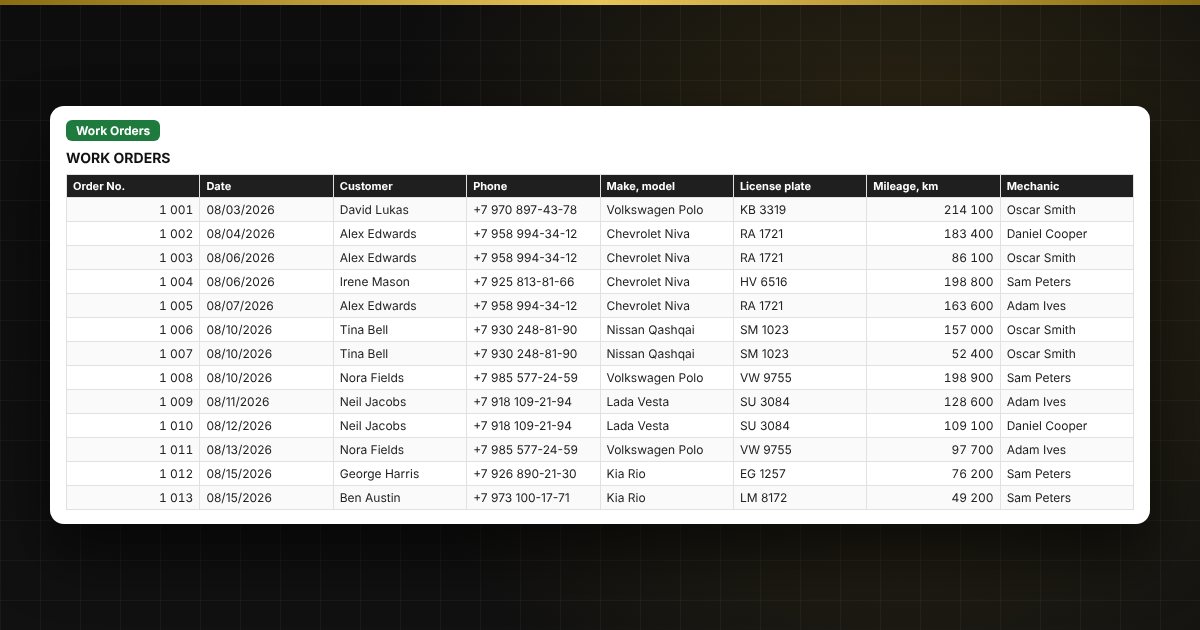
- "Work Orders": up to 1000 orders: customer, phone, vehicle, license plate, mileage, mechanic, status, amount paid; labor, parts, total, balance due, profit and mechanic's pay are calculated automatically.
- "Line Items": up to 3000 rows of labor and parts with automatic price lookup and order number validation.
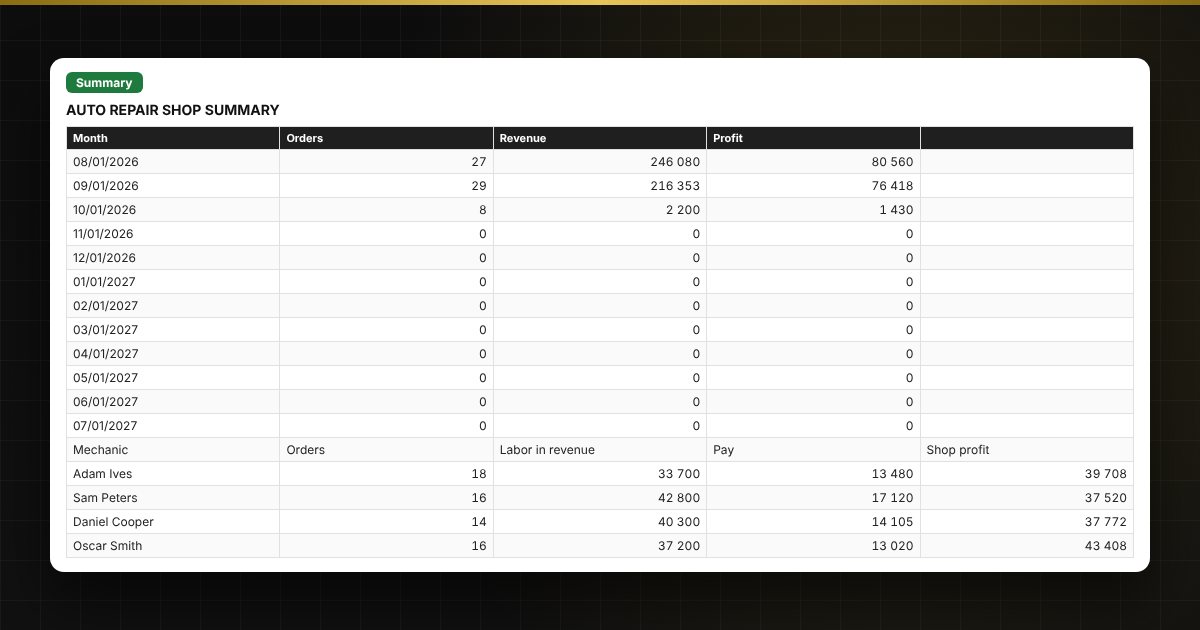
- "Summary": revenue and profit by month, mechanics' workload and pay, order statuses, customer debts, two charts.
Who it is for
Owners and managers of small auto repair shops, service stations and tire shops, independent mechanics and garage workshops who need a simple tracking spreadsheet instead of expensive software.
What you get
The download includes a blank template and a filled-in sample with fictitious data, so you can see how the formulas and checks work. It is an Excel spreadsheet with ordinary formulas, not an accounting program. All fixes and new versions of the project are free.
Compatibility
Excel 2007 and later, LibreOffice. No macros. The file is in English. Rates and thresholds are set in the settings: check them before use. Calculations are approximate.