 KHIZHNYAKOV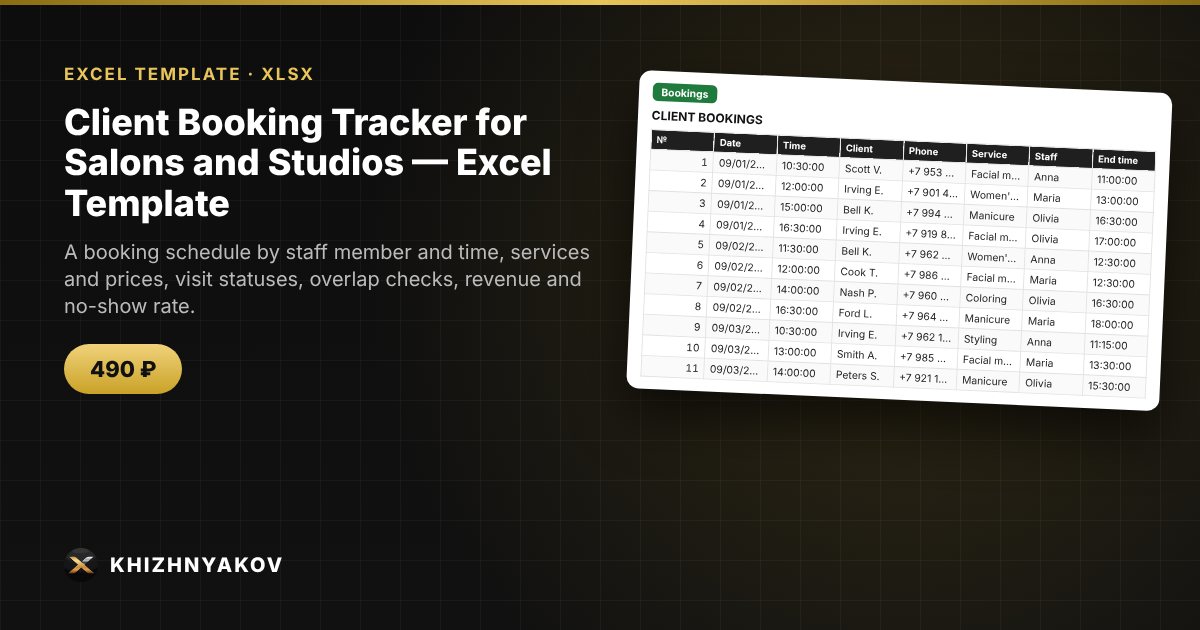
What it is for
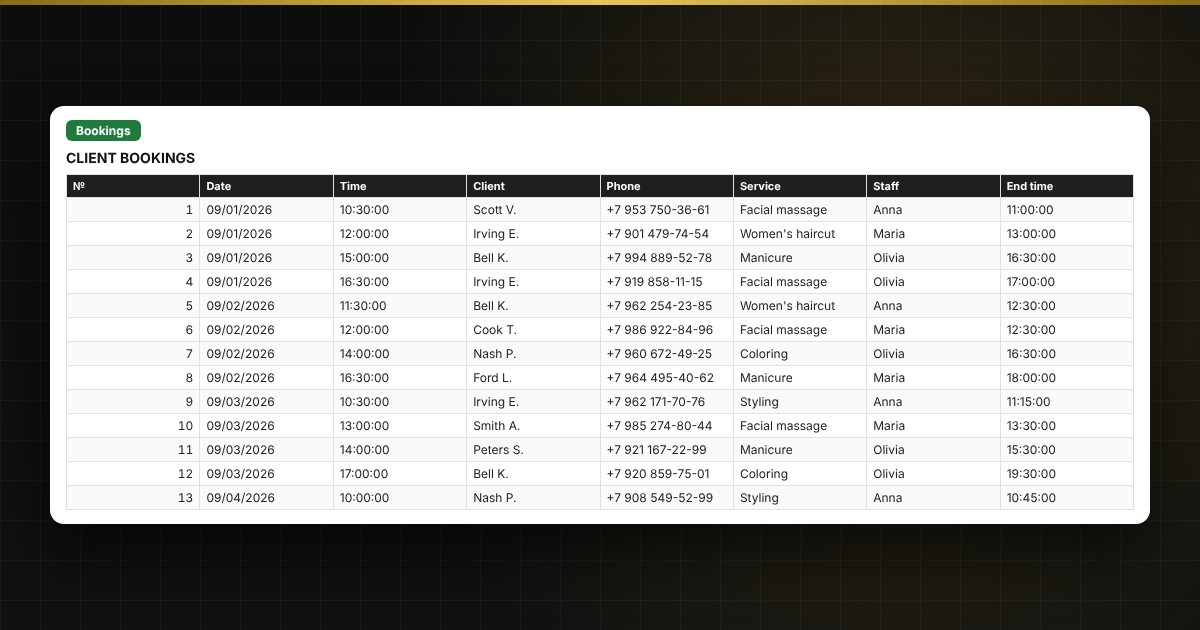
Bookings in a notebook and chat apps get lost, and two clients at the same time is a common mistake. Here a booking is entered as a row: the service and staff member are chosen from lists, the price and end time are calculated automatically, and time overlaps for a staff member are highlighted.
What is inside
- «Lists»: services (duration, price) and staff.
- «Bookings»: up to 1500 bookings — date, time, client, phone, service, staff member, discount, status and payment, with an overlap check.
- «Day»: the schedule for the chosen day in time order with client phone numbers.
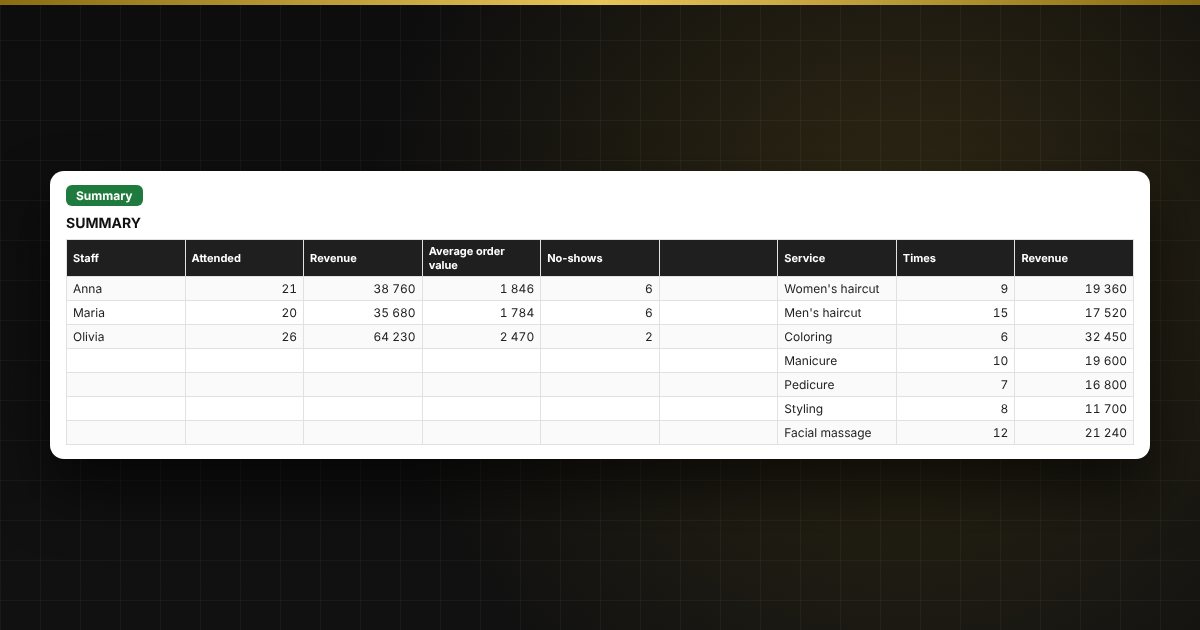
- «Summary»: revenue by staff member, service and month, average order value and no-show rate, a chart.
Who it is for
Stylists and owners of beauty salons, barbershops, nail studios and massage studios, photographers, tutors and independent specialists who manage their own bookings.
What you get
The package includes a blank spreadsheet and a filled-in sample with fictional data, so you can see how the formulas and checks work. It is a spreadsheet built on ordinary formulas, not an accounting program. All fixes and new versions of the project are free.
Compatibility
Excel 2007 and later, LibreOffice. No macros. Rates, thresholds and reference values are kept in settings: check them against the rules that apply to you before use. Calculations are approximate. The file is in English.