 KHIZHNYAKOV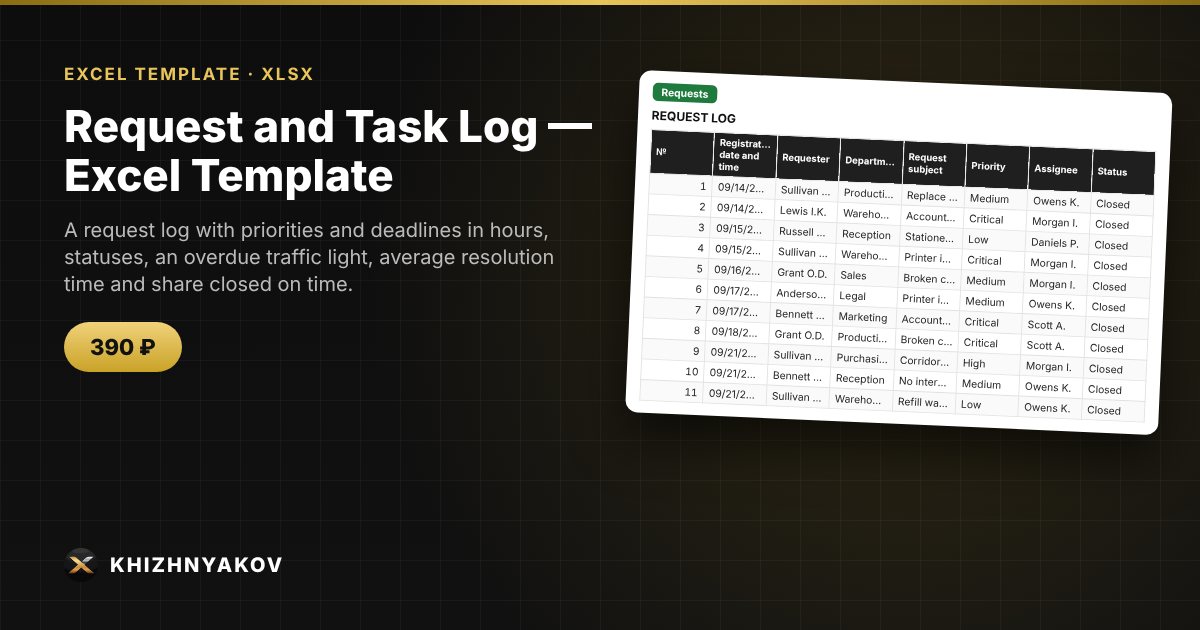
What it is for
Requests in chats and on scraps of paper get lost, and a manager cannot see who is late with what. Here each request is entered as a row: the target deadline is calculated from the priority, the traffic light shows overdue and “due soon” items, and the summary gives assignee workload, average resolution time and the share closed on time.
What is inside
- “Lists”: priorities with deadlines in hours, assignees, departments, the “due soon” setting.
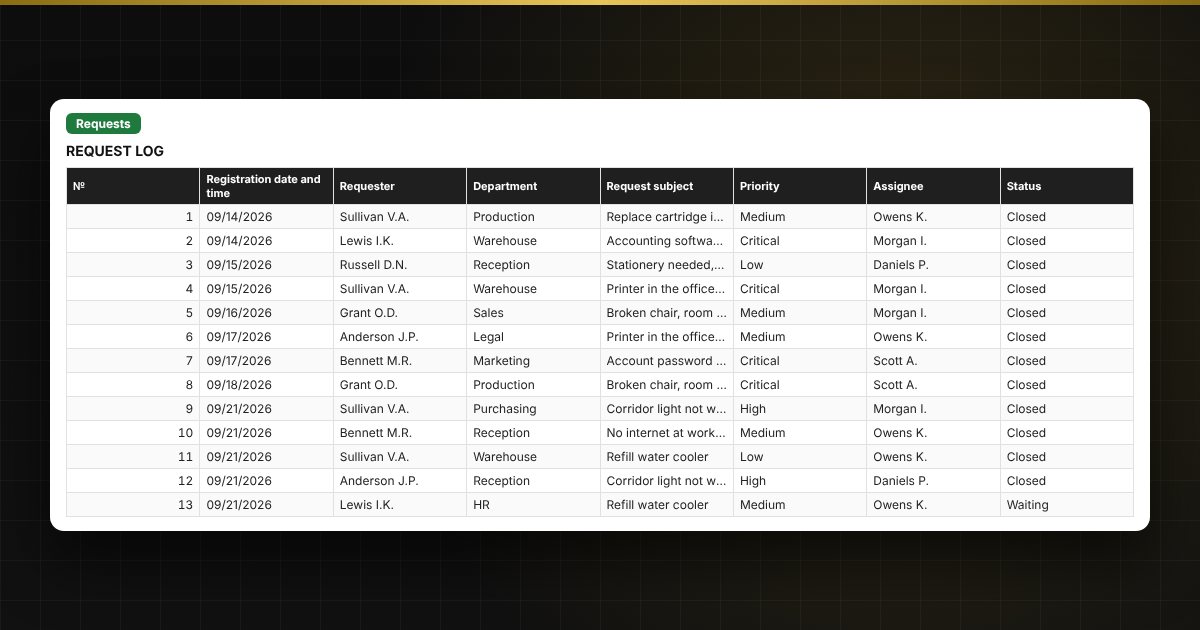
- “Requests”: up to 1000 requests — registration, requester, department, subject, priority, assignee, status, closing, resolution time, overdue time and traffic light.
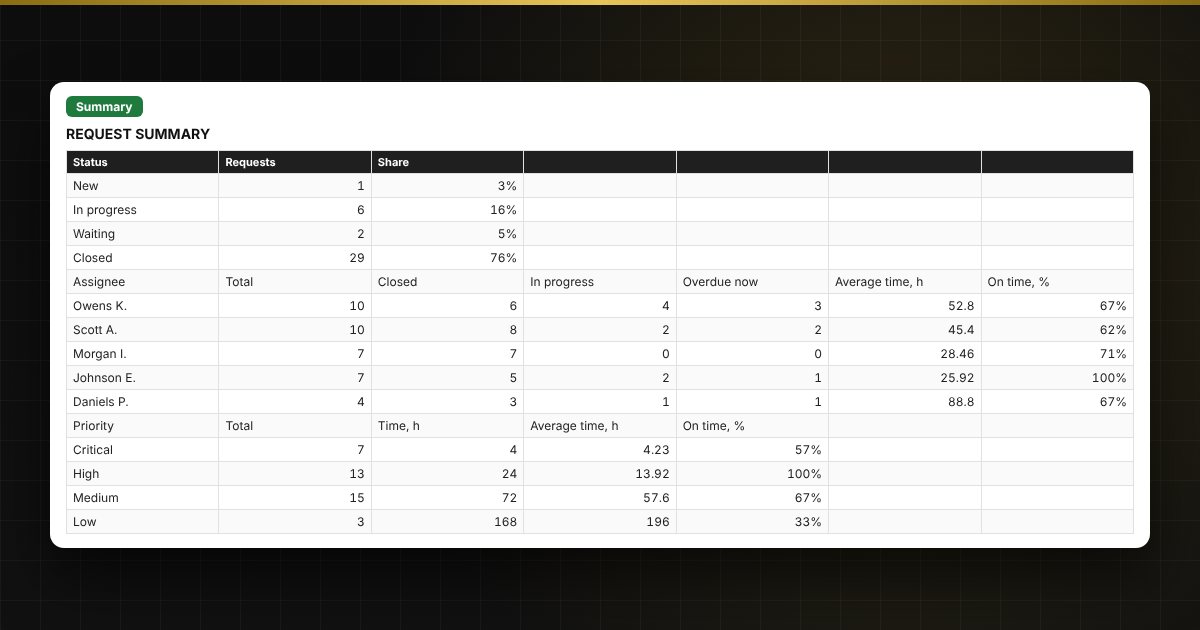
- “Summary”: requests by status, assignee and priority, average resolution time, share closed on time, two charts.
Who it suits
Managers and staff of technical support, facilities, IT departments, service and property management companies, and small teams that receive requests from employees or customers.
Compatibility
Excel 2007 and newer, LibreOffice. No macros. The file is in English. Priority times and thresholds are set in the parameters; adjust them to your organization.