 KHIZHNYAKOV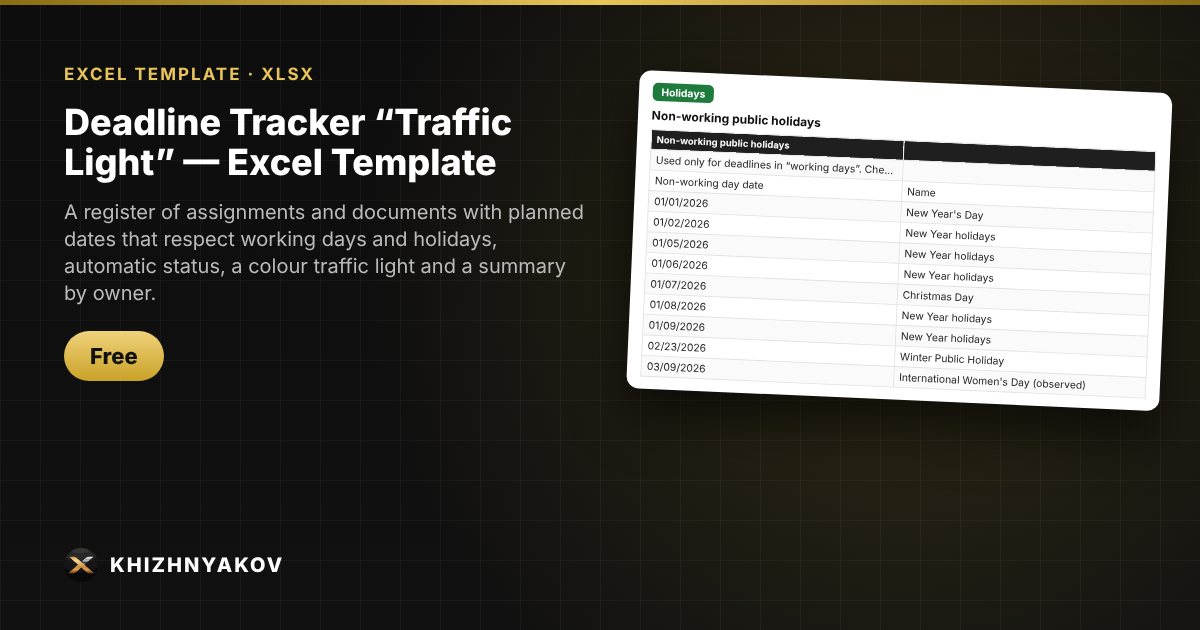
What it is for
One universal register for tracking deadlines: manager's instructions, incoming documents, team tasks. You enter the date received and the deadline, and Excel calculates the planned completion date, shows the status and colours the row: red — overdue, yellow — deadline is close, green — there is time to spare.
What is inside
- Register sheet: up to 500 rows; the deadline is a number of calendar or working days, or a specific date.
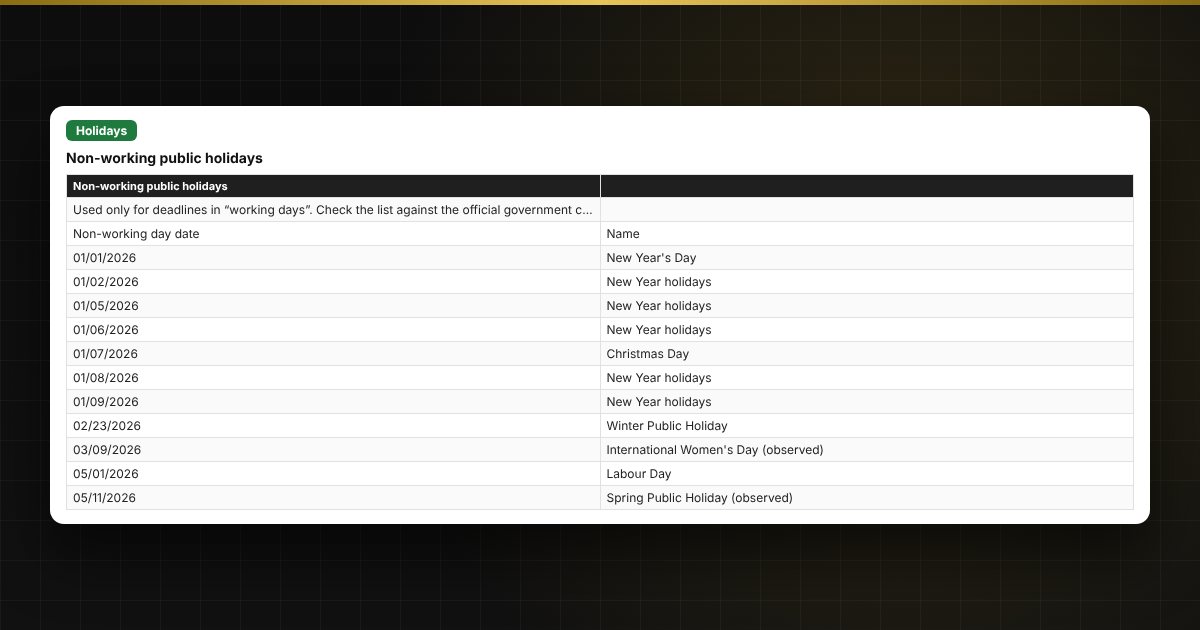
- Holidays sheet: non-working days for 2026 and 2027, an editable list used to calculate working days.
- Settings sheet: owners (drop-down list), the “yellow zone” threshold, and the “calculate as of date” mode (today or a manual date).
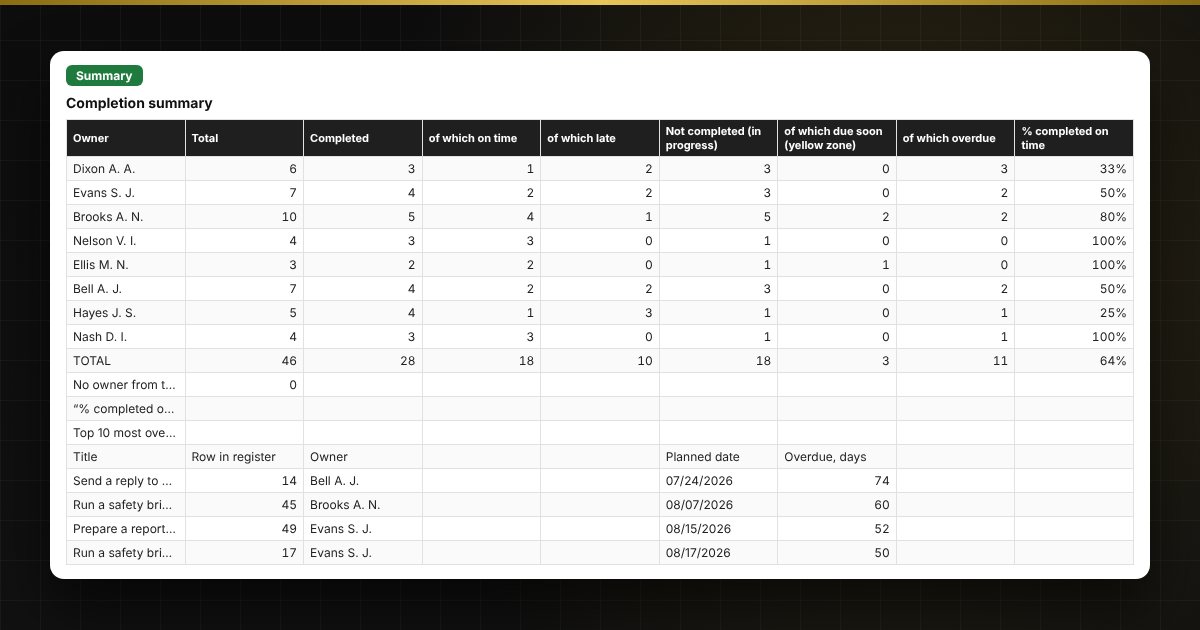
- Summary sheet: for each owner — total, completed, in progress, overdue, and percent completed on time; the 10 most overdue tasks; charts.
Who it suits
Department heads, secretaries, control specialists, assistants and project managers — anyone who follows up on assignments and documents. The traffic light highlights overdue and approaching deadlines and builds a summary for the manager.
Compatibility
Excel 2007 and newer, LibreOffice. No macros or external links. The file is in English. Check holiday dates against your official calendar.