 KHIZHNYAKOV
What this course is about
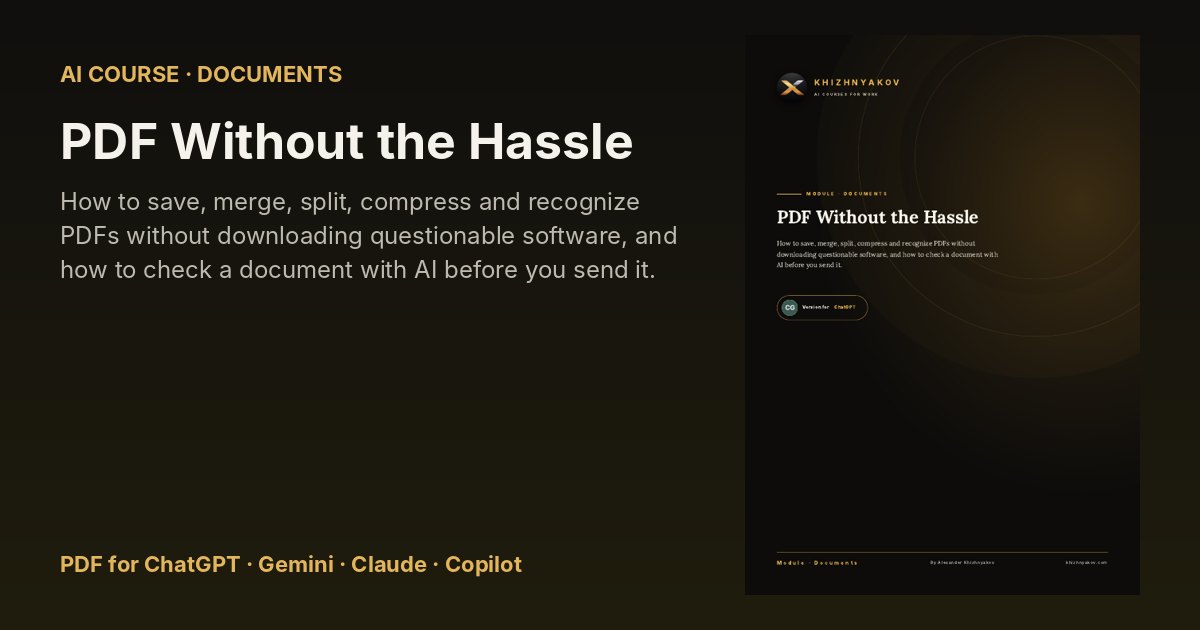
How to save, merge, split, compress and recognize PDFs without downloading questionable software, and how to check a document with AI before you send it.
“Please send it as one file,” “the file is too large,” “the scan is unreadable,” “wrong page”: people struggle with PDFs every day. Almost everything can be solved with tools already built into Word and Windows, or with free programs. {AI} is your patient helper here: it tells you where to click, explains an error, pulls text from a scan and checks the final document before you send it.
What you will learn
- Saving to PDF from Word
- Common Problems When Saving
- Merging Files
- Order and File Name
- Splitting and Extracting Pages
- Finding the Right Pages in a Big PDF
- Scans into One Document
- Checking a Scan
- Reducing File Size
- Compression: Before and After
- Recognizing Text
- Checking Recognized Text
What's inside
- Four PDF versions of the course: for ChatGPT, Gemini, Claude and Microsoft Copilot — each explains where to find the features you need in that assistant.
- 16 ready-to-use prompts and a prompt library you can copy from.
- Step-by-step tasks, before-and-after examples and a one-page cheat sheet.
- Free updates when the AI assistants change.
Who it's for
Office workers, managers, teachers, freelancers and small-business owners who want practical results from AI without technical knowledge.