 KHIZHNYAKOV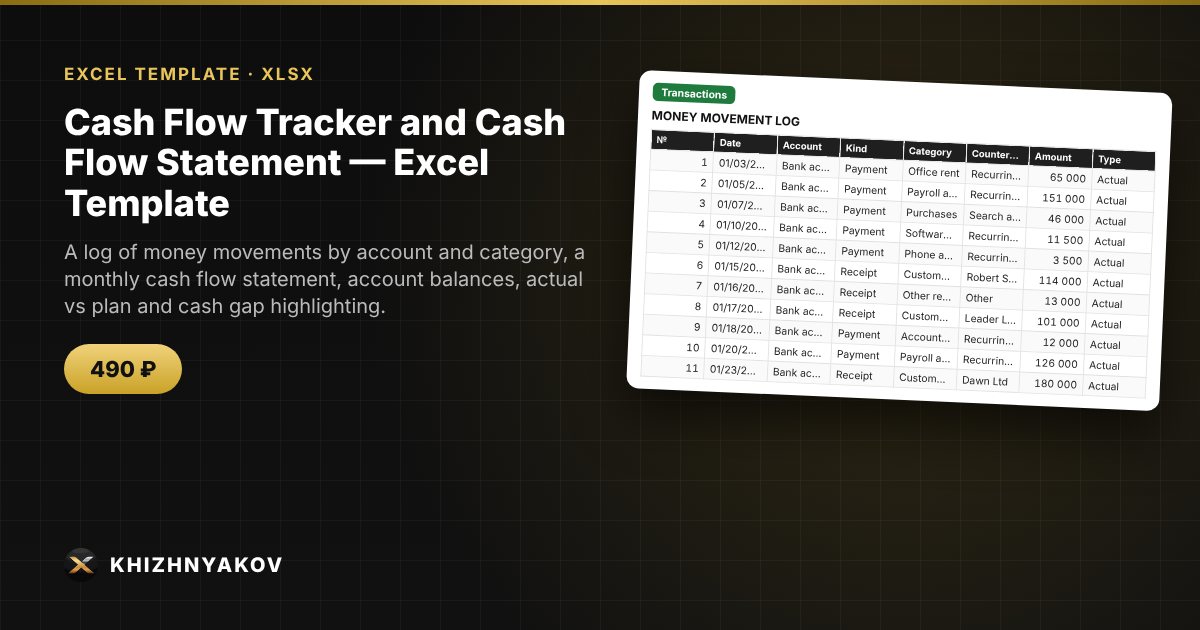
What it is for
Profit on paper does not guarantee that there will be money in the account. A cash flow statement shows where money comes from and where it goes each month, and the plan helps you spot a cash gap in advance. You enter the transactions, and the spreadsheet builds the cash flow statement and balances for you.
What is inside
- "Reference Data": accounts with opening balances for the year, receipt and payment categories, report year and mode.
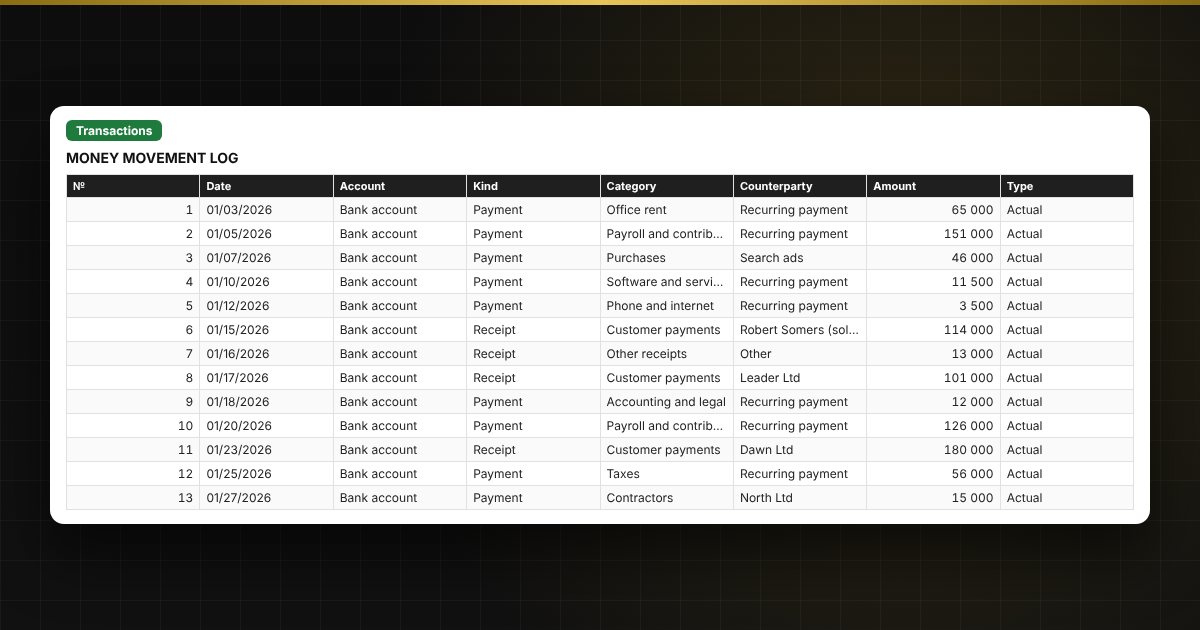
- "Transactions": up to 2500 transactions: date, account, kind, category, counterparty, amount, type "Actual" or "Plan".
- "Cash Flow": receipts and payments by category and month, net cash flow, opening and closing balance, charts.
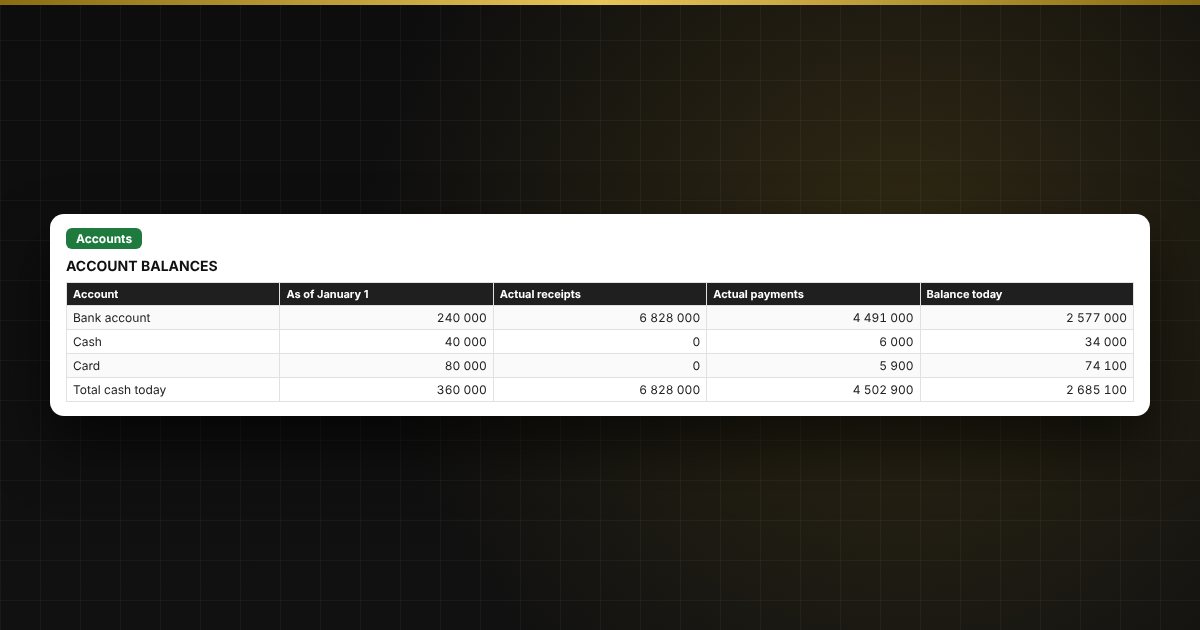
- "Accounts": the balance of each account as of today.
Who it is for
Small businesses, sole traders, managers and finance managers, agencies and studios that need management-level cash tracking and a balance forecast without expensive software.
What you get
The download includes a blank template and a filled-in sample with fictitious data, so you can see how the formulas and checks work. It is an Excel spreadsheet with ordinary formulas, not an accounting program. All fixes and new versions of the project are free.
Compatibility
Excel 2007 and later, LibreOffice. No macros. The file is in English. The calculation is approximate and meant for management purposes.