 KHIZHNYAKOV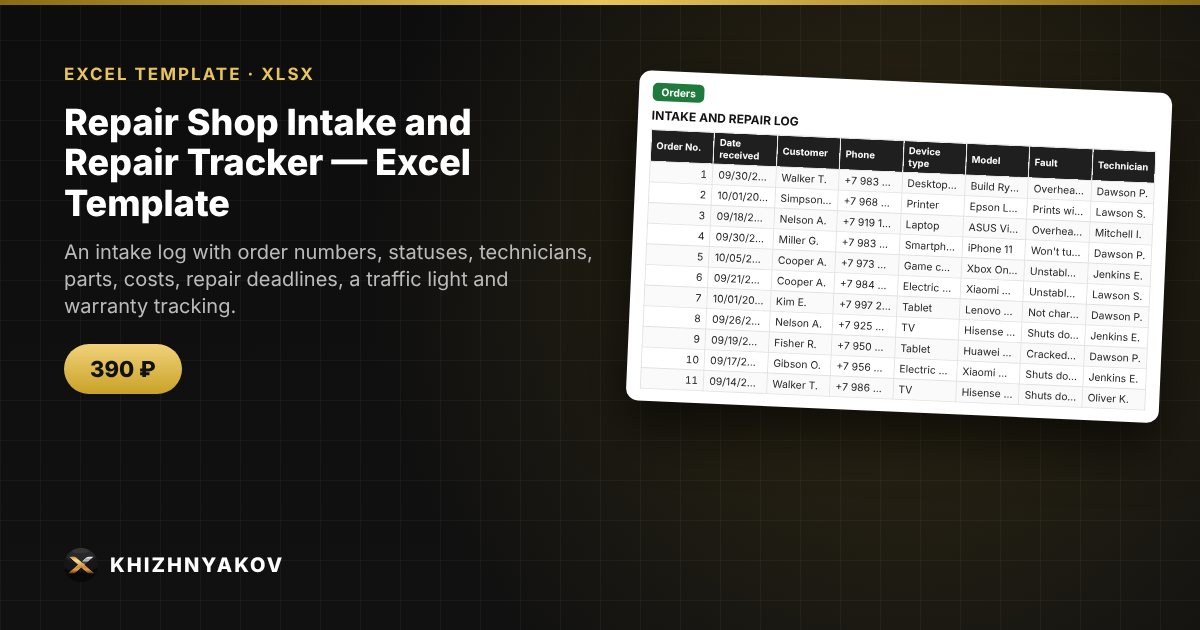
What it is for
In a small repair shop, orders live in a notebook and chat apps: it is unclear what is ready, what is overdue and how much was earned on parts. Here every order is one row: the repair deadline is calculated from the device type, parts are entered separately by order number, and the total and warranty are calculated automatically.
What is inside
- «Lists»: device types with repair time, technicians, a service price list, the warranty period and the «due soon» setting.
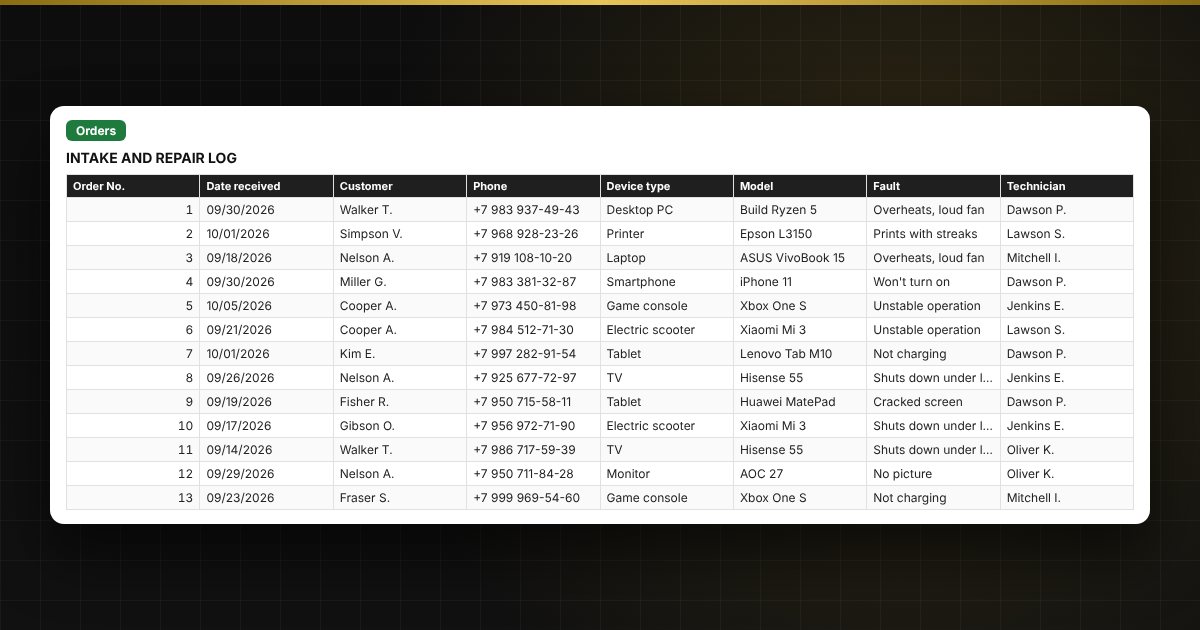
- «Orders»: up to 1000 orders — customer, phone, device, fault, technician, status, service from the price list, total, prepayment, due date, delivery date, traffic light, warranty.
- «Parts»: up to 2000 rows — order number, part, quantity, purchase price, customer price, profit.
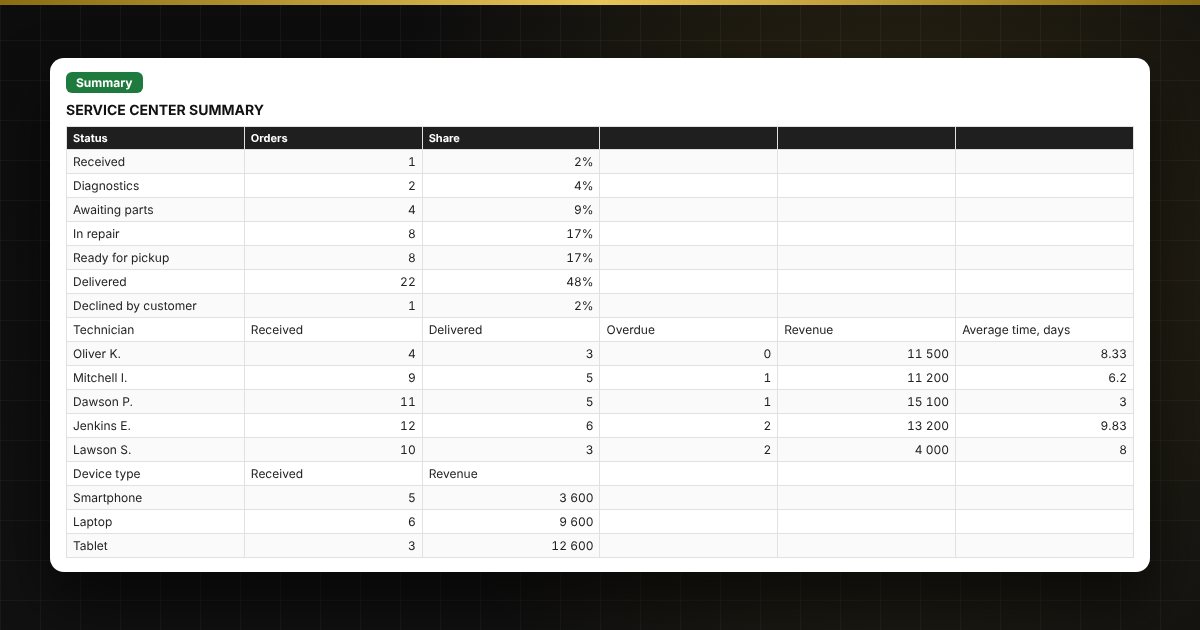
- «Summary»: orders by status, technician and device type, revenue, profit on parts, average repair time, two charts.
Who it is for
Owners and managers of service centers and workshops that repair phones, laptops, computers, home appliances and e-vehicles, and independent technicians who need order in their jobs without an expensive CRM.
What you get
The package includes a blank spreadsheet and a filled-in sample with fictional data, so you can see how the formulas and checks work. It is a spreadsheet built on ordinary formulas, not an accounting program. All fixes and new versions of the project are free.
Compatibility
Excel 2007 and later, LibreOffice. No macros. Rates, thresholds and reference values are kept in settings: check them against the rules that apply to you before use. Calculations are approximate. The file is in English.