 KHIZHNYAKOV
What this course is about
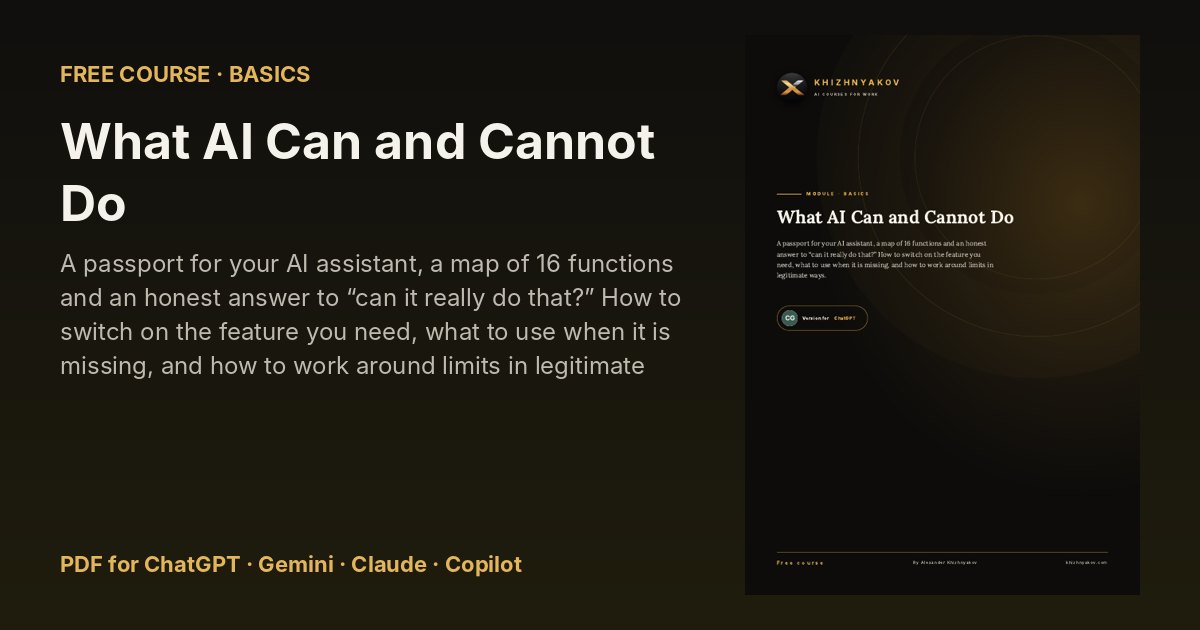
A passport for your AI assistant, a map of 16 functions and an honest answer to “can it really do that?” How to switch on the feature you need, what to use when it is missing, and how to work around limits in legitimate ways.
Some people expect a miracle and give up after the first invented number. Others use AI like a search engine and never learn that it can read files, study photos and reason step by step. This course is a calm, honest map of what {AI} does well, what it does only under your supervision, and what it cannot do at all. No technical terms, just examples from ordinary work.
What you will learn
- How AI Produces an Answer
- Testing the Three Baskets in Practice
- The Passport: What AI Reads and Understands
- The Passport: What AI Creates
- The Map of 16 Functions
- Functions 1 to 4: Write, Edit, Shorten, Translate
- Functions 5 to 8: Explain, Compare, Brainstorm
- A Table in the Answer: How to Take It With You
- Functions 9 and 10: Files and Excel Spreadsheets
- Function 11: Photos and Scans
- Functions 12 and 13: Search and Reasoning
- Functions 14 to 16: Images, Presentations, Files
What's inside
- Four PDF versions of the course: for ChatGPT, Gemini, Claude and Microsoft Copilot — each explains where to find the features you need in that assistant.
- 15 ready-to-use prompts and a prompt library you can copy from.
- Step-by-step tasks, before-and-after examples and a one-page cheat sheet.
- Free updates when the AI assistants change.
Who it's for
Office workers, managers, teachers, freelancers and small-business owners who want practical results from AI without technical knowledge.