 KHIZHNYAKOV
What this course is about
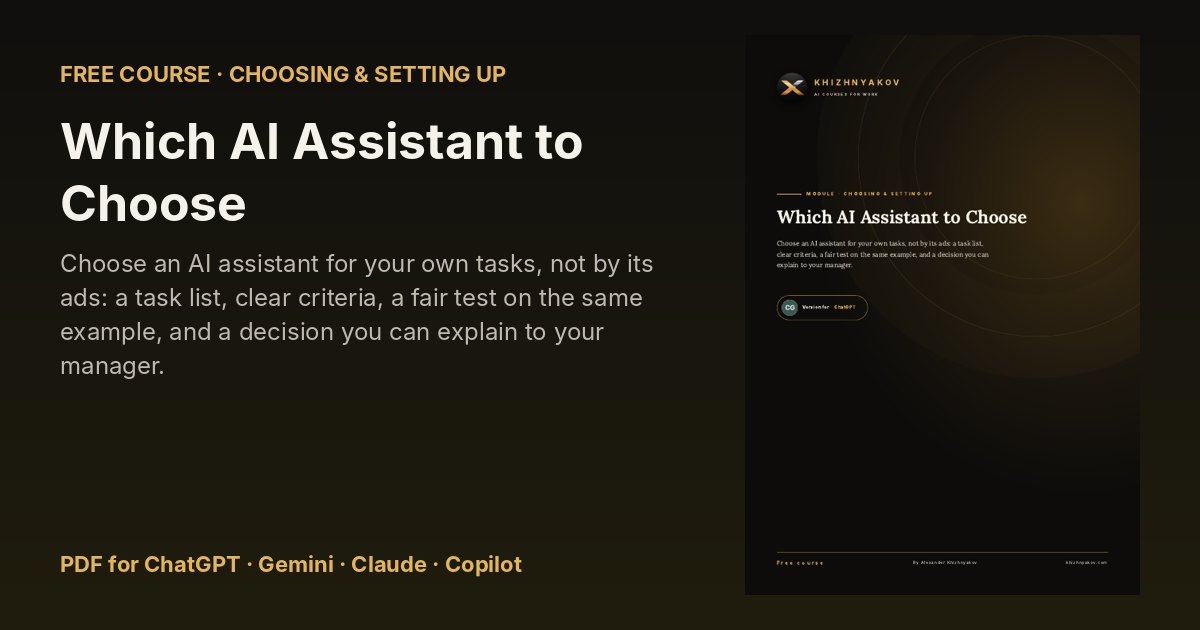
Choose an AI assistant for your own tasks, not by its ads: a task list, clear criteria, a fair test on the same example, and a decision you can explain to your manager.
There are many AI assistants, and each one praises itself. But the right choice does not depend on rankings. It depends on what you do every day. In this course, in one evening, you will list your tasks, compare services using simple criteria, test them on the same example and pick a main assistant and a backup. Your copy of the course is written for {AI_FOR}, but we will compare all four services fairly.
What you will learn
- Your task list
- Sorting your list
- Selection criteria
- Four services side by side
- Testing on an example
- Comparing answers fairly
- Making the choice
- The decision on one page
- Access and sign-in
- If you cannot sign in
- Price and limits
- Is it worth paying?
What's inside
- Four PDF versions of the course: for ChatGPT, Gemini, Claude and Microsoft Copilot — each explains where to find the features you need in that assistant.
- 13 ready-to-use prompts and a prompt library you can copy from.
- Step-by-step tasks, before-and-after examples and a one-page cheat sheet.
- Free updates when the AI assistants change.
Who it's for
Office workers, managers, teachers, freelancers and small-business owners who want practical results from AI without technical knowledge.