
KHIZHNYAKOV

← All templates

Counterparty Reconciliation Statement in Excel — Excel Template

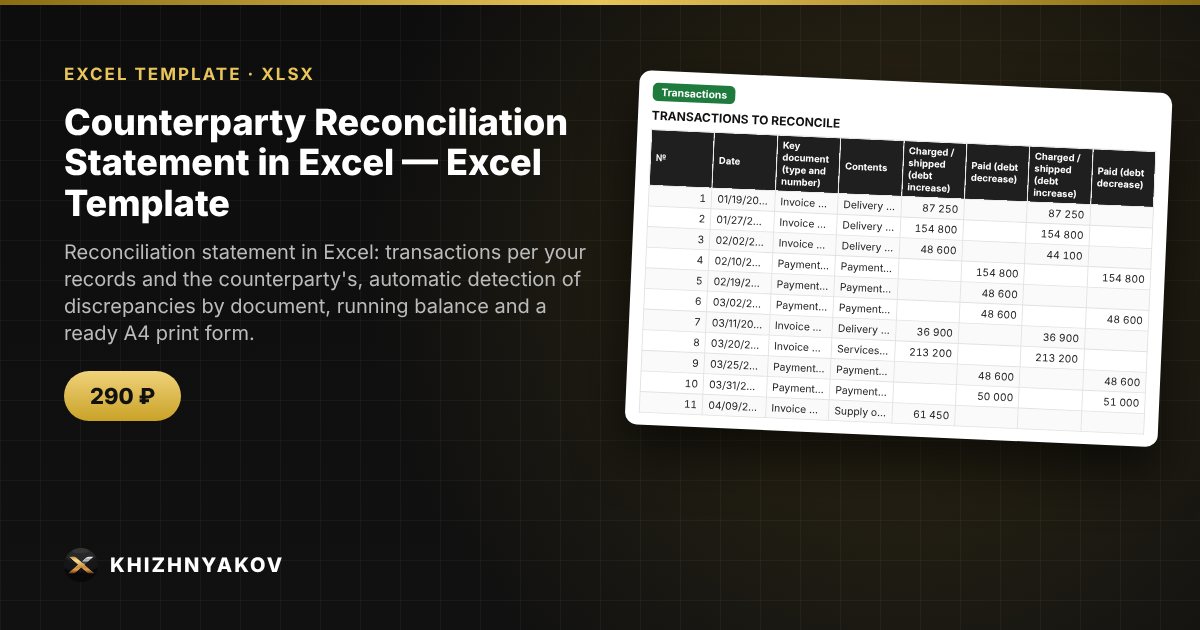
Reconciliation statement in Excel: transactions per your records and the counterparty's, automatic detection of discrepancies by document, running balance and a ready A4 print form.

Counterparty Reconciliation Statement in Excel — Excel Template
≈ $3.59
290 ₽
Blank template + filled-in example · Excel 2007+, LibreOffice, Google Sheets
Payment is processed securely by YooKassa in Russian rubles. If your card is declined, email us at info@хижняков.рф and we will arrange another way to pay.

What it is for

A reconciliation statement is usually put together by hand: you compare two lists of documents, look for mismatched amounts and recalculate the balance. Here you enter the documents in one table — your amounts on the left, the counterparty's on the right — and the spreadsheet finds the discrepancies, calculates the running balance and builds a statement with the phrase "debt in favour of…" and signature lines.

What is inside

  • "Details": your organization, counterparty, contract, period, opening balance for both sides, supplier, comparison tolerance, signatories.
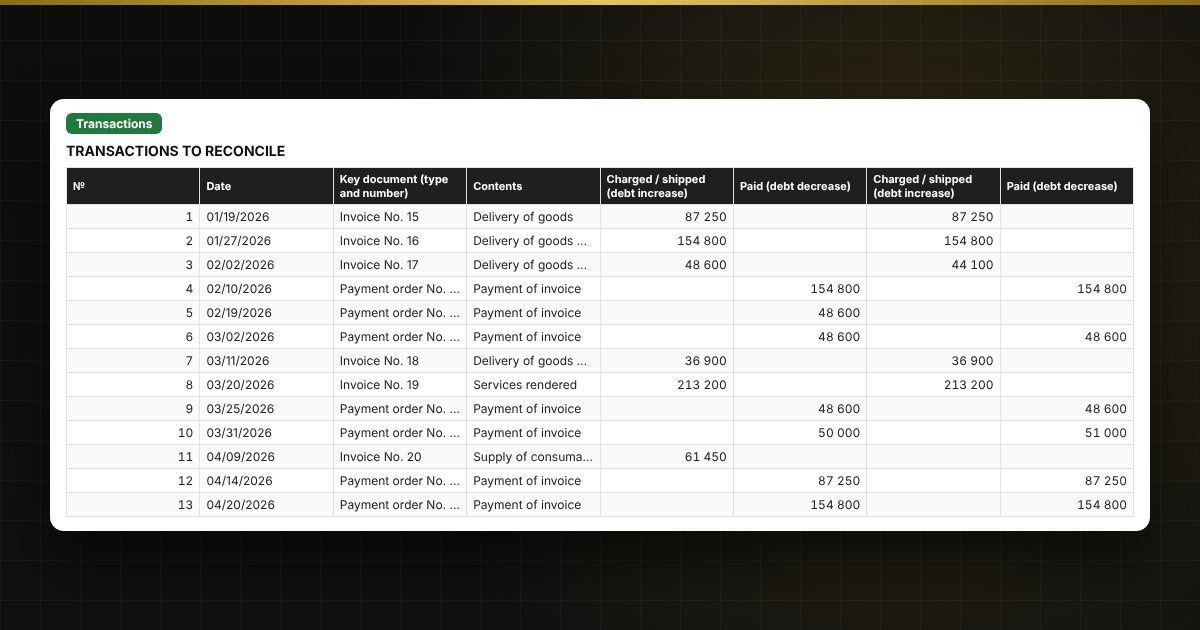
  • "Transactions": up to 500 documents, your charge and payment amounts, the counterparty's amounts, differences, the reconciliation result and the running balance.
  • "Discrepancies": a list of documents with a difference and a hint on what to check.
  • "Statement": an A4 print form with the final balance, the debt wording, signature lines and a register of transactions.
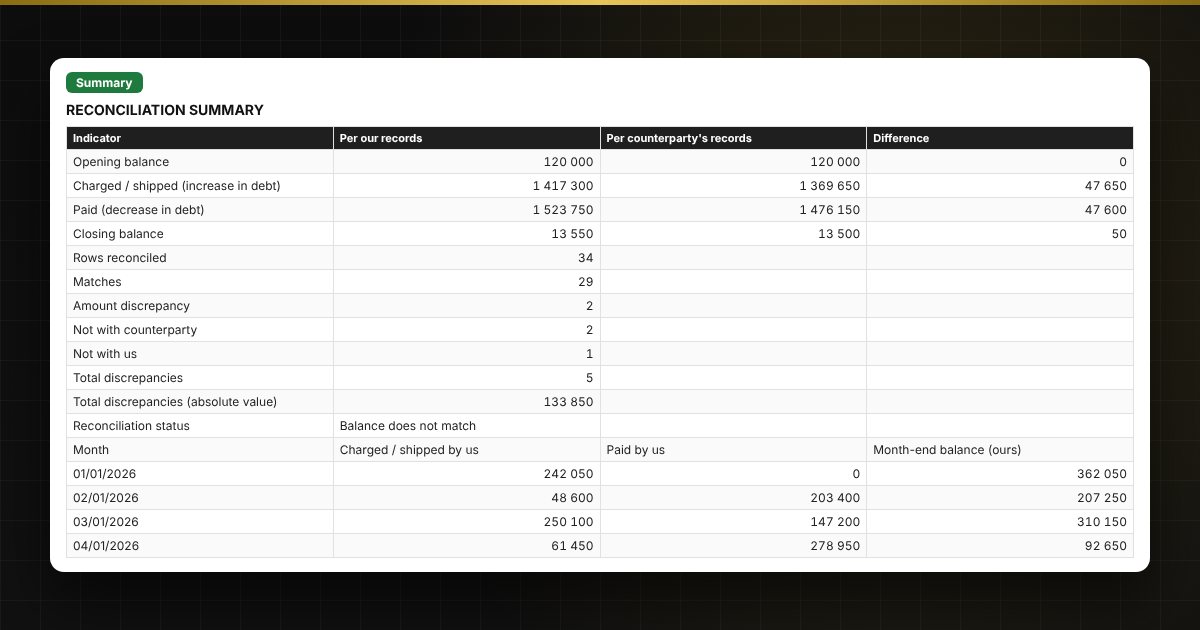
  • "Summary": turnover and balances for both sides, number of discrepancies, turnover by month and two charts.

Who it is for

Accountants and sales managers, purchasing staff, small companies and sole traders who need to reconcile accounts with a customer or supplier and prepare a statement without special software.

Compatibility

Excel 2007 and later, LibreOffice. No macros. The statement form is not a strict one; check its layout against your own requirements and those of your counterparty. The file is in English.

📘 How to Prepare a Counterparty Reconciliation Statement in Excel

Questions and answers

How are discrepancies found?
Each document is entered as one row: your amounts on the left, the counterparty's on the right. If the difference is above the tolerance the row is marked "Discrepancy", and if one side does not have the document it is marked "Not with counterparty" or "Not with us".
How is the balance calculated?
Opening balance plus charged or shipped (increase in debt) minus paid (decrease in debt). It is calculated separately for your records and the counterparty's.
What if I am the buyer, not the supplier?
On the "Details" sheet choose who the supplier is. Amounts and balances are calculated the same way; only the wording "debt in favour of…" in the statement changes.
How do I print the statement?
Open the "Statement" sheet and choose Print: the A4 print area is already set. It includes the header, final balance, signatures and the first 100 transactions of the register.