 KHIZHNYAKOV
What it is for
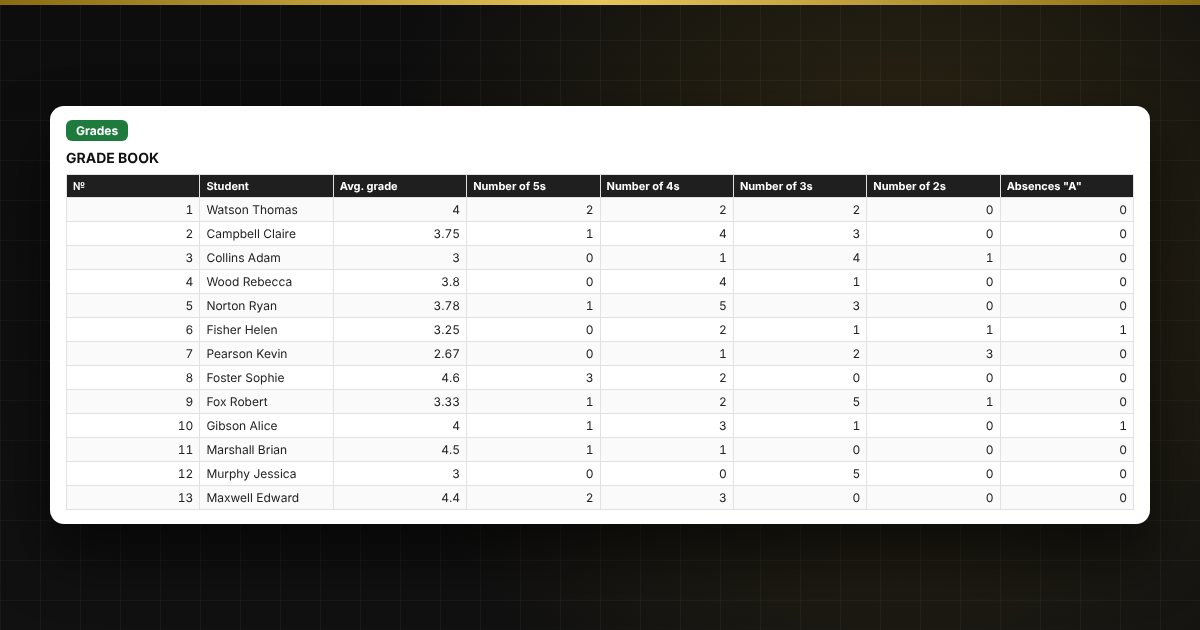
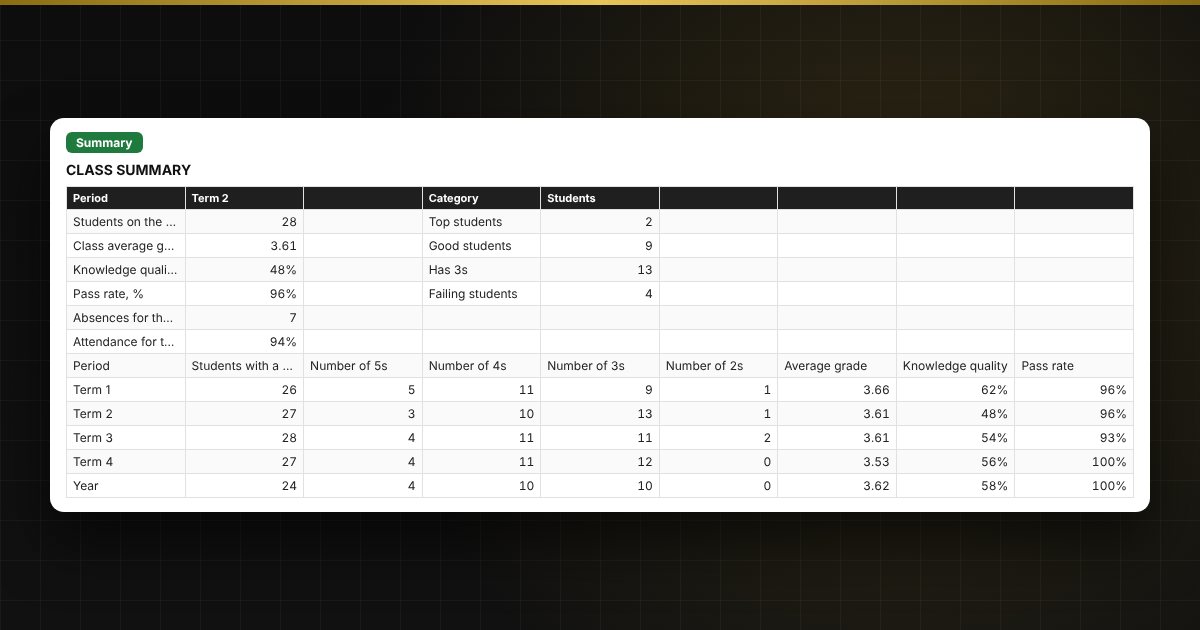
Calculating average grades and working out term grades by hand takes time, and rounding mistakes then have to be explained. Here you enter grades in a "student × lesson date" matrix, and the spreadsheet calculates the average grade, the number of 5s, 4s, 3s and 2s and the absences, and suggests a grade for the term and for the year. You set the rounding rule as a parameter, and the summary shows the class's knowledge quality, pass rate and attendance.
What is inside
- "Class": class name, subject, teacher, term start dates and end of year, a list of up to 35 students, up to 40 lesson dates, rounding and attendance threshold settings.
- "Grades": a matrix of students and lesson dates, grades 2–5 and "A" (absent) with a drop-down list, color highlighting, average grade, number of grades of each kind, absences and the suggested grade for the selected period.
- "Results": average grade and suggested grade for each of the four terms and for the year, with the categories "top student", "good student", "has 3s" and "failing".
- "Attendance": absences by term, attendance percentage, highlighting of students below the threshold.
- "Summary": class average grade, knowledge quality, pass rate, attendance, a table by term and year, two charts.
Who it is for
Subject teachers and class tutors at schools, colleges and clubs, tutors with a group, and anyone who keeps personal progress records alongside the official register and wants to get averages and summaries quickly.
What you get
The package contains a blank spreadsheet and a filled-in sample with fictional data, so you can see how the formulas and checks work. It is a spreadsheet built on ordinary formulas, not accounting software. All fixes and new versions of the project are free.
Compatibility
Excel 2007 and later, LibreOffice. No macros. The file is in English. Thresholds and rounding values are kept in the settings: check them against your local rules before use. The calculation is approximate.