 KHIZHNYAKOV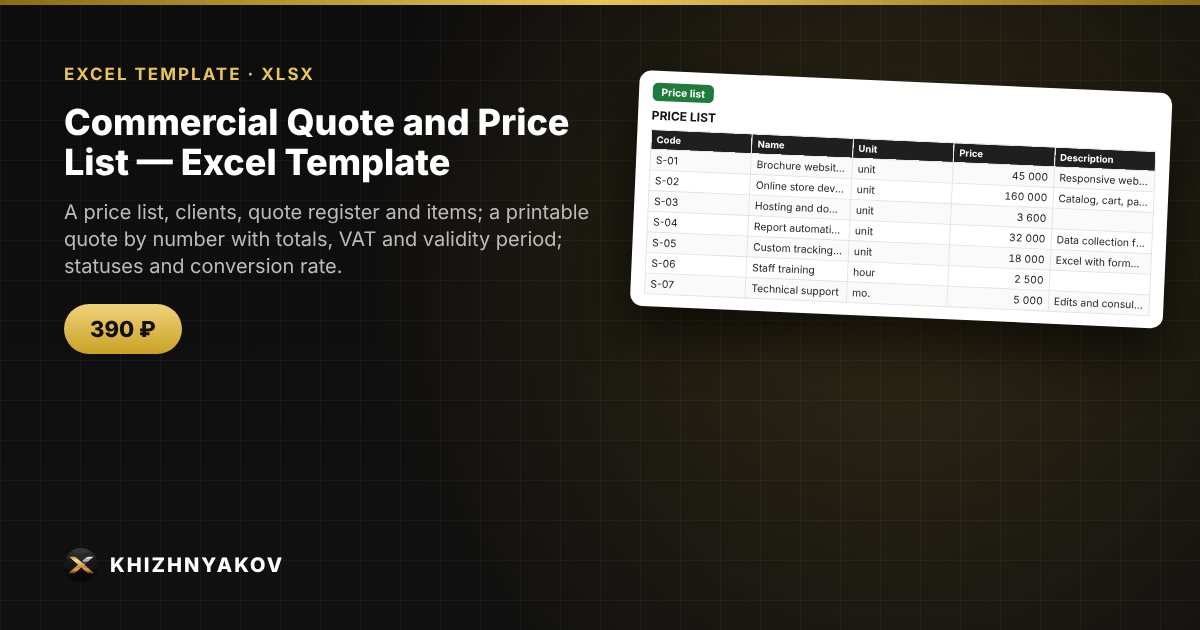
What it is for
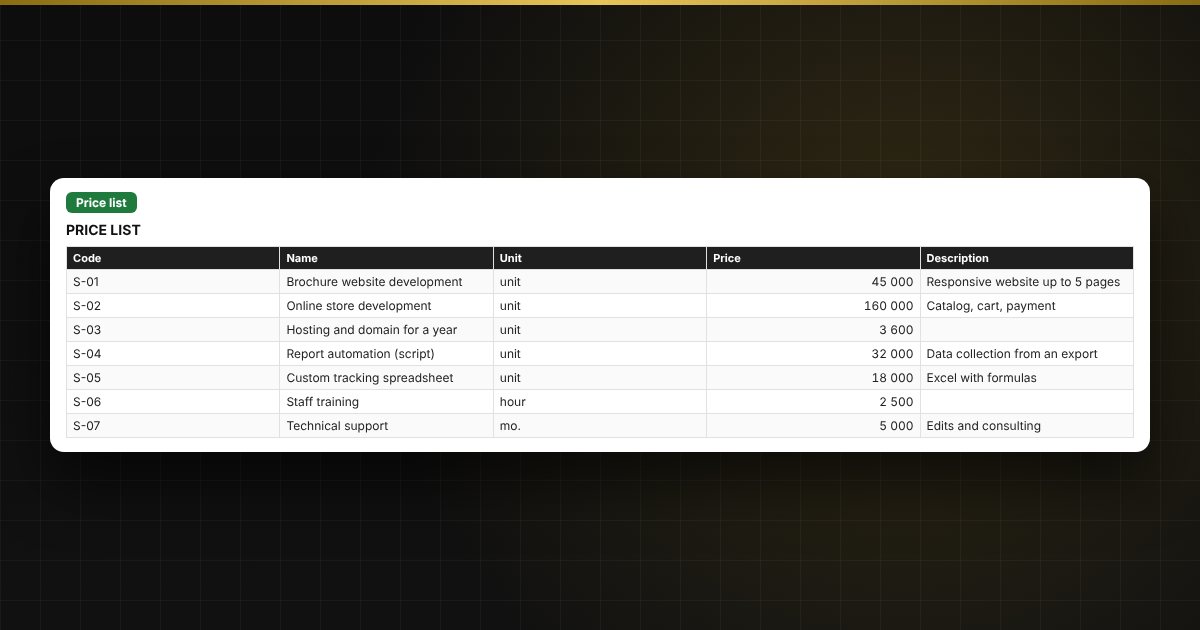
A quote should reach the client quickly and without mistakes. Prices are stored in the price list, items are chosen by code, and the A4 quote is assembled by number. The register shows which proposals are awaiting an answer, accepted or overdue.
What is inside
- «Details»: company, contacts, payment terms, lead times, VAT.
- «Price list» and «Clients»: up to 200 items and 100 clients.
- «Register» and «Items»: up to 300 quotes and 1500 items, statuses Draft, Sent, Accepted, Declined.
- «Quote»: a print form by number.
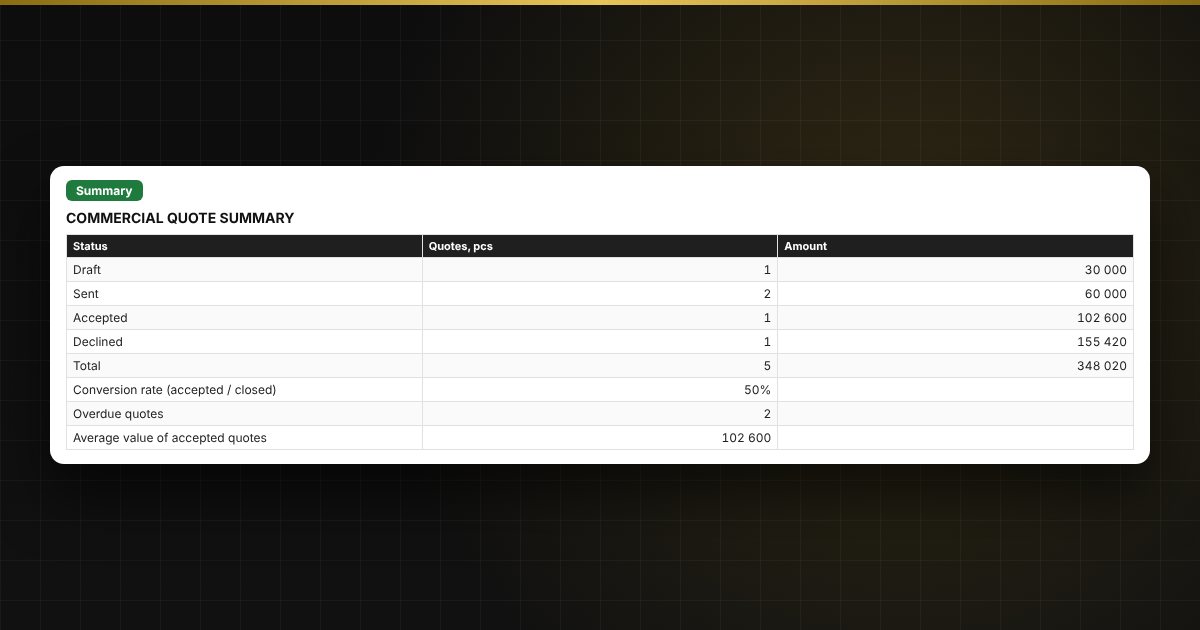
- «Summary»: quotes and amounts by status, conversion rate, overdue quotes, average value.
Who it is for
Sales managers, sole traders and small companies, freelancers and agencies that send commercial quotes.
What you get
The package includes a blank spreadsheet and a filled-in sample with fictional data, so you can see how the formulas and checks work. It is a spreadsheet built on ordinary formulas, not an accounting program. All fixes and new versions of the project are free.
Compatibility
Excel 2007 and later, LibreOffice. No macros. Rates, thresholds and reference values are kept in settings: check them against the rules that apply to you before use. Calculations are approximate. The file is in English.