 KHIZHNYAKOV
What it is for
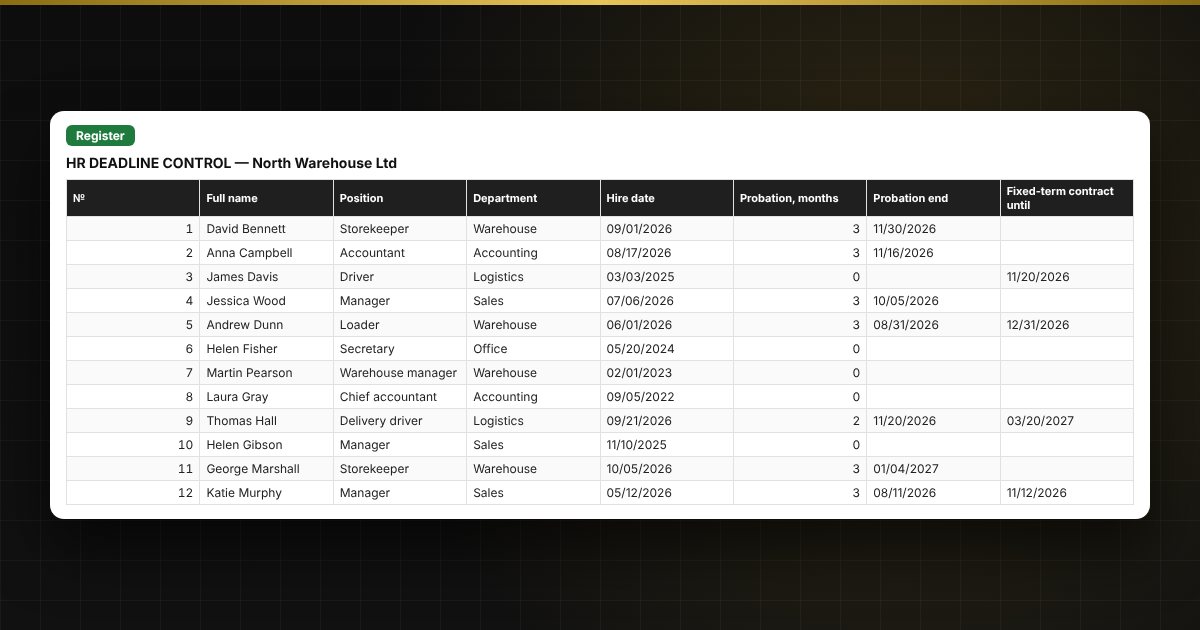
A fixed-term contract has expired, a medical check is overdue, probation has ended and no decision was made: this happens when deadlines live in someone's head or in different files. In this spreadsheet all dates are in one register: it calculates the end of probation, shows how many days remain to each deadline, highlights overdue items in red and the nearest ones in yellow, and builds a list of employees who need attention.
What is inside
- "Settings": organization, report date (updates automatically) and how many days ahead to warn.
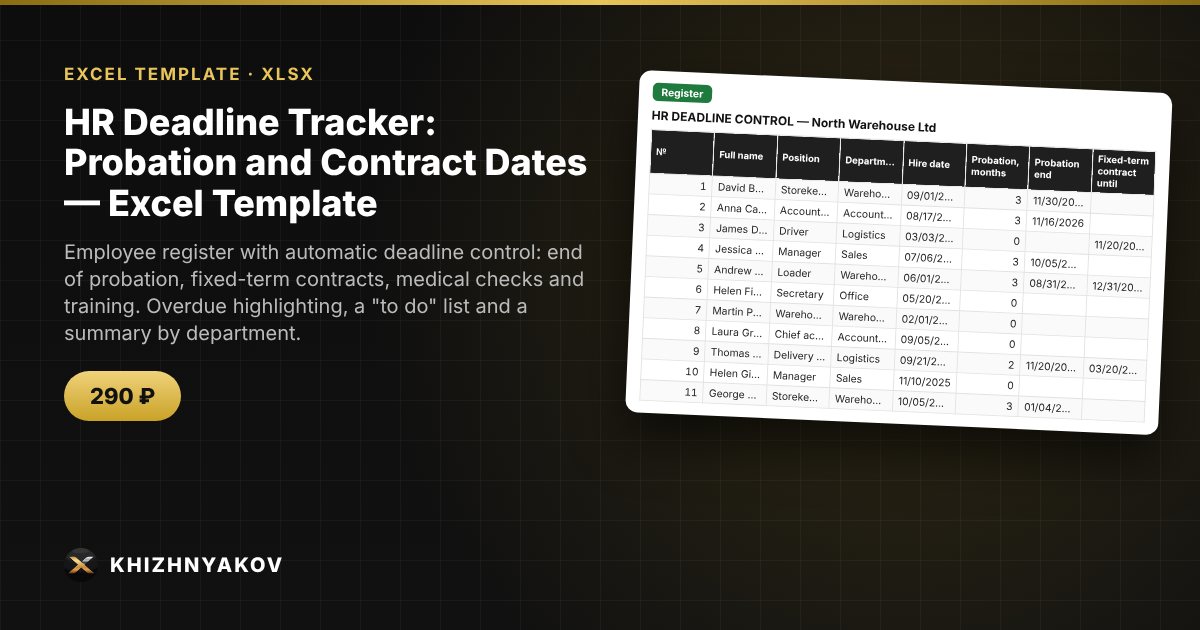
- "Register": up to 60 employees: hire date, probation, fixed-term contract, medical check, training or certification; days to deadlines, the nearest deadline and a status.
- "To do": an automatic list of employees with the status "Overdue" or "Soon", most urgent first.
- "Summary": how many deadlines are overdue and soon to expire by type and department, a chart.
Who it is for
HR officers, department heads, office managers and owners of small companies who track deadlines themselves and do not want to miss anything.
What you get
The package contains a blank spreadsheet and a filled-in sample with fictional data, so you can see how the formulas and checks work. It is a spreadsheet built on ordinary formulas, not accounting software. All fixes and new versions of the project are free.
Compatibility
Excel 2007 and later, LibreOffice. No macros. The file is in English. Warning periods and thresholds are kept in the settings: check them against your local labour rules before use. The calculation is approximate.