KHIZHNYAKOV

← All templates

Manager Task Tracking in Excel: Deadlines, Extensions and Overdue Items — Excel Template

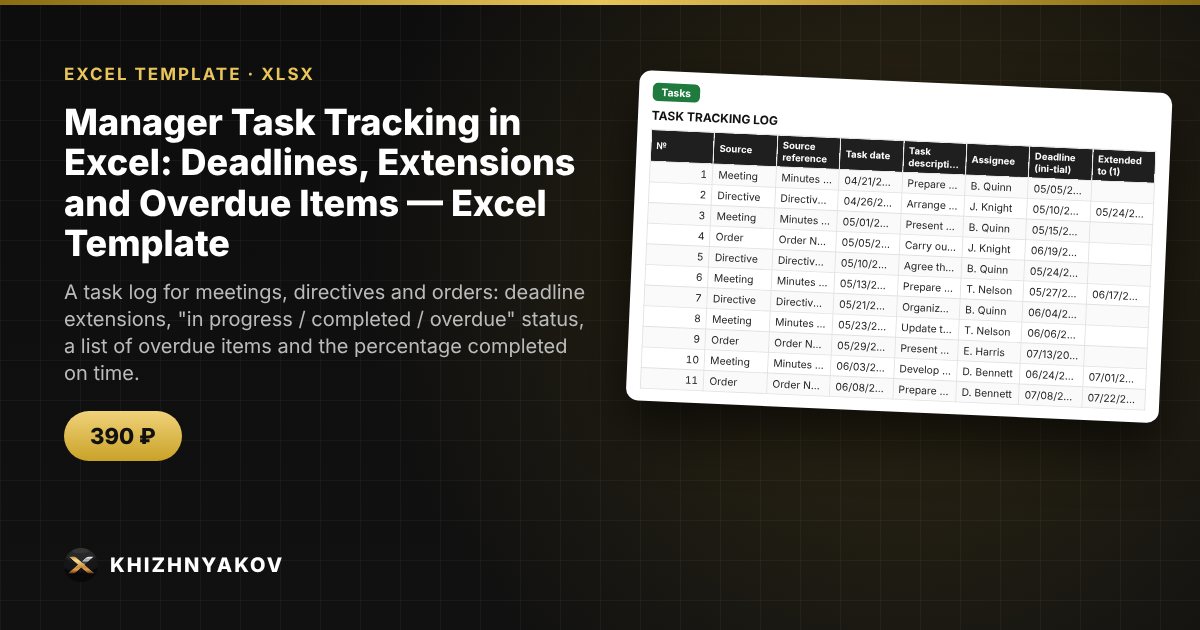
A task log for meetings, directives and orders: deadline extensions, "in progress / completed / overdue" status, a list of overdue items and the percentage completed on time.

Manager Task Tracking in Excel: Deadlines, Extensions and Overdue Items — Excel Template
≈ $4.89
390 ₽
Blank template + filled-in example · Excel 2007+, LibreOffice, Google Sheets
Payment is processed securely by YooKassa in Russian rubles. If your card is declined, email us at info@хижняков.рф and we will arrange another way to pay.

What it is for

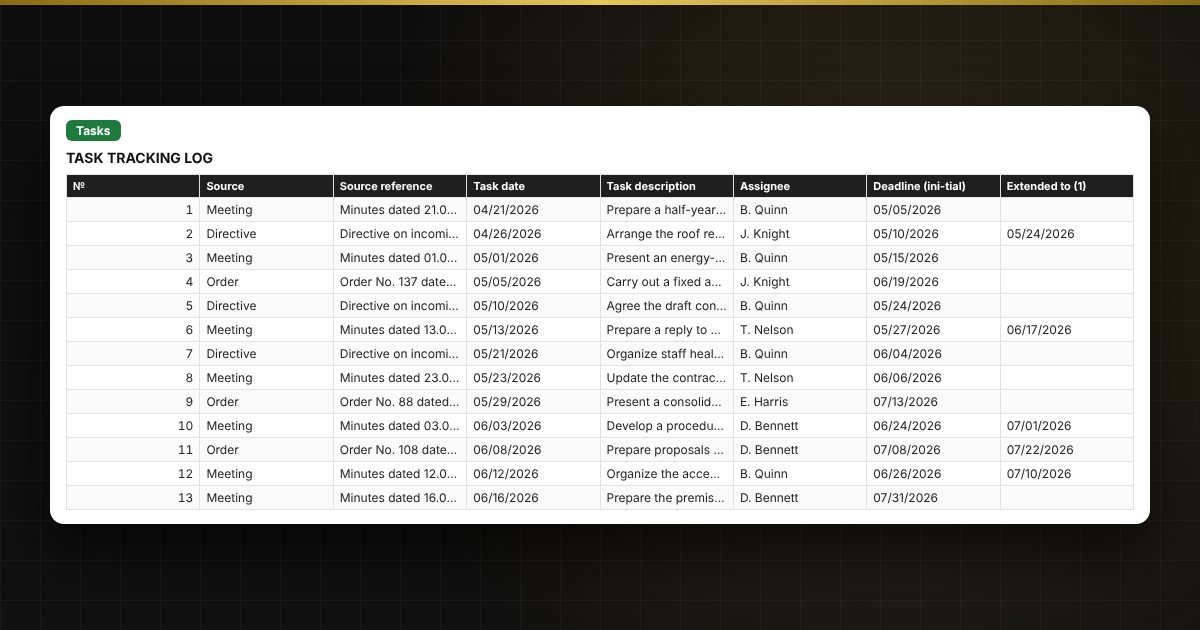
Tasks assigned after meetings and directives are easily lost, and deadlines get moved silently. In the log every task has a source, an assignee, a deadline, extensions and the actual completion date. The spreadsheet determines the status, shows the overdue tasks and calculates what share of tasks each assignee completes on time.

What is inside

  • "Reference lists": assignees, task sources, the current date and the year for the monthly breakdown.
  • "Tasks": up to 500 tasks — source, reference, date, description, assignee, deadline, two extensions, actual completion, status, days overdue and number of extensions.
  • "Overdue": an automatic list of uncompleted tasks past their deadline, oldest first.
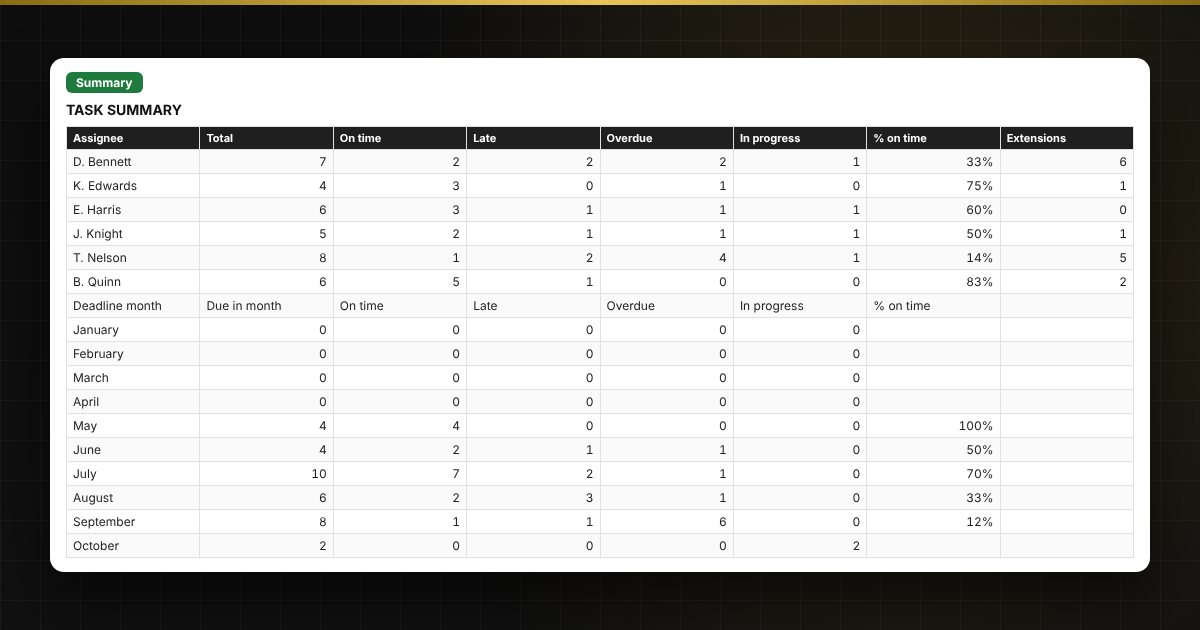
  • "Summary": share completed on time by assignee and by month (with and without extensions), and charts.

Who it is for

Managers and deputies, personal assistants and secretaries, office and control staff, and project managers who need to keep track of tasks from meetings and directives.

Compatibility

Excel 2007 and later, LibreOffice. No macros. Status and percentages are an organizational tool: the procedure and deadlines for completing tasks are set by your own internal rules. The file is in English.

📘 Task Tracker in Excel for Managers: Assignments, Deadlines and Overdue Items

Questions and answers

How are deadline extensions handled?
Enter the new date in the "Extended to" column (two extensions are supported). The latest date counts as the current deadline, and the summary also shows the "on the original deadline" indicator.
How is the percentage completed on time calculated?
Completed on time is divided by the sum of completed and overdue tasks. Tasks "in progress" whose deadline has not passed are excluded: their outcome is not yet known.
What goes into the overdue list?
Tasks with no actual completion whose current deadline is earlier than the current date. The list is built automatically, oldest at the top.
Can I see the situation as at a specific date?
Yes. Enter the date in the "Current date" setting on the "Reference lists" sheet and all statuses are recalculated for that day.