 KHIZHNYAKOV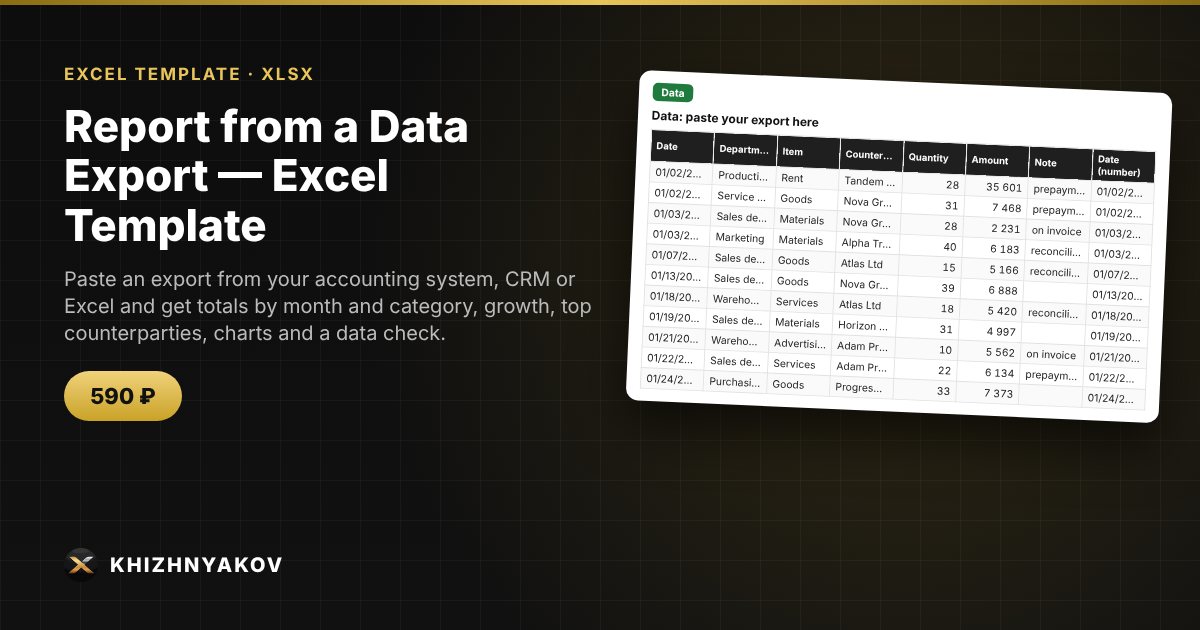
What it is for
Turns any data export (date, categories, counterparty, quantity, amount) into a ready summary: paste the data and get totals by month and category, growth, rankings and charts. The column names are configurable to match your export.
What is inside
- "Settings" sheet: the report year and the column names of your export.
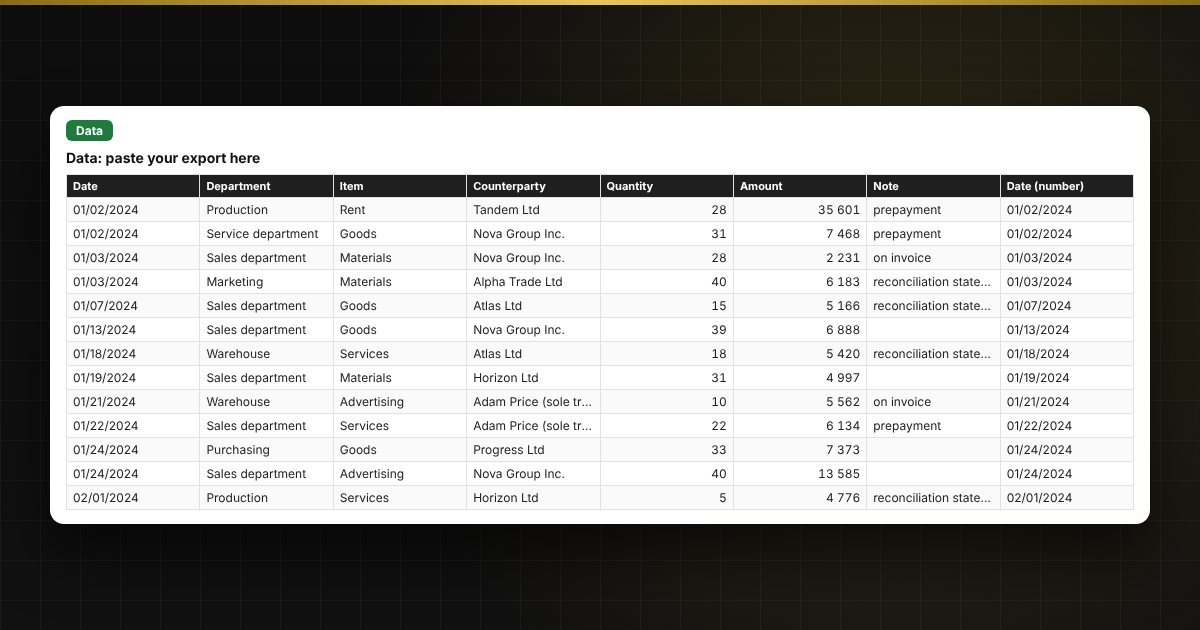
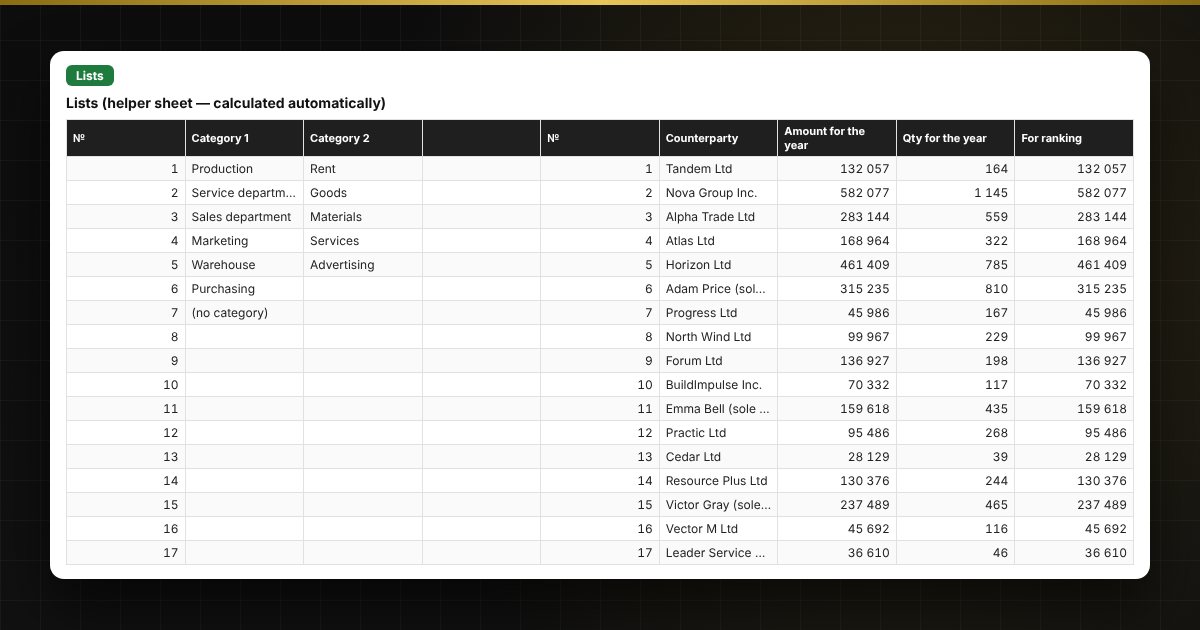
- "Data" sheet: a header and 5,000 rows for pasting, plus helper normalization columns (month, year, keys).
- "Summary" sheet: totals by month, growth versus the previous month and the same month last year, top 5 categories, top 10 counterparties, a "category × month" matrix, bar and pie charts.
- "Period selection" sheet: amount and quantity for any period and chosen categories.
- "Data check" sheet: blank dates, text instead of numbers, dates outside the period, duplicates — with counters and explanations.
Who it is for
Accountants, managers, department heads and anyone who regularly builds summaries from exports by hand. Reports for management or head office are usually put together from system exports — paste the export and get pivot-style tables and charts without manual work.
Compatibility
Excel 2007 and later, LibreOffice. No macros and no new functions. Limits: up to 5,000 rows, 30 categories and 200 counterparties. The file is in English.