KHIZHNYAKOV

← All templates

Internal Checks Plan and Log in Excel: Schedule, Violations, Corrections

A schedule and log of internal checks and control activities: assignees, deadlines, results, violations, correction tracking and an overdue traffic light.

Internal Checks Plan and Log in Excel: Schedule, Violations, Corrections
≈ $3.59
290 ₽
Blank template + filled-in example · Excel 2007+, LibreOffice, Google Sheets
Payment is processed securely by YooKassa in Russian rubles. If your card is declined, email us at info@хижняков.рф and we will arrange another way to pay.

What it is for

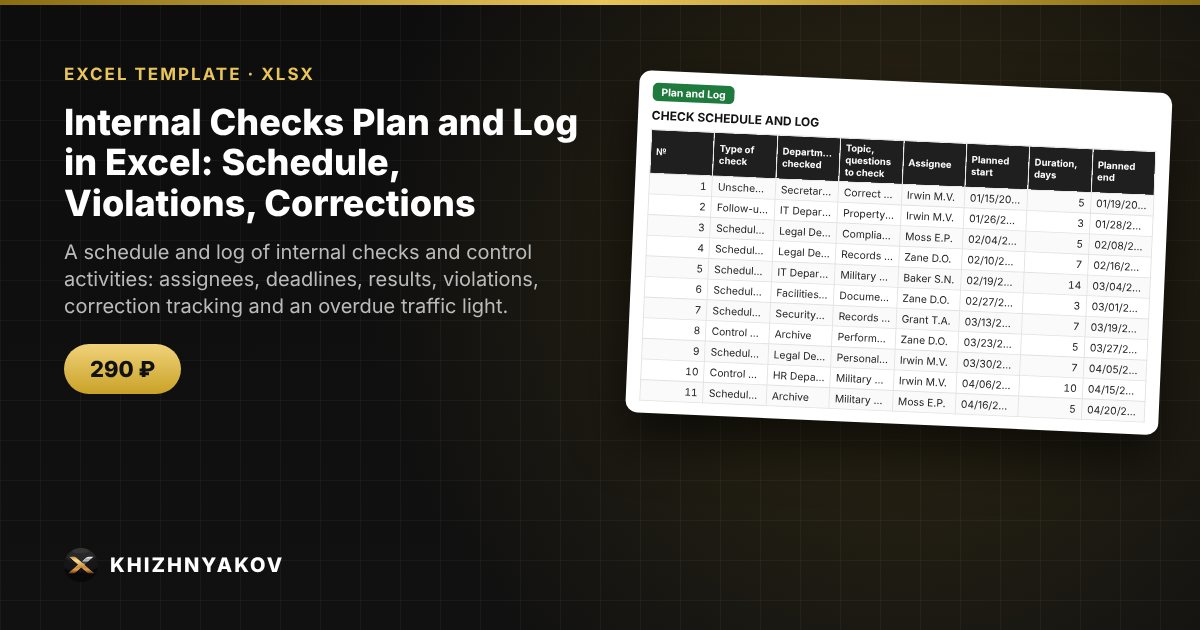
Check plans live in Word, results in reports, and the correction of findings gets lost. Here a check is entered as a row: the planned end date is calculated, the traffic light shows overdue and due-soon checks, violations found and their correction deadlines are tracked separately, and the summary shows plan completion by month.

What's inside

  • "Lists": plan year, types of checks, departments, assignees, the "due soon" setting.
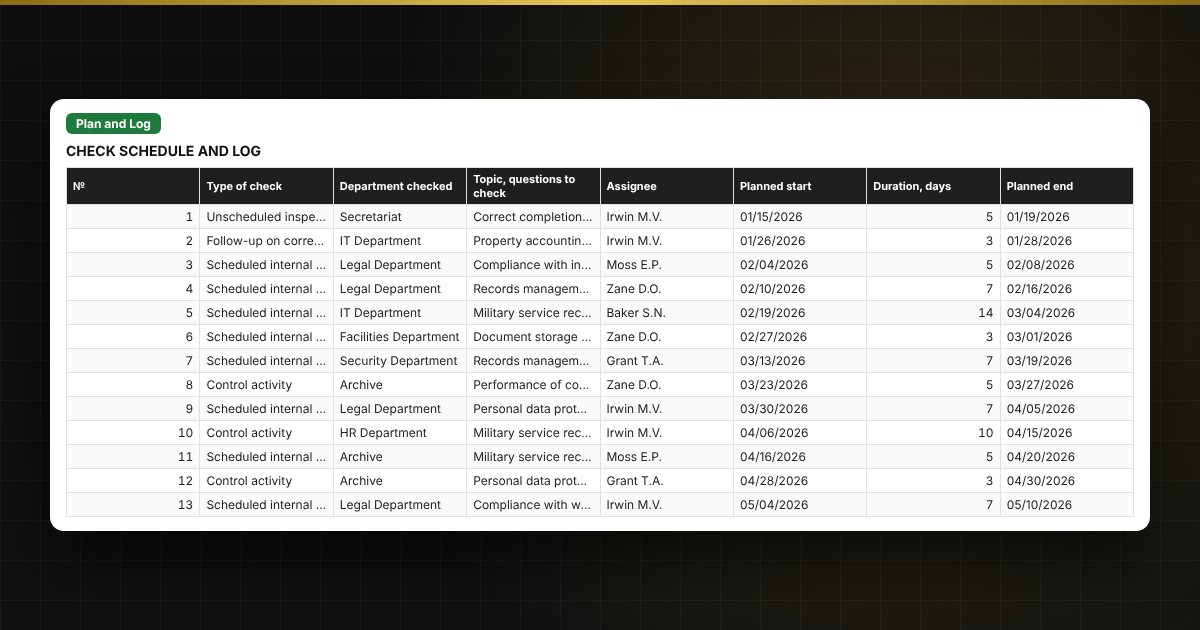
  • "Plan and Log": up to 500 checks — type, department, topic, assignee, planned and actual dates, violations, corrections, two traffic lights (check and correction).
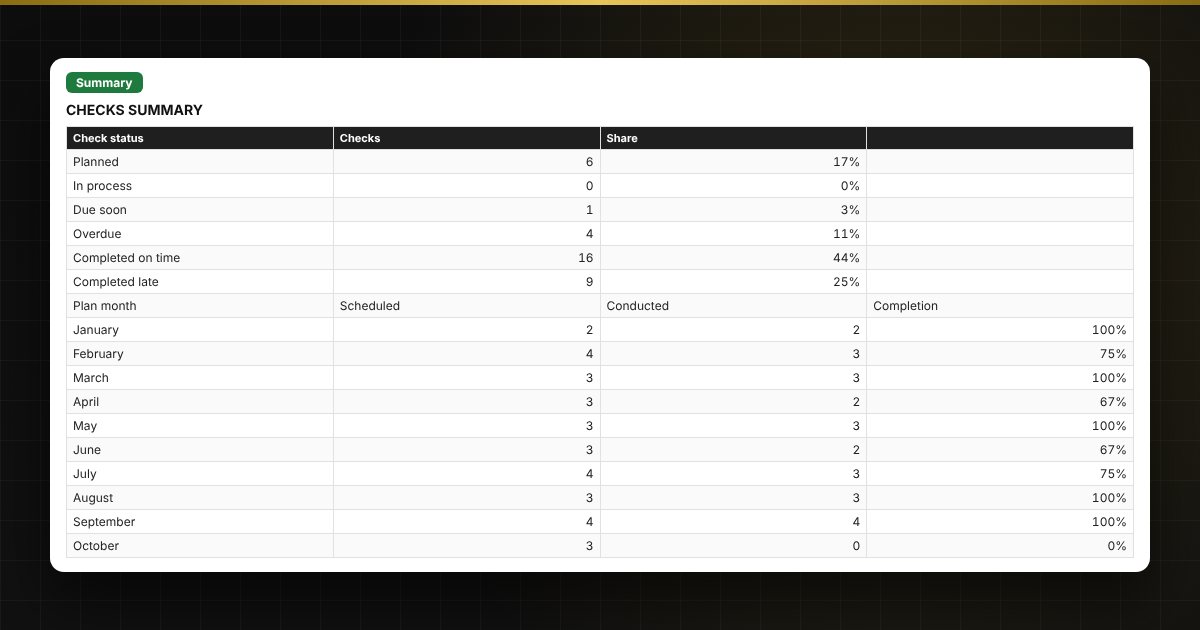
  • "Summary": plan completion by month, statuses, assignee workload, uncorrected violations, two charts.

Who it is for

Managers and specialists of internal control, compliance, security, HR and facilities departments, and anyone who keeps a check plan and monitors the correction of findings.

Compatibility

Excel 2007 and later, LibreOffice. No macros. The file is in English. Thresholds and standard values are placed in the settings: check them against your own rules and local requirements before use. The calculation is approximate.

📘 How to Keep an Internal Audit Plan and Check Log in Excel

Questions and answers

How is the planned end of a check calculated?
The planned end equals the planned start plus the duration in days minus one day. Days are calendar days. If there is no actual completion date and the planned date has passed, the check is marked "Overdue".
How do I track the correction of violations?
After the check, enter the number of violations found and the correction deadline, then enter the number corrected as work proceeds. The spreadsheet shows the remainder and highlights overdue corrections in red.
Can I see the status as of a past date?
Yes. On the "Lists" sheet enter the report date you need. If it is left blank, today's date is used.
Does the spreadsheet replace audit reports?
No. It is a plan and log for record keeping and deadline control. Check the report forms and the audit procedure against the current version of your own internal documents.