KHIZHNYAKOV

← All templates

Department Annual Work Plan and Progress Report in Excel: Deadlines, % Completed, Traffic Light

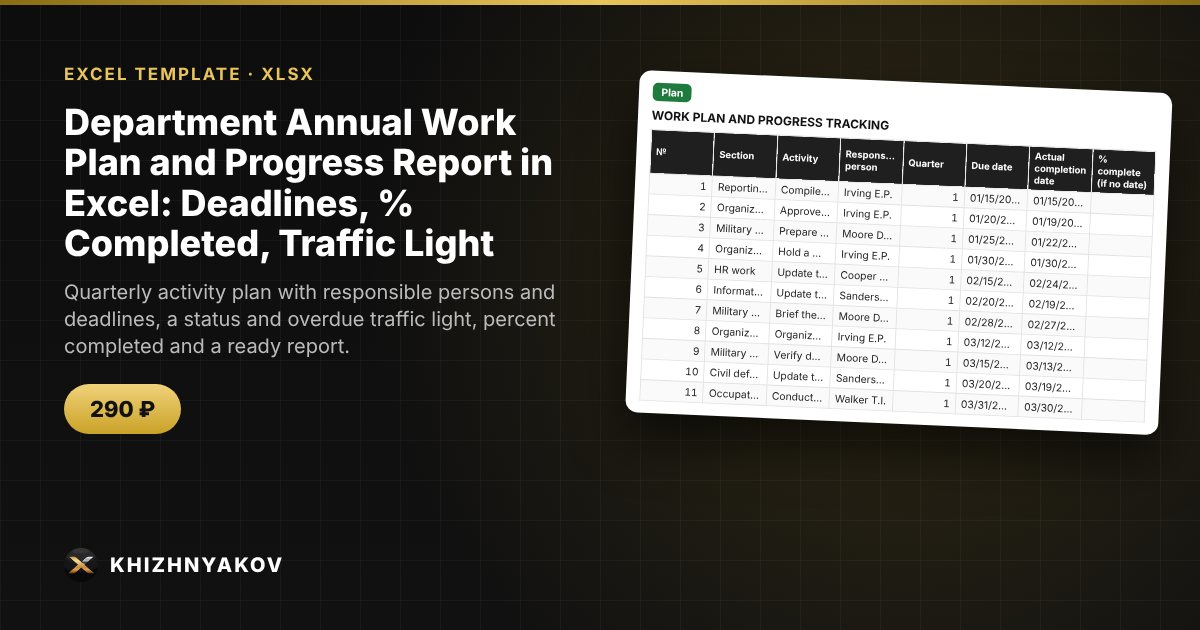
Quarterly activity plan with responsible persons and deadlines, a status and overdue traffic light, percent completed and a ready report.

Department Annual Work Plan and Progress Report in Excel: Deadlines, % Completed, Traffic Light
≈ $3.59
290 ₽
Blank template + filled-in example · Excel 2007+, LibreOffice, Google Sheets
Payment is processed securely by YooKassa in Russian rubles. If your card is declined, email us at info@хижняков.рф and we will arrange another way to pay.

What it is for

An annual work plan is usually written once and then remembered just before the report is due. Here the status of each activity is calculated from the deadline and completion date, overdue and due-soon items are visible, and the summary and the report by section are ready for presenting to the manager.

What's inside

  • "Lists": organization, year, "due soon" threshold, plan sections, responsible persons.
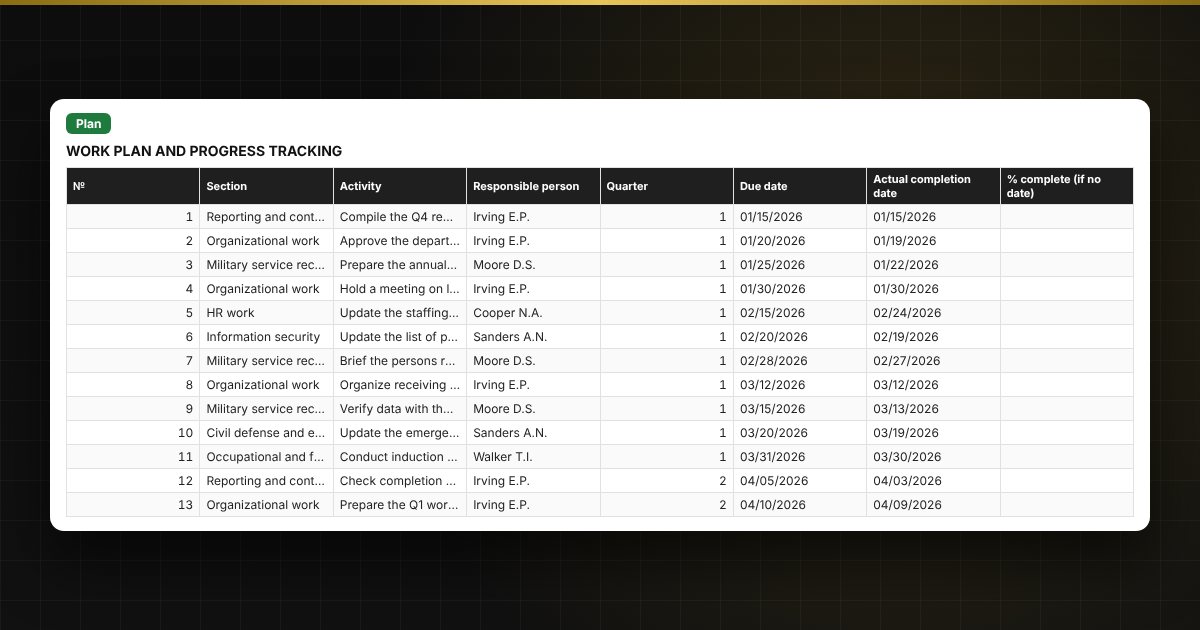
  • "Plan": up to 500 activities — section, description, responsible person, deadline, completion date or % complete; quarter, status and days overdue are calculated automatically.
  • "Summary": totals, progress by quarter and by responsible person, statuses, two charts.
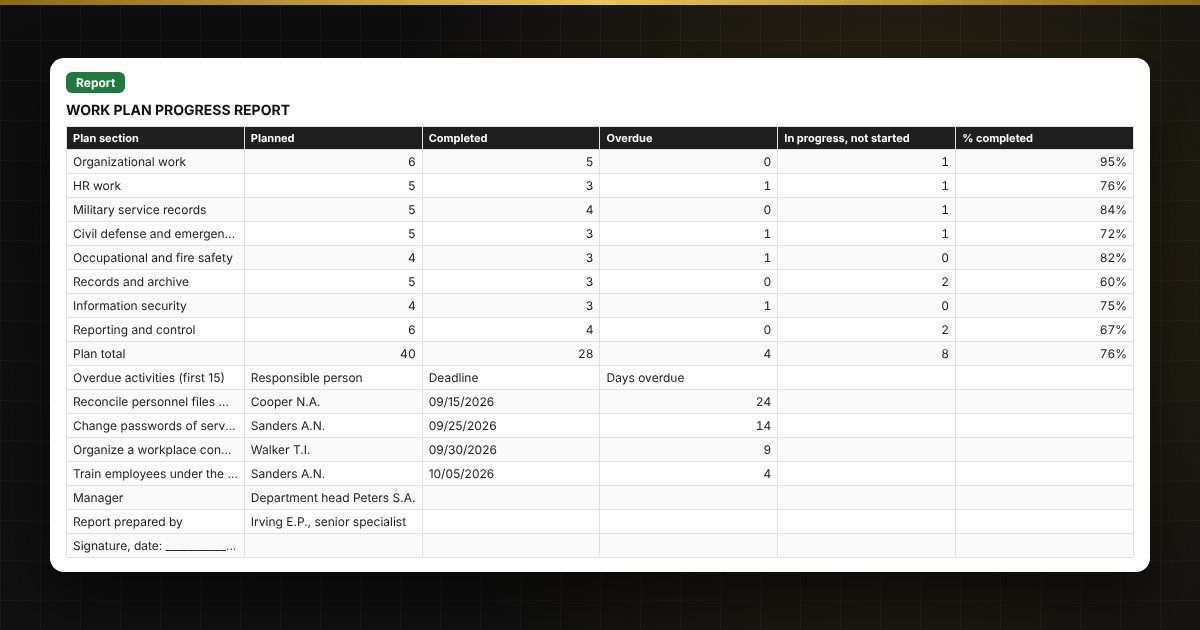
  • "Report": progress by section, a list of overdue activities, signature lines.

Who it is for

Managers and specialists of departments, services and institutions who prepare work plans and progress reports: in public bodies, institutions and companies.

Compatibility

Excel 2007 and later, LibreOffice. No macros. The file is in English. Thresholds and standard values are placed in the settings: check them against your own rules and local requirements before use. The calculation is approximate.

📘 How to Make an Annual Department Work Plan and Progress Report in Excel

Questions and answers

Does the spreadsheet replace the approved plan form?
No, it is a working tool. Check the wording, column names and approval procedure against your organization's own rules and local requirements.
How is the status of an activity calculated?
If there is a completion date or completion is 100%, it is "Completed" (after the deadline — "Completed late"). Otherwise: deadline passed — "Overdue", no more than the set number of days to the deadline — "Due soon", otherwise "In progress" or "Not started".
How is % completed calculated?
For an activity with a completion date it is 100%, otherwise the entered percent complete. The overall percentage is the average across all activities; by quarter, responsible person and section it is the average within the group.
Can I manage several sections and responsible persons?
Yes, up to 8 sections and 10 responsible persons are set in the lists and chosen from drop-down lists.