 KHIZHNYAKOV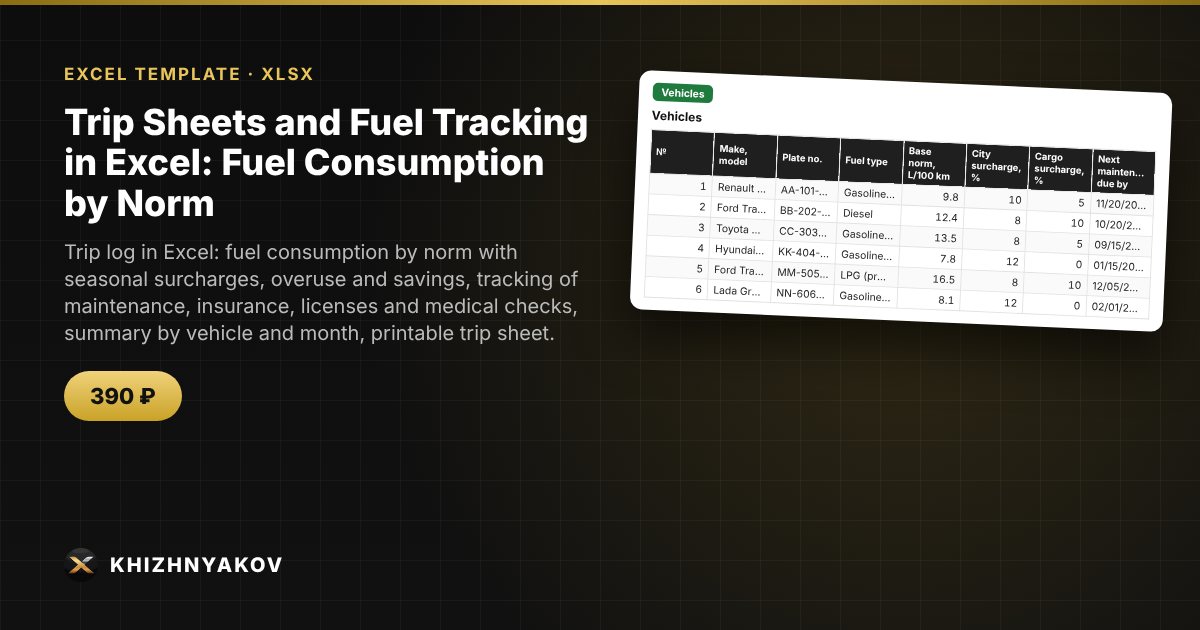
What it is for
Keep a trip log and track fuel in Excel without manual calculations: you enter odometer readings, balances and refuels, and the spreadsheet calculates mileage, fuel consumption by norm with winter surcharges, actual consumption, and overuse or saving in liters. It also watches the deadlines for maintenance, vehicle insurance, driver's licenses and medical checks.
What's inside
- "Settings": organization, overuse threshold, warning period, seasonal surcharges by month, fuel prices — everything is editable, with a note to check values against your own rules.
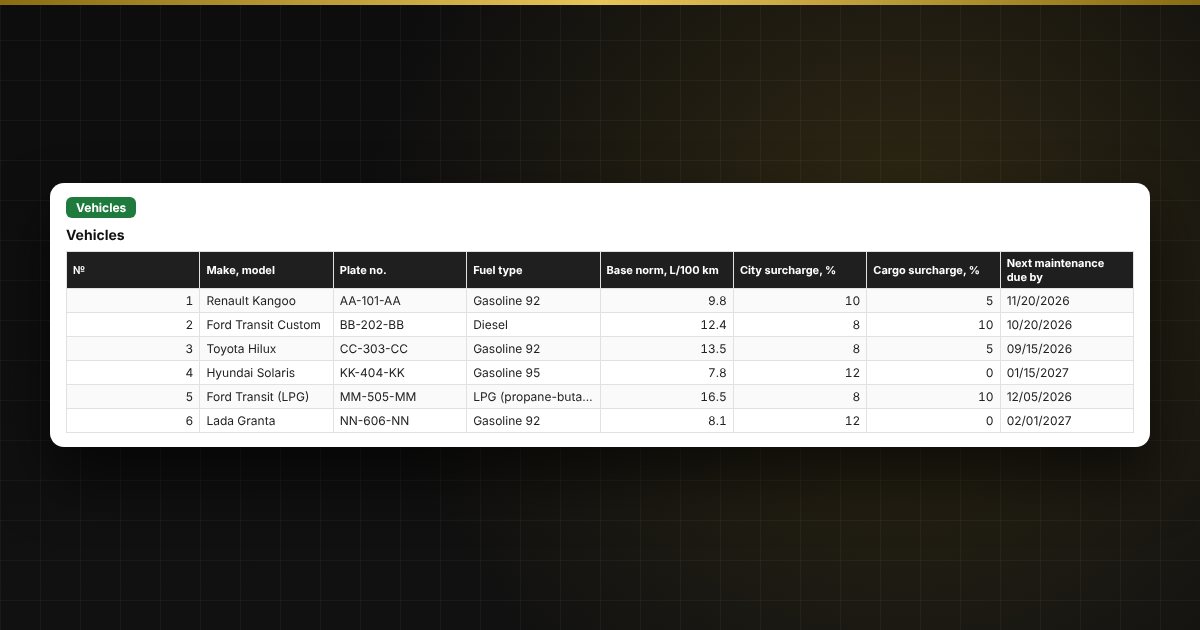
- "Vehicles": up to 60 vehicles with L/100 km norm, city and cargo surcharges, maintenance and insurance dates, current odometer.
- "Drivers": up to 80 drivers with license and medical check; the medical check validity is calculated automatically.
- "Trip Log": up to 800 records — mileage, consumption by norm, actual consumption, overuse and saving, status and checks (return lower than departure, negative balance, overuse above the threshold, deadlines expired on the trip date).
- "Deadline Control": a traffic light for maintenance, insurance, licenses and medical checks.
- "Summary": by month and by vehicle — mileage, fuel, overuse, average consumption in L/100 km, cost of overuse.
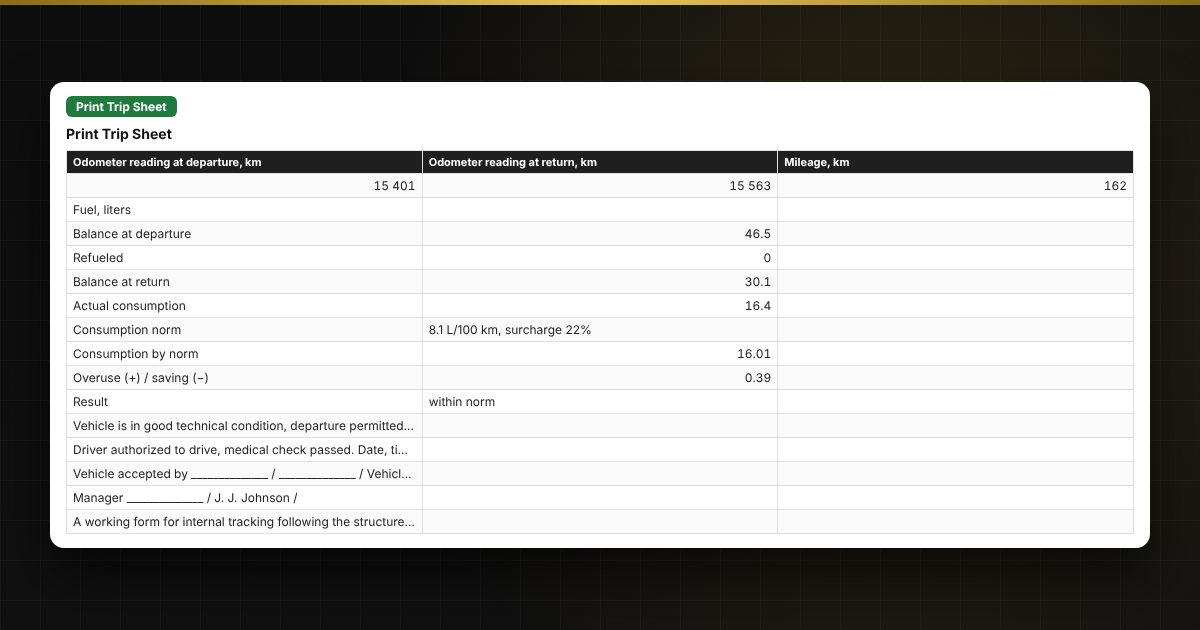
- "Print Trip Sheet": a simplified form by record number with signature fields (a working form, not an official one).
For organizations with a small fleet
In an administration, school, hospital or any institution with a small fleet, the spreadsheet replaces scattered logs: the person in charge of transport sees overuse for each vehicle, and the manager sees the maintenance, insurance and driver authorization deadlines. The monthly summary helps justify fuel write-offs by norm and prepare data for a report.
Who it is for
Fleet coordinators, transport supervisors, administration and facilities staff, mechanics, accountants who write off fuel, and managers of small organizations.
Compatibility
Excel 2007 and later, LibreOffice. No macros. The file is in English. Consumption norms, surcharges, medical check validity and the overuse threshold are illustrative defaults — check them against your own rules and the regulations that apply to you. The print form is a working form, not an official one.