 KHIZHNYAKOV
What it is for
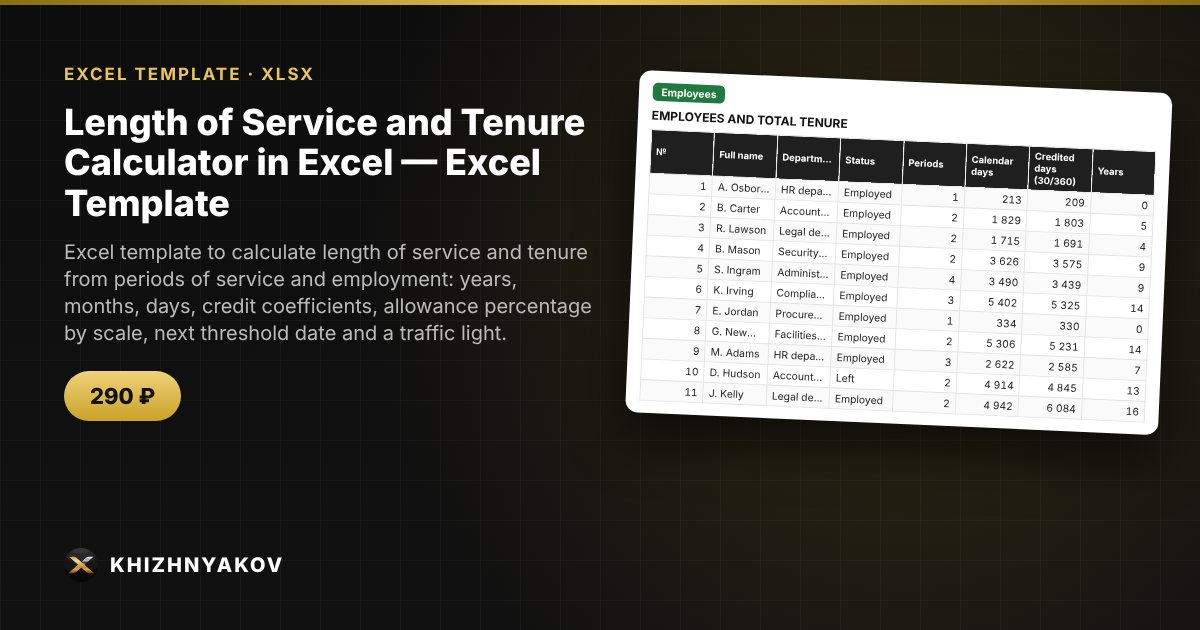
Employee tenure is usually counted by hand: periods are added up on a calculator, days and months get mixed up, and you only learn that someone's long-service allowance is about to change after the fact. Here each period is entered as a row, tenure is summed automatically, the allowance percentage is taken from your scale, and the spreadsheet shows in advance who reaches the next threshold and when.
What is inside
- "Settings": the calculation date, period types with a credit coefficient (1 — calendar, 1.5 or 2 — preferential under your own rules), the allowance scale (thresholds in years and percentages), and the "soon" and "urgent" windows.
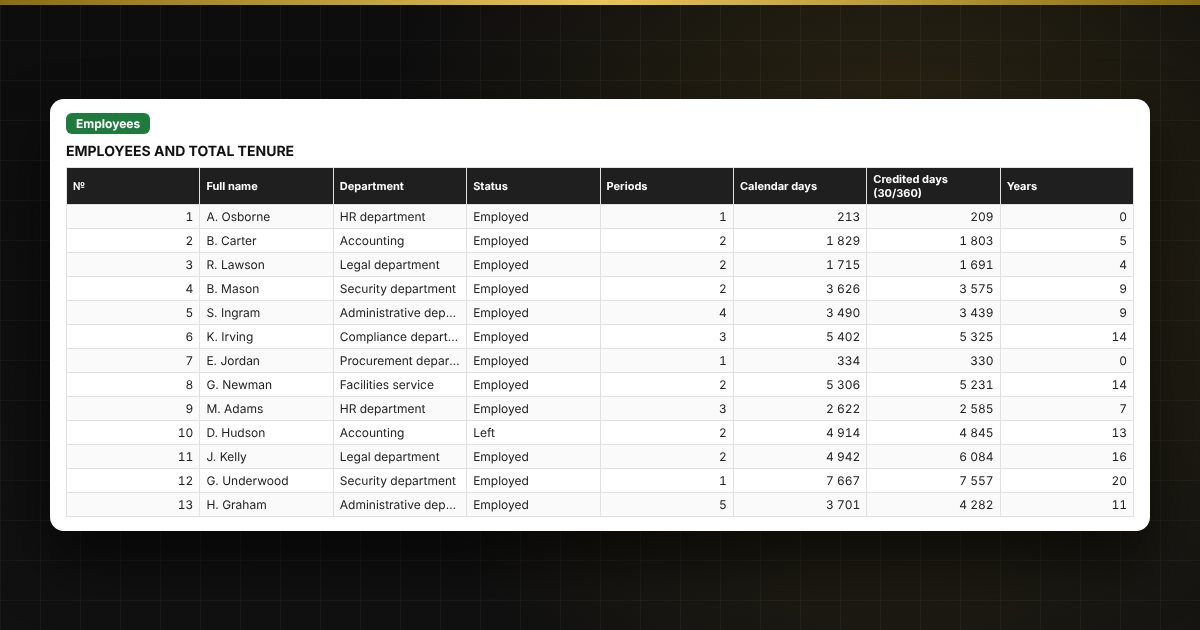
- "Employees": up to 200 people — total tenure in years, months and days, allowance percentage, next threshold, the date it is reached, time remaining and a traffic light.
- "Periods": up to 2,000 periods — employee, start, end, type, credited days and a date check.
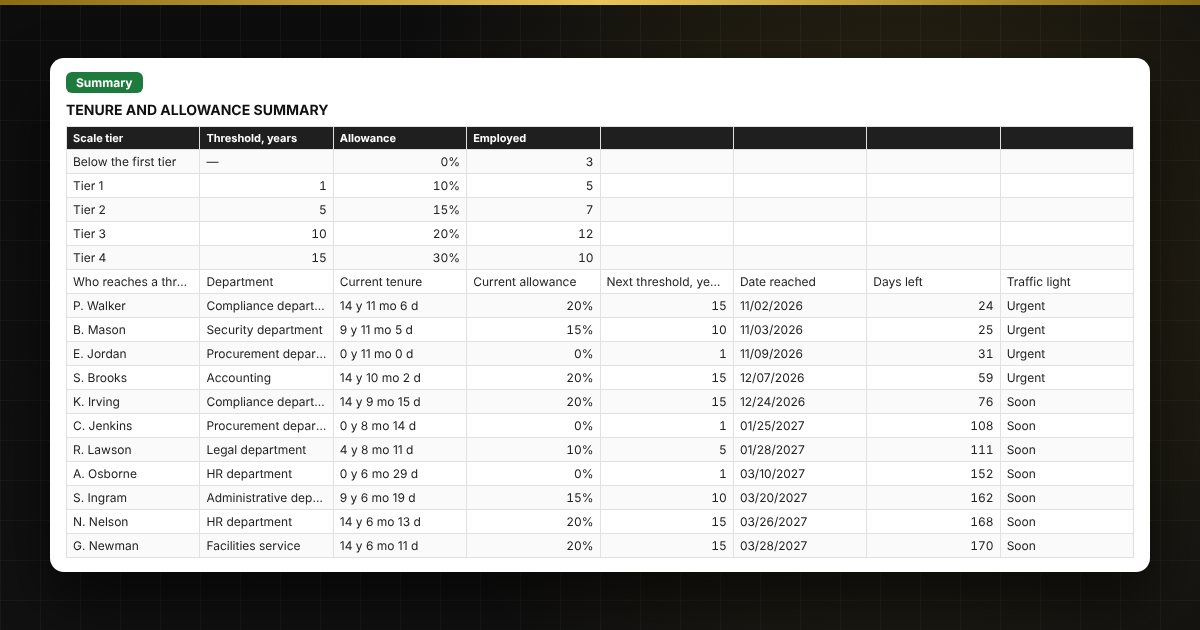
- "Summary": the number of employed staff on each tier of the scale, a "who reaches a threshold soon" list and two charts.
Who it is for
HR specialists and personnel departments of public bodies and institutions, staff who track service and tenure, and managers who need to plan allowance changes in advance.
Compatibility
Excel 2007 and later, LibreOffice. No macros. The coefficients, thresholds and percentages are a sample, not taken from any law: enter your own values and check them against your own rules. The file is in English.