 KHIZHNYAKOV
What it is for
A timetable at a school, college, training center or club often lives in several files, and clashes are found on Monday morning. Here each class is entered as a row from drop-down lists: the spreadsheet immediately shows that a teacher, room or group is busy, builds a weekly grid and calculates each teacher's hours against their quota.
What is inside
- "Lists": teachers with a quota in hours per week, groups, rooms, subjects, class times (slots), workload settings.
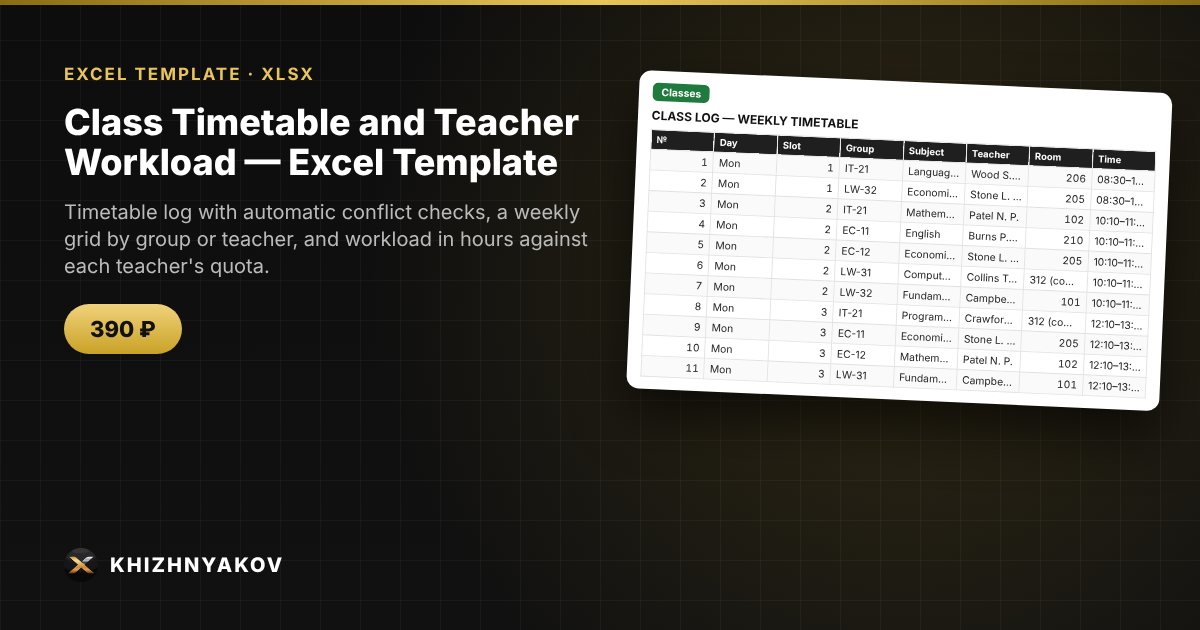
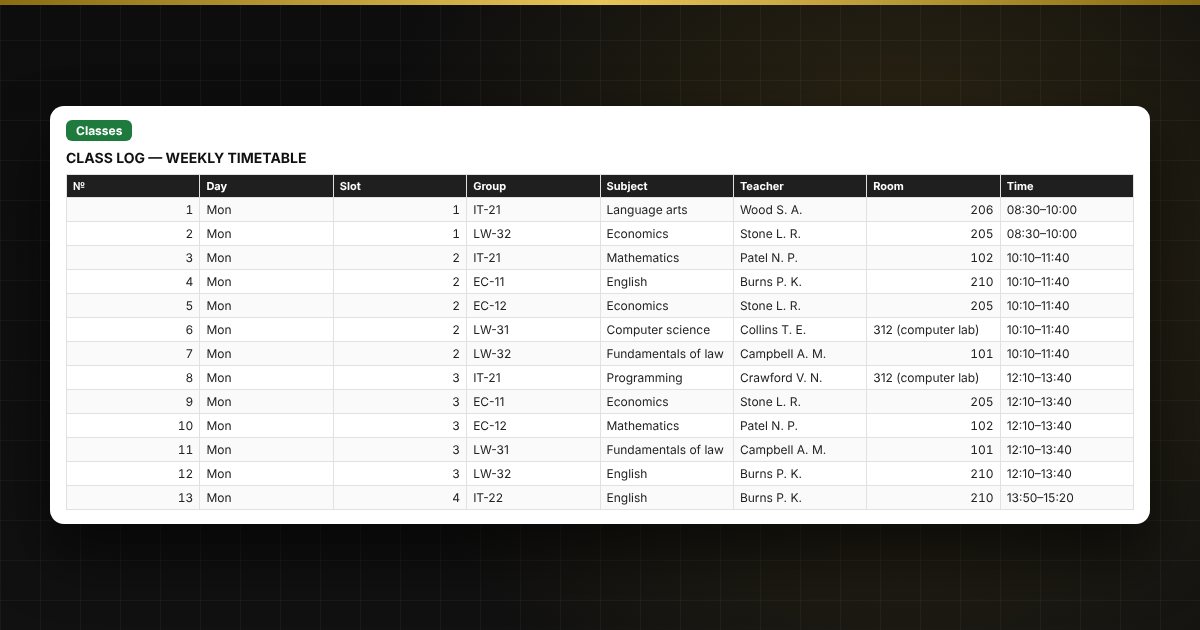
- "Classes": up to 800 classes: day, slot, group, subject, teacher, room; time, hours and a conflict check with highlighting and a text message.
- "Grid": a weekly grid for the selected group or teacher, built from the log with formulas and ready to print.
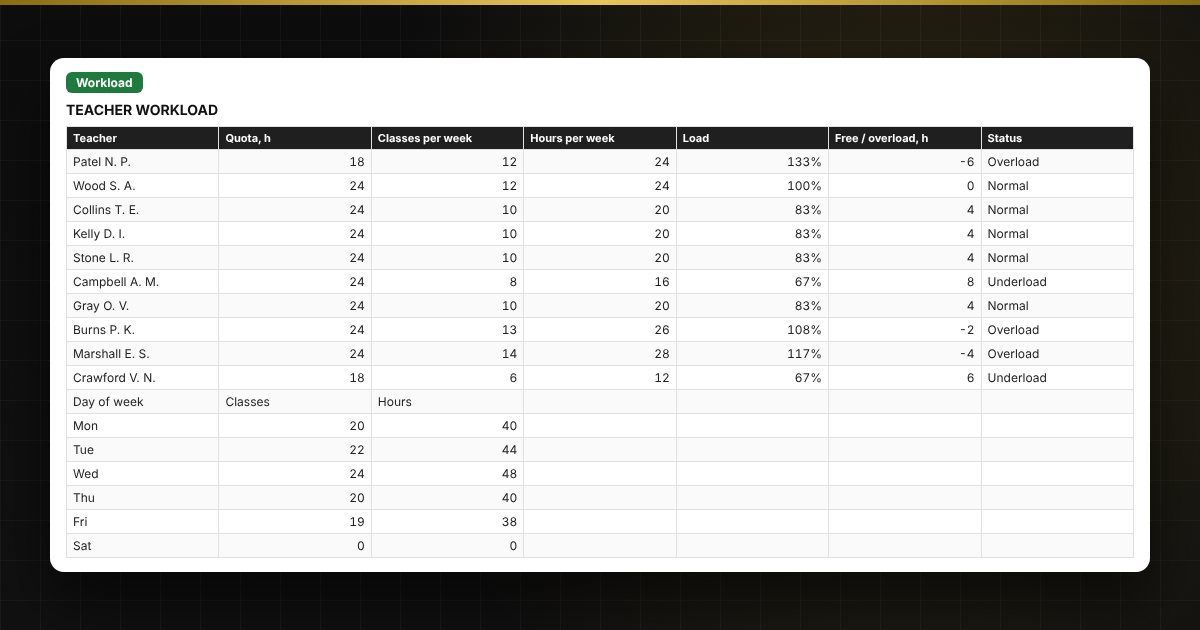
- "Workload": weekly hours per teacher against their quota, load percentage, overload, classes by day, two charts.
Who it is for
Heads of studies and deputy principals, academic coordinators at colleges and training centers, administrators of language schools, studios and clubs, tutoring centers, and anyone who builds a timetable in Excel by hand.
What you get
The package contains a blank spreadsheet and a filled-in sample with fictional data, so you can see how the formulas and checks work. It is a spreadsheet built on ordinary formulas, not accounting software. All fixes and new versions of the project are free.
Compatibility
Excel 2007 and later, LibreOffice. No macros. The file is in English. Thresholds and quotas are kept in the lists: check them against your own policies before use. The calculation is approximate.