 KHIZHNYAKOV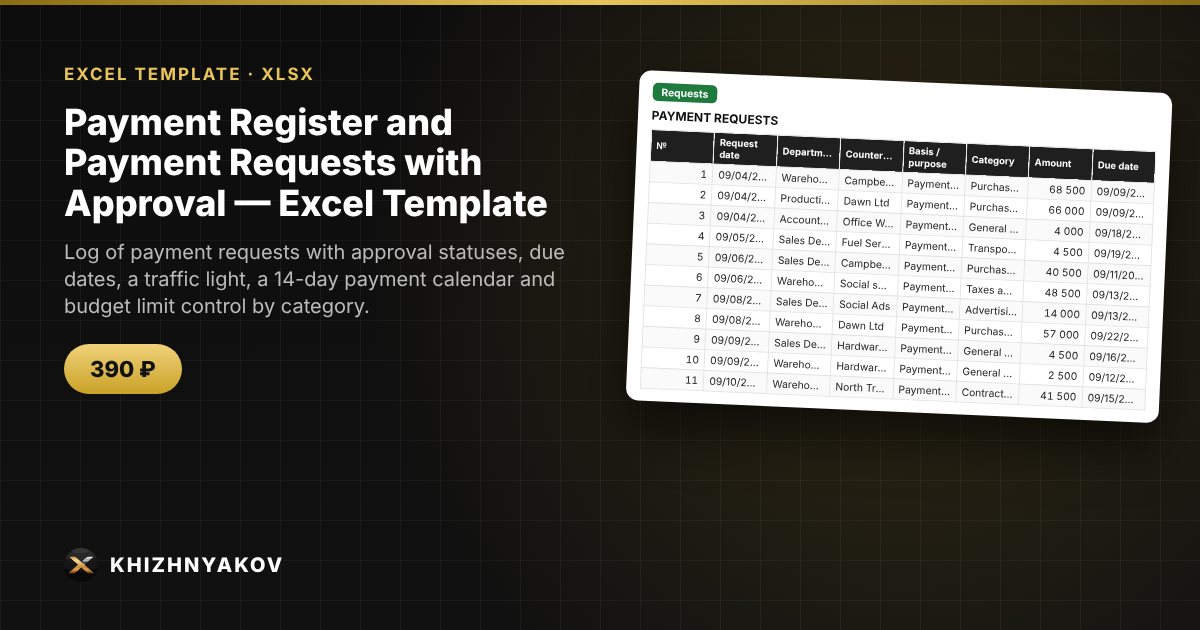
What it is for
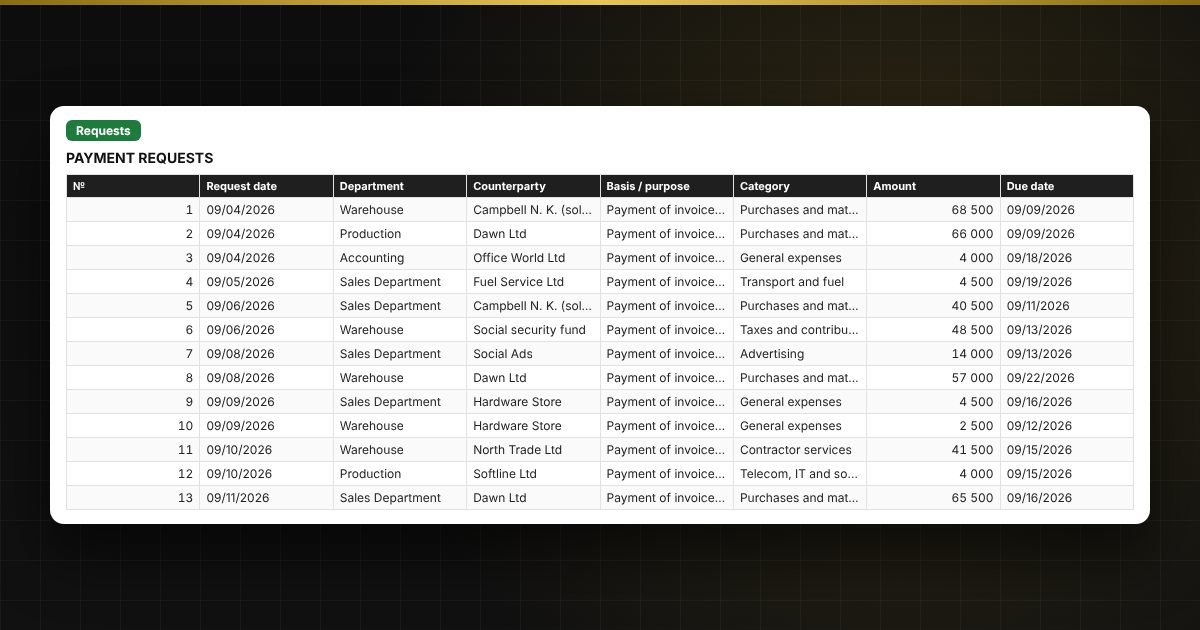
When payment requests come in from different departments, it is easy to lose an urgent one, pay twice or go over budget. Here each request is one row: category, amount, due date, approver and status, and the spreadsheet shows overdue payments, builds a payment calendar and calculates the remaining limit for each category.
What is inside
- "Lists": expense categories with monthly limits, departments, approvers.
- "Requests": up to 1200 requests: department, counterparty, basis, category, amount, due date, approver, status, payment date, payment slip number, priority, traffic light.
- "Payment calendar": what to pay each day over the next 14 days, and what is overdue.
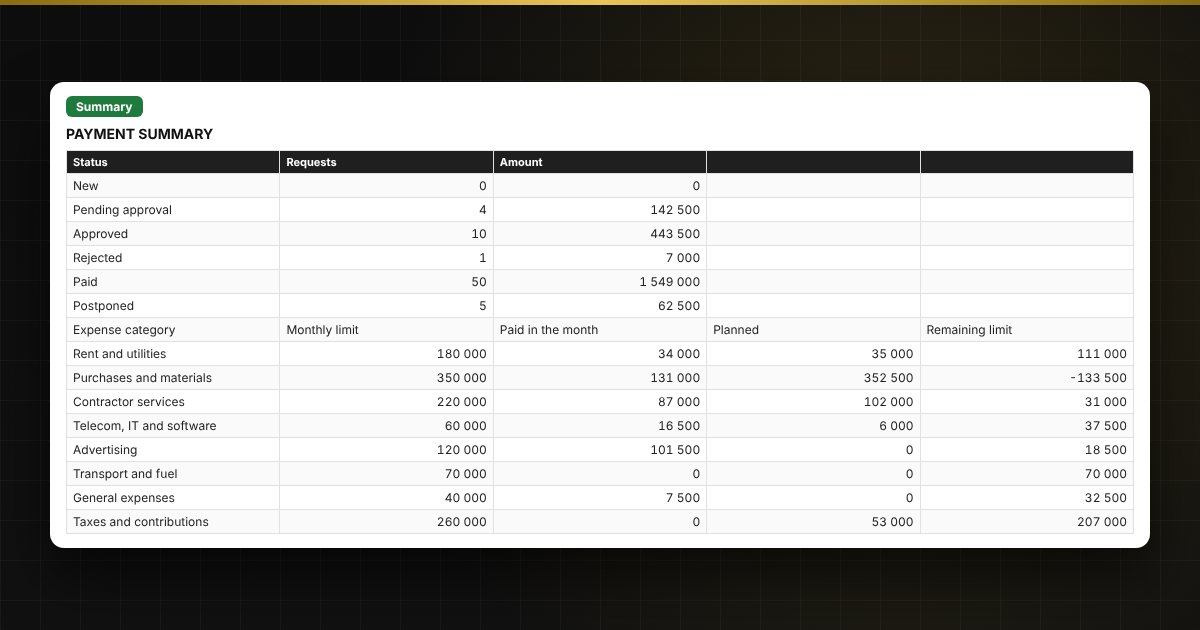
- "Summary": totals by status, limits and spending by category for the month, charts.
Who it is for
Accountants, finance managers and executives who approve payments, and small organizations, institutions and sole traders where requests are collected from several departments.
What you get
The package contains a blank spreadsheet and a filled-in sample with fictional data, so you can see how the formulas and checks work. It is a spreadsheet built on ordinary formulas, not accounting software. All fixes and new versions of the project are free.
Compatibility
Excel 2007 and later, LibreOffice. No macros. The file is in English. Thresholds and standard values are kept in the lists: check them against your local rules before use. The calculation is approximate.