
KHIZHNYAKOV

← All templates

Kindergarten Attendance Sheet and Parent Fees in Excel

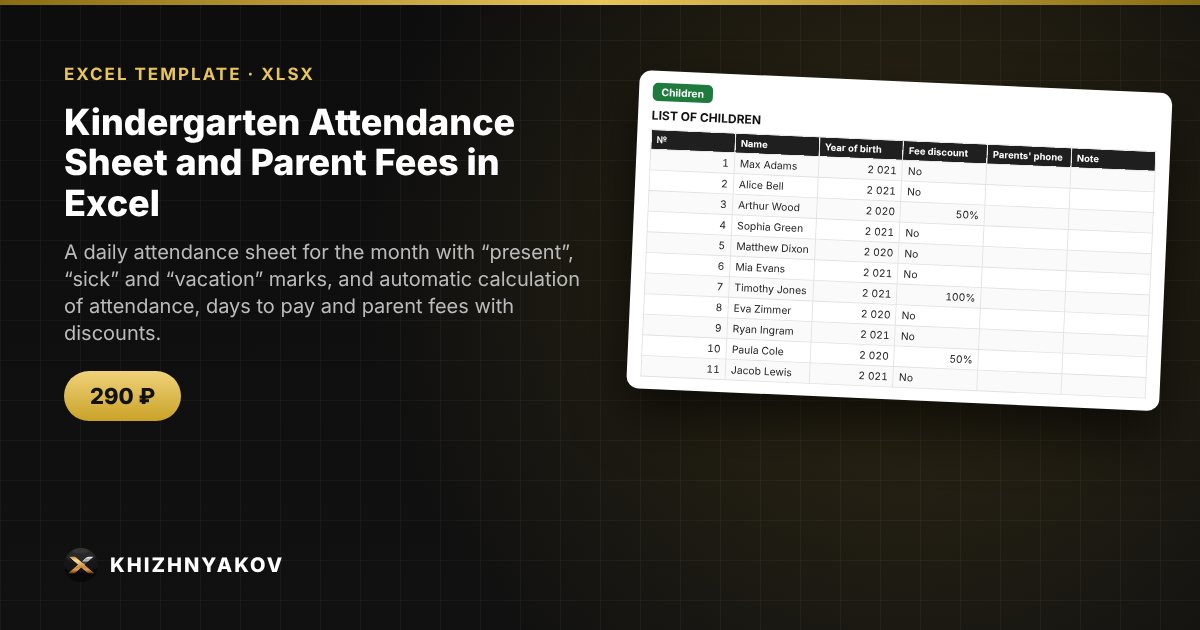
A daily attendance sheet for the month with “present”, “sick” and “vacation” marks, and automatic calculation of attendance, days to pay and parent fees with discounts.

Kindergarten Attendance Sheet and Parent Fees in Excel
≈ $3.59
290 ₽
Blank template + filled-in example · Excel 2007+, LibreOffice, Google Sheets
Payment is processed securely by YooKassa in Russian rubles. If your card is declined, email us at info@хижняков.рф and we will arrange another way to pay.

What it is for

Teachers and directors spend hours counting attendance and parent fees: weekends and holidays, illness, vacations, discounts. Here you mark the day in a cell, and the spreadsheet calculates working days, attendance, days to pay and the fee for each child and for the group.

What's inside

  • "Group": institution, group, teacher, month, meal cost, fee calculation mode, public holidays.
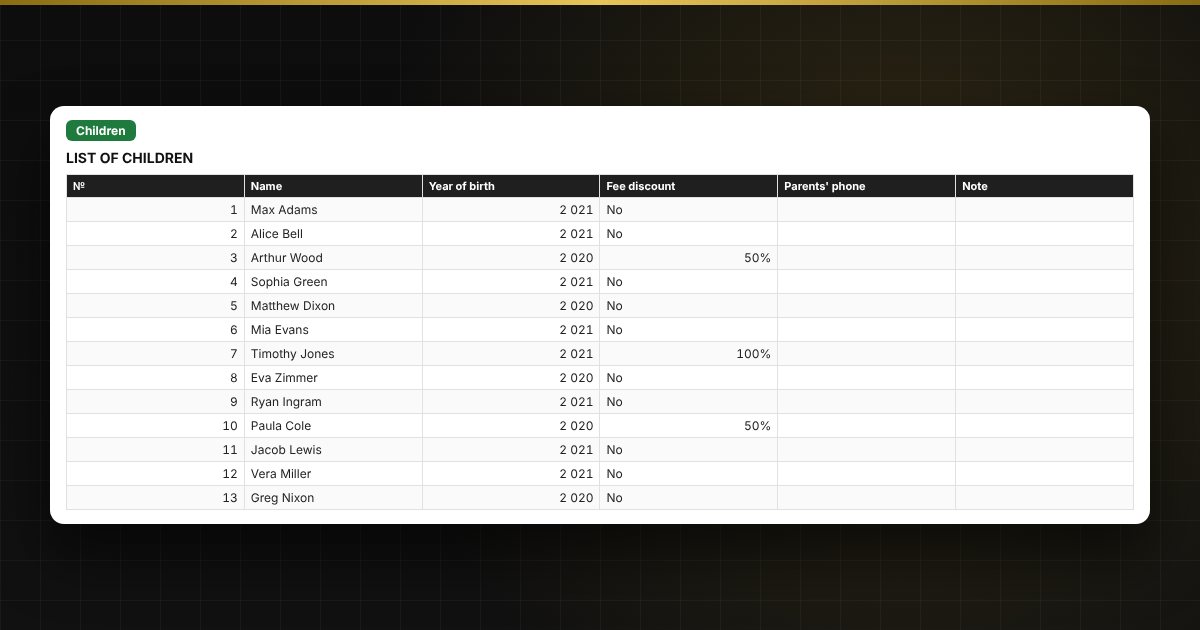
  • "Children": list of children, year of birth, fee discount (none, 50%, 100%).
  • "Attendance": up to 40 children over 31 days, marks +, S, V, A; weekends and holidays are shaded; totals and fee on the right.
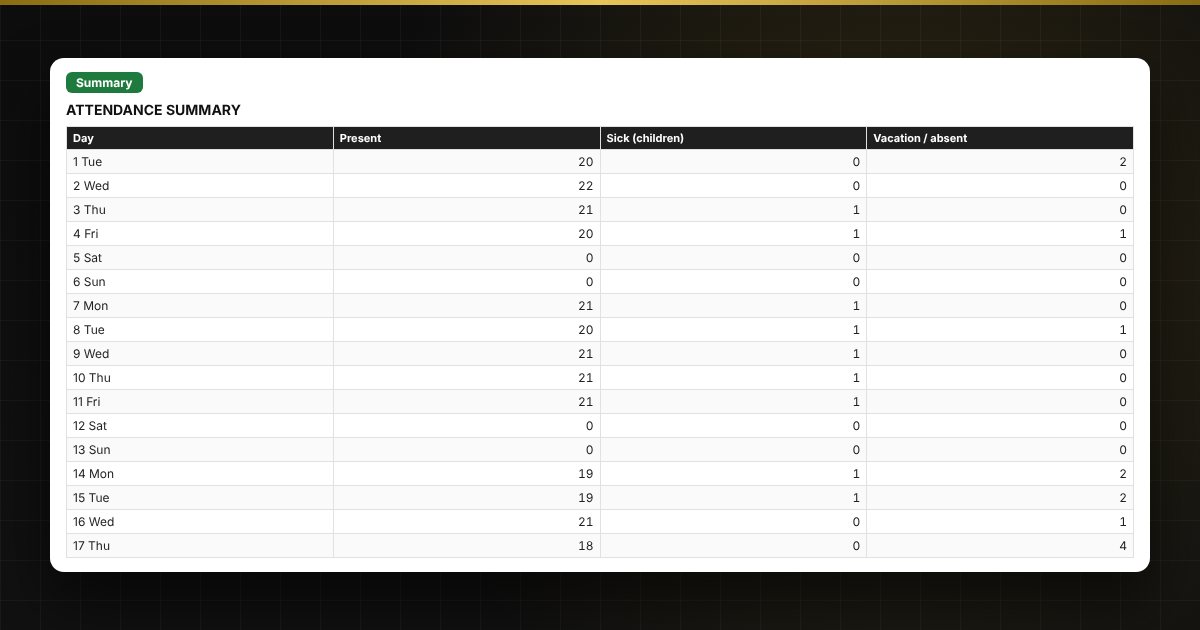
  • "Summary": attendance by day, average attendance, total fees, a chart.

Who it is for

Kindergarten teachers and directors, administrators of private childcare centers and clubs, and organizers of activity groups who need a tidy attendance sheet and fee calculation.

Compatibility

Excel 2007 and later, LibreOffice. No macros. The file is in English. Rates, thresholds and standard values are placed in the settings: check them against your own rules and local requirements before use. The calculation is approximate.

📘 How to Make a Kindergarten Attendance Sheet and Calculate Parent Fees in Excel

Questions and answers

Which marks are used?
Plus — present, S — sick, V — vacation, A — absent for another reason. The mark is selected from a list in the cell.
How is the parent fee calculated?
Days attended are multiplied by the meal cost per day and by the discount factor. There is also a "For all working days" mode, without deducting attendance.
How are holidays handled?
Enter the public holidays of the month on the "Group" sheet — they are shaded in the attendance sheet and excluded from working days.
How do I change the month?
Change the date of the 1st on the "Group" sheet — the sheet header and the calculations update. The marks need to be cleared.
Are macros needed?
No. The file works in Excel 2007 and later and in LibreOffice; all calculations use ordinary formulas.