
KHIZHNYAKOV

← All templates

Library Collection and Book Loans in Excel — Excel Template

A book catalogue, readers, loans and returns with due date control, a list of overdue borrowers and a collection summary. For school and small libraries.

Library Collection and Book Loans in Excel — Excel Template
≈ $4.89
390 ₽
Blank template + filled-in example · Excel 2007+, LibreOffice, Google Sheets
Payment is processed securely by YooKassa in Russian rubles. If your card is declined, email us at info@хижняков.рф and we will arrange another way to pay.

What it is for

Books go out and do not come back, and a paper card does not show who is late. The spreadsheet keeps the collection, readers and loans, calculates the due date and builds the list of overdue borrowers on its own.

What is inside

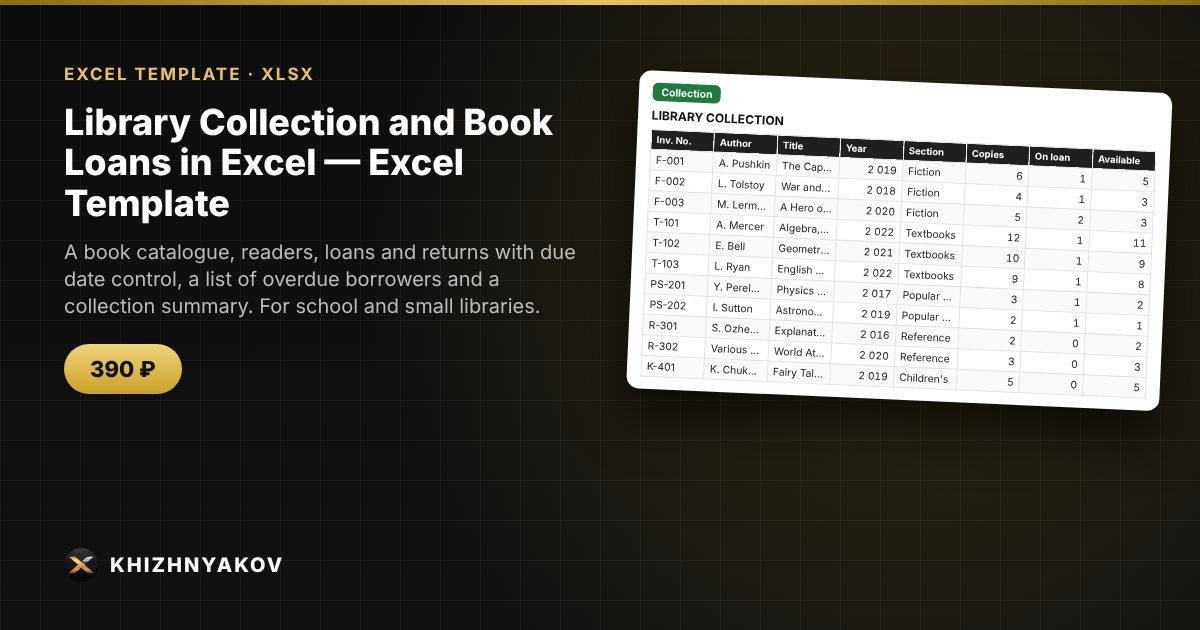
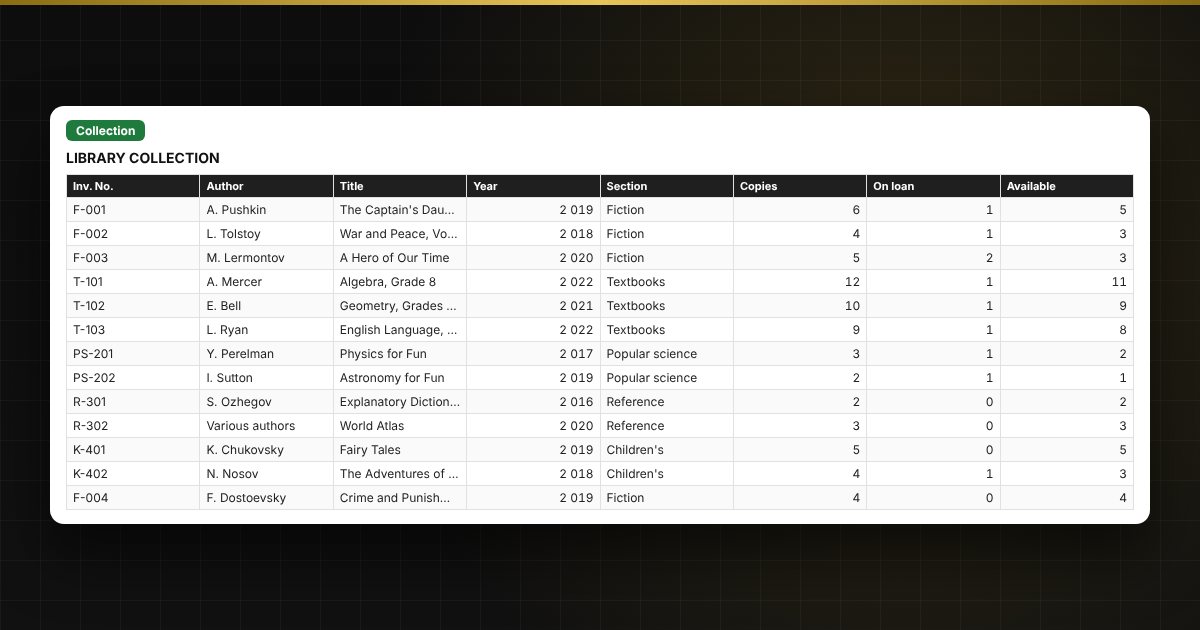
  • "Collection": a catalogue of books with authors, section and number of copies.
  • "Readers": a list of readers with their class or group.
  • "Loans": who borrowed which book and when, the due date and the return date.
  • "Overdue": an automatic list of overdue loans.

Who it is for

School librarians, village and corporate libraries, and clubs and groups with a book collection.

Compatibility

Excel 2007 and later, LibreOffice. No macros. The file is in English.

📘 How to Track Library Books and Loans in Excel

Questions and answers

How is the due date calculated?
Due date = loan date + the number of days from "Settings".
Can I see how many books are on loan?
Yes, "Collection" shows the copies available and the summary shows loans.
Can several readers have the same book?
Yes, if the book has several copies.
How do I return a book?
Enter the return date in the loan row — the book disappears from the overdue list.
Do I need macros?
No. The file works in Excel 2007 and later and in LibreOffice, and all calculations use ordinary formulas.