 KHIZHNYAKOV
What it is for
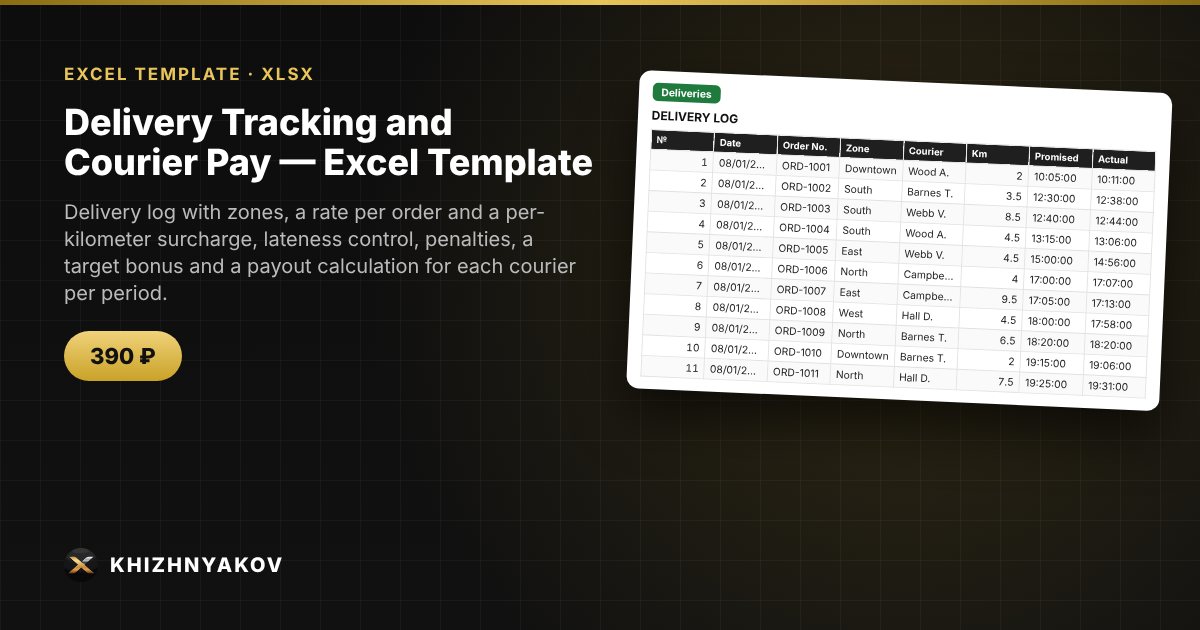
Courier pay is usually calculated by hand: the rate per order, kilometers, late-delivery penalties and the target bonus get mixed up, and disputes arise every month. Here each delivery is entered as a row, its payment is calculated from the zone rate, kilometers and penalty, and then the total payout for each courier is assembled.
What is inside
- "Lists": couriers with an order target, zones with a rate per order and a surcharge per km, the late penalty, the tolerance in minutes, the target bonus and the minimum on-time share.
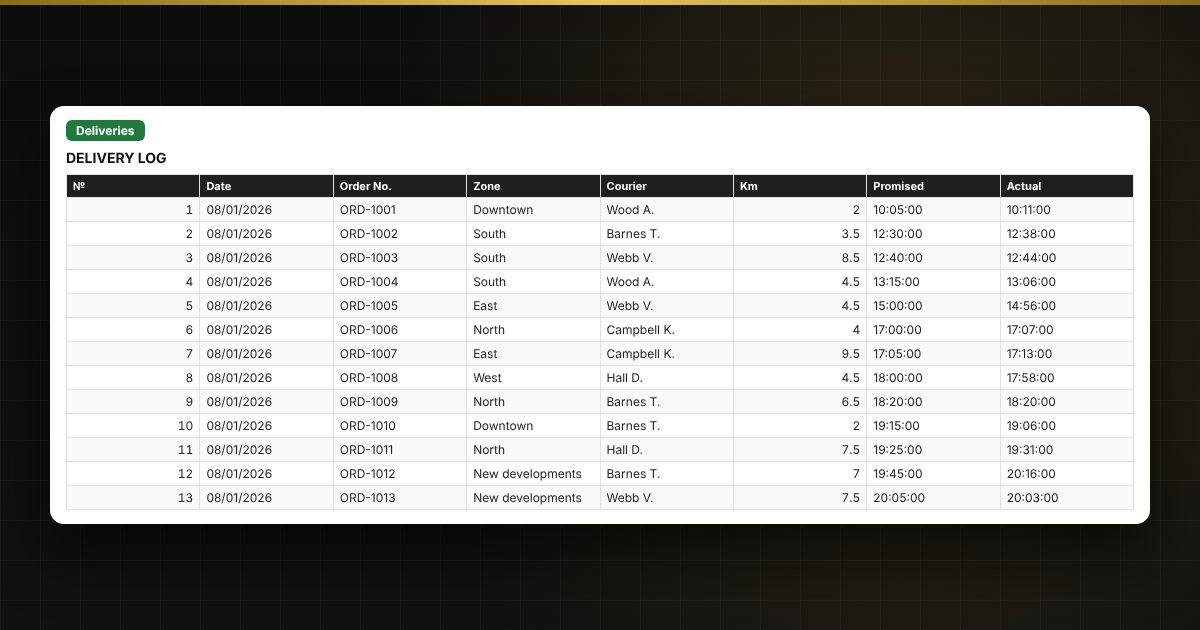
- "Deliveries": up to 1000 deliveries: date, order, zone, courier, kilometers, "promised" and "actual" time, order amount, lateness and courier payment.
- "Period payout": for each courier, orders, kilometers, late deliveries, on-time share, penalties, target achievement, bonus and the total payout.
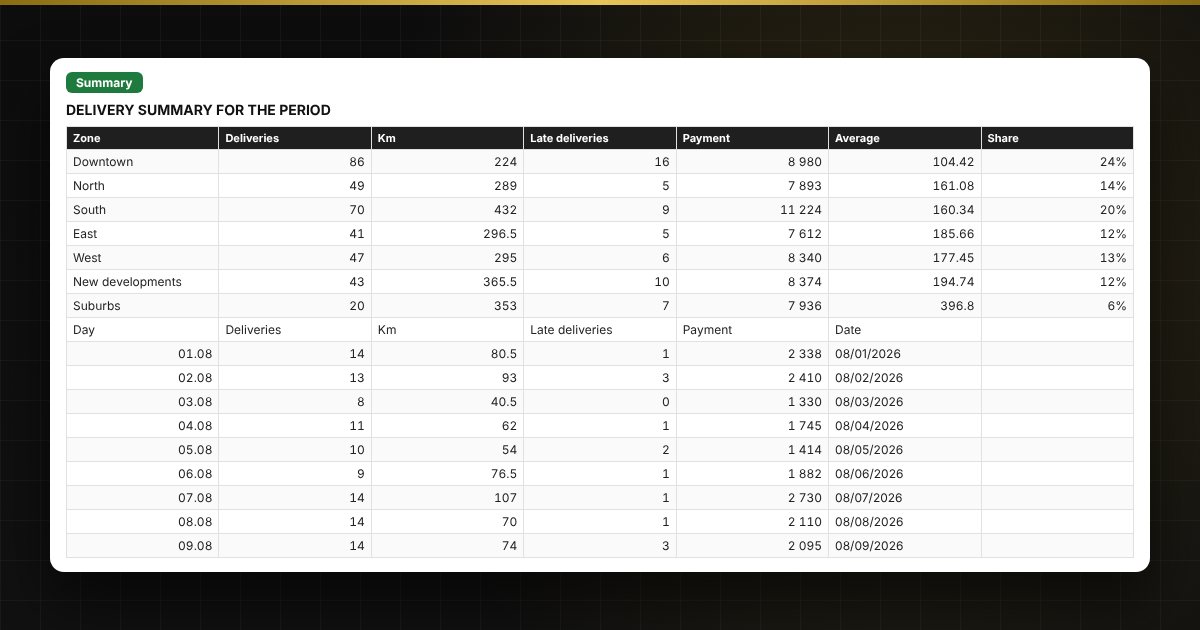
- "Summary": deliveries by zone and by day, average delivery cost, delivery share of the order total, two charts.
Who it is for
Small delivery services, online shops, restaurants and cafes with delivery, flower and grocery shops, pharmacies and anyone who pays couriers per delivery by zone and kilometers.
What you get
The package contains a blank spreadsheet and a filled-in sample with fictional data, so you can see how the formulas and checks work. It is a spreadsheet built on ordinary formulas, not accounting software. All fixes and new versions of the project are free.
Compatibility
Excel 2007 and later, LibreOffice. No macros. The file is in English. Rates, thresholds and standard values are kept in the lists: check them against your local rules before use. The calculation is approximate.