
KHIZHNYAKOV

← All templates

Powers of Attorney and Document Expiry Tracker in Excel: Traffic Light and Upcoming List

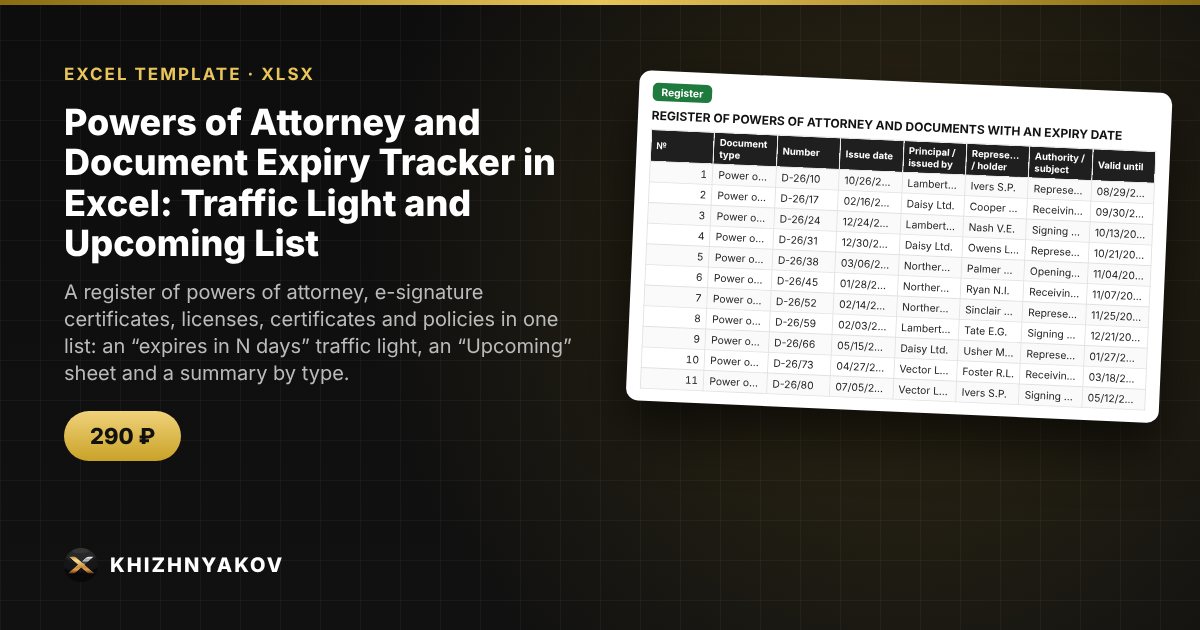
A register of powers of attorney, e-signature certificates, licenses, certificates and policies in one list: an “expires in N days” traffic light, an “Upcoming” sheet and a summary by type.

Powers of Attorney and Document Expiry Tracker in Excel: Traffic Light and Upcoming List
≈ $3.59
290 ₽
Blank template + filled-in example · Excel 2007+, LibreOffice, Google Sheets
Payment is processed securely by YooKassa in Russian rubles. If your card is declined, email us at info@хижняков.рф and we will arrange another way to pay.

What it is for

An expired power of attorney or a forgotten e-signature renewal can stall purchases, tenders and reporting. The register keeps all documents with an expiry date together: the spreadsheet counts the days left, colors the traffic light and builds the list of expired and expiring documents in order, so you can start renewals on time.

What's inside

  • "Lists": document types and the warning threshold in days for each type, the current date.
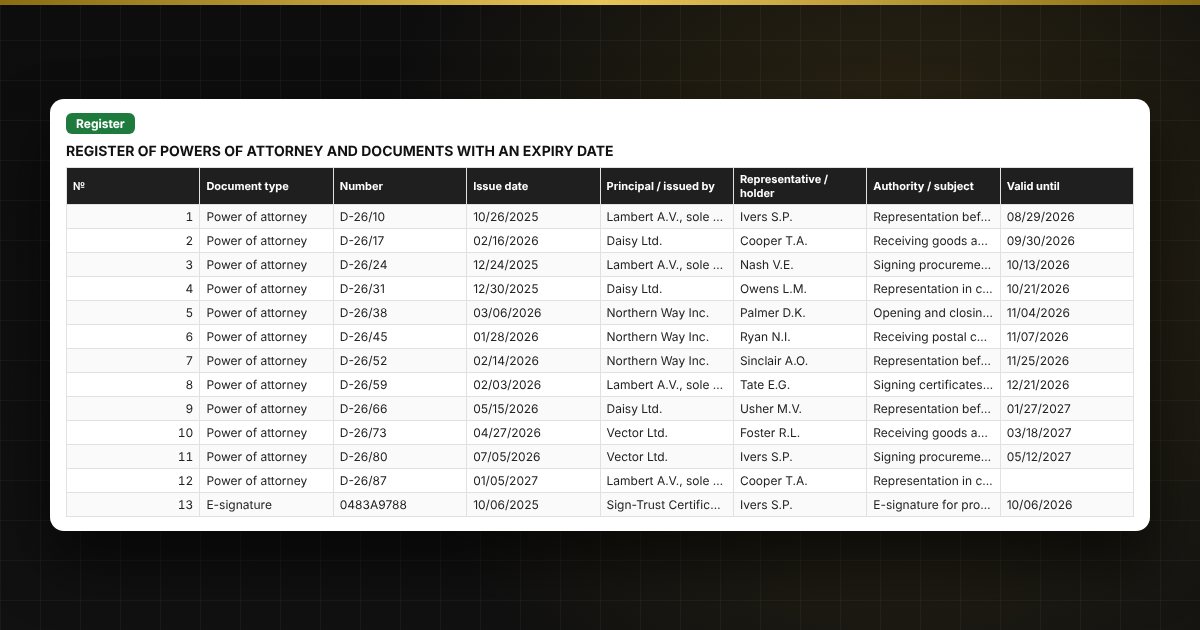
  • "Register": up to 500 documents — type, number, issue date, principal, representative, authority, validity period, days left and traffic light.
  • "Upcoming": an automatic list of expired and expiring documents in order of expiry date.
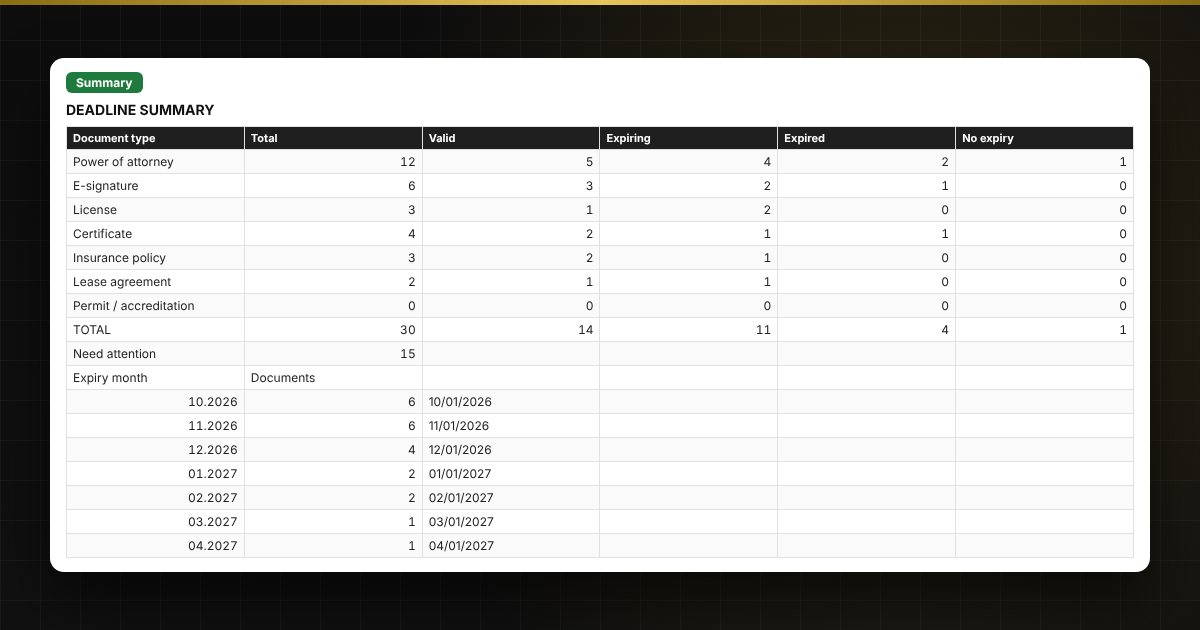
  • "Summary": counts by type and status, expiries by month for a year ahead, two charts.

Who it is for

Secretaries, lawyers, accountants, procurement specialists and HR staff, and managers of small organizations and sole traders who have many powers of attorney and documents with an expiry date.

Compatibility

Excel 2007 and later, LibreOffice. No macros. The file is in English. Thresholds and standard values are placed in the settings: check them against your own rules and local requirements before use. The calculation is approximate.

📘 Power of Attorney Register in Excel: Track Expiry Dates with a Traffic Light

Questions and answers

How does the traffic light work?
If the date has passed, the status is "Expired" and the cell is red. If no more than the type's threshold remains until expiry (for example, 30 days), the status is "Expiring" and the cell is yellow. All other documents are green.
Can I track more than powers of attorney?
Yes. In one register with a type you can keep e-signature certificates, licenses, certificates, policies, lease agreements and any other documents with an expiry date. You add your own types in the lists.
How does the "Upcoming" sheet work?
It is built from the register with array formulas: the most overdue first, then those closest to expiry. It updates with every edit to the register; nothing has to be entered manually.
What if a power of attorney states no term?
Leave the expiry date empty and the document gets the status "No expiry". If a power of attorney states no term, check how long it is valid under your local rules and enter the date manually.