 KHIZHNYAKOV
What it is for
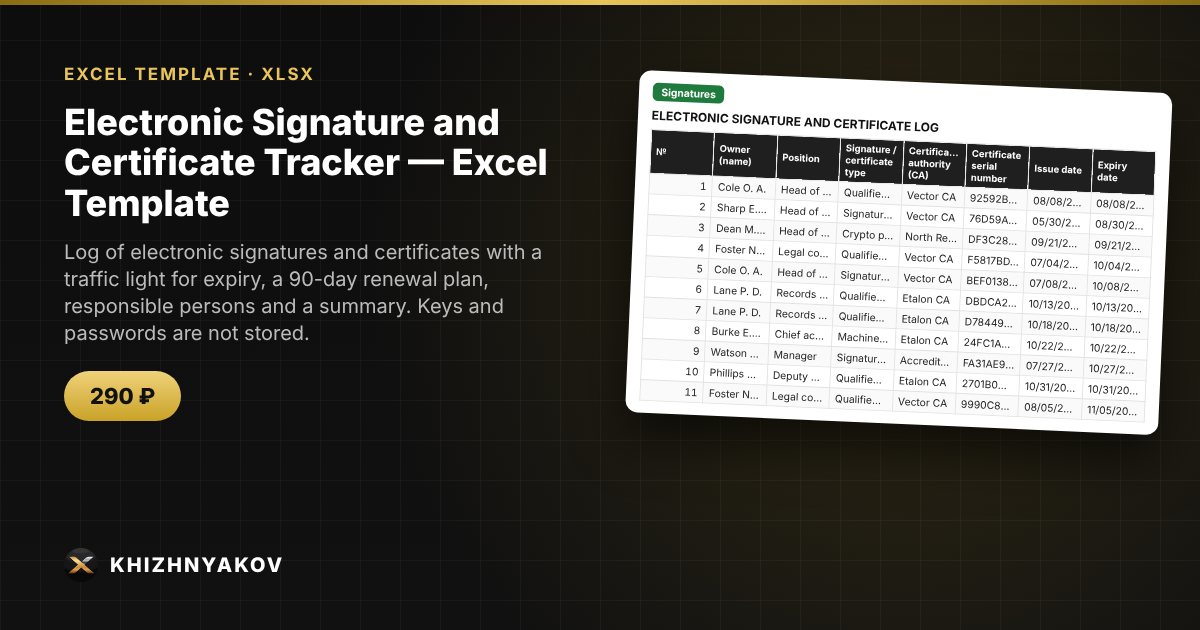
An electronic signature that has expired halts procurement, reporting and document flow, usually on the least convenient day. Here every signature is entered as a row: the spreadsheet shows which ones are expired and which expire within the next 30 days, and builds a renewal plan in order of expiry. Private keys, passwords and PIN codes are not stored in the spreadsheet: only the owner, the term, the certificate serial number and the token number.
What is inside
- "Lists": signature and certificate types, systems (procurement portal, payment information system, e-budget, tax authority, government services, inter-agency exchange and others), responsible persons, certification authorities, the "warn N days ahead" setting and the plan horizon.
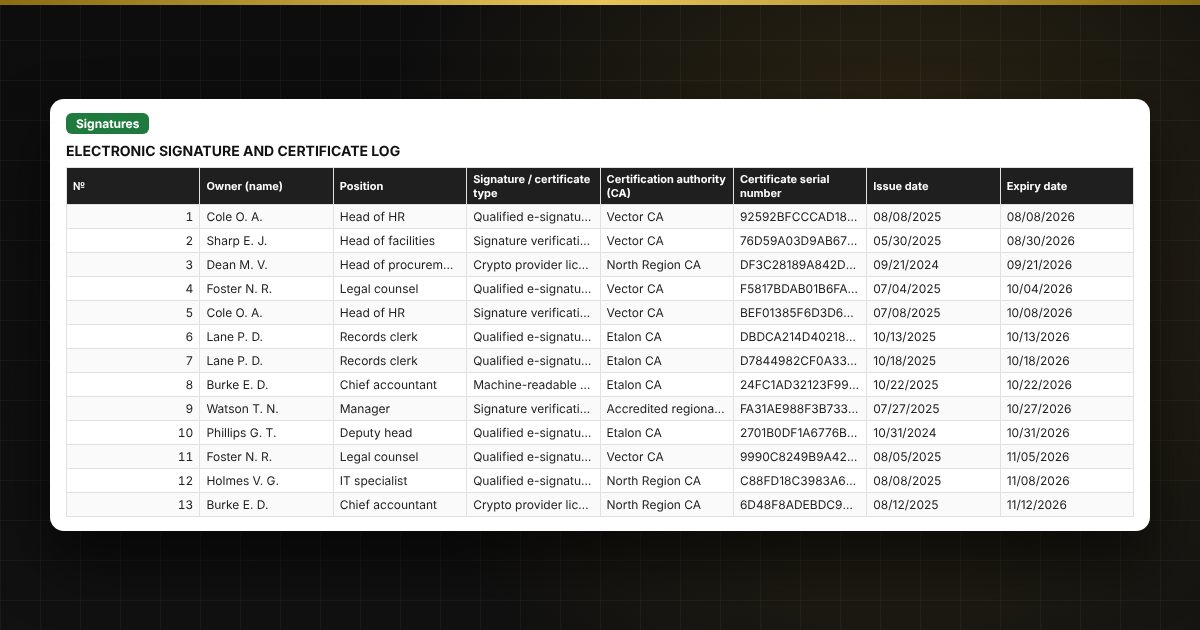
- "Signatures": up to 300 signatures: owner, position, type, CA, serial number, issue and expiry dates, where it is used, token number, responsible person, a traffic-light status and days to expiry.
- "Renewal plan": a list of signatures that are expired or expire within the next 90 days, in order of expiry, without duplicates and with a "what to do" hint. Built with formulas, without macros and without FILTER.
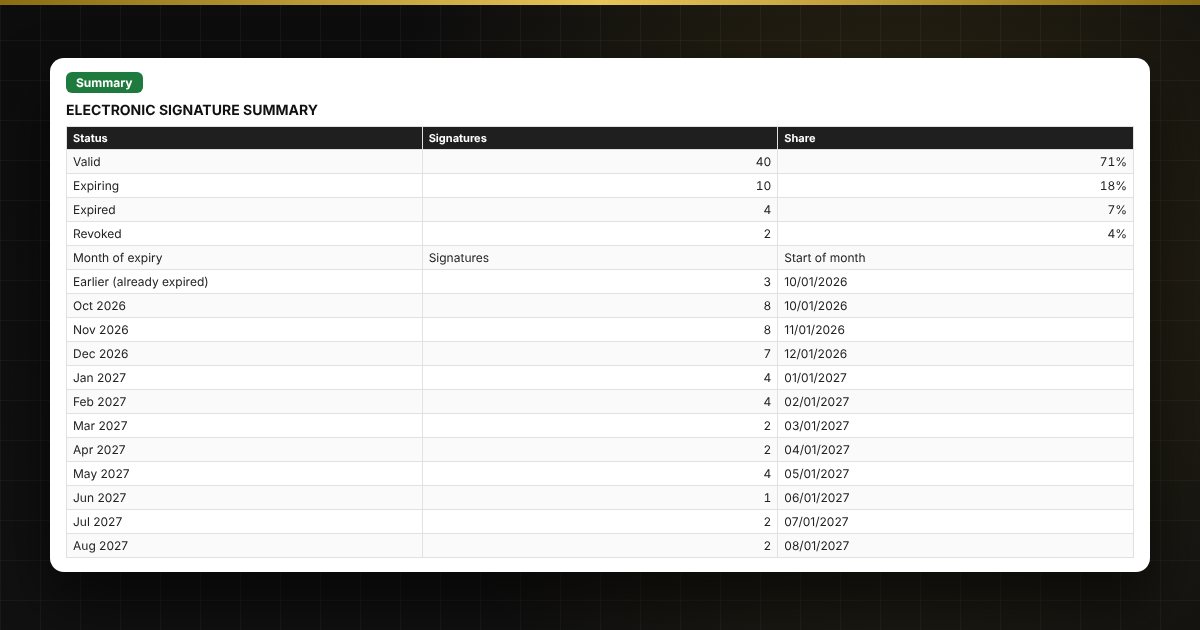
- "Summary": signatures by status, by month of expiry, by responsible person and by system, two charts.
Who it is for
Accountants, procurement specialists, and HR, security and IT staff in public bodies and organizations, as well as small businesses where several people work with electronic signatures in different systems.
What you get
The package contains a blank spreadsheet and a filled-in sample with fictional data, so you can see how the formulas and checks work. It is a spreadsheet built on ordinary formulas, not accounting software. All fixes and new versions of the project are free.
Compatibility
Excel 2007 and later, LibreOffice. No macros. The file is in English. Thresholds and standard values are kept in the lists: check them against your local rules before use. The calculation is approximate.