KHIZHNYAKOV

← All templates

Energy Consumption and Limits Tracker in Excel: Electricity, Water, Heat, Gas

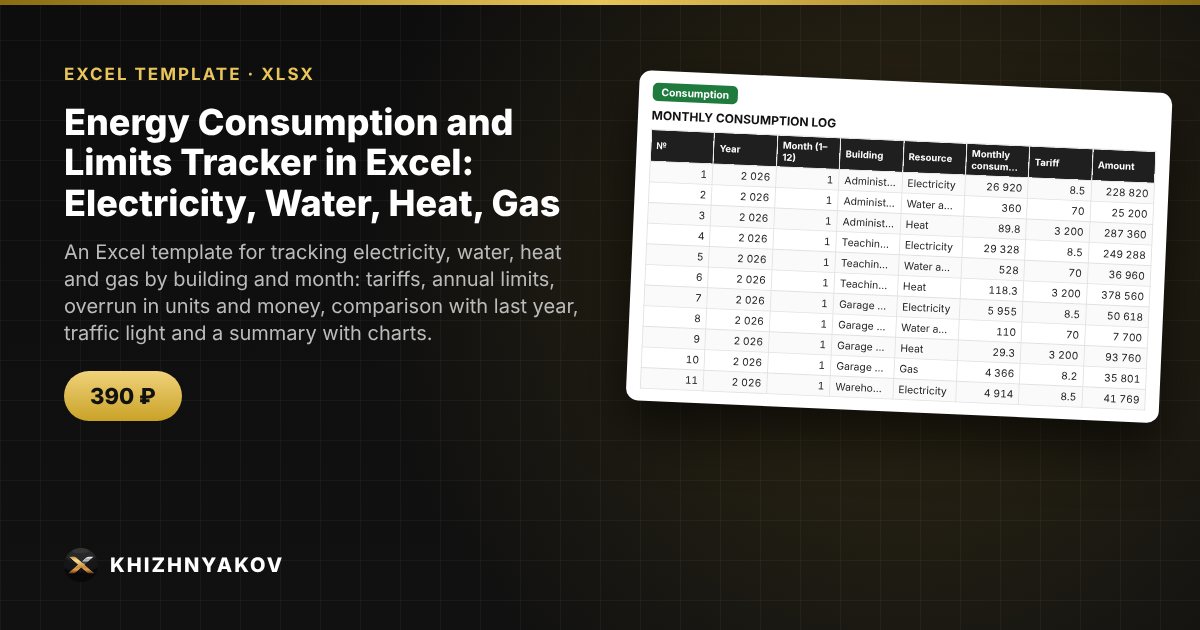
An Excel template for tracking electricity, water, heat and gas by building and month: tariffs, annual limits, overrun in units and money, comparison with last year, traffic light and a summary with charts.

Energy Consumption and Limits Tracker in Excel: Electricity, Water, Heat, Gas
≈ $4.89
390 ₽
Blank template + filled-in example · Excel 2007+, LibreOffice, Google Sheets
Payment is processed securely by YooKassa in Russian rubles. If your card is declined, email us at info@хижняков.рф and we will arrange another way to pay.

What it is for

Meter readings and bills sit in different folders, and a limit overrun is discovered at the end of the year. Here readings are entered as a row once a month: the spreadsheet calculates the amount at the tariff, the monthly limit, the overrun in units and in money, and compares with the same month last year. The traffic light shows in advance which buildings and resources are heading over the limit.

What's inside

  • "Lists": resources and tariffs, buildings (up to 8), annual limits for each building and resource, monthly shares of the limit, reporting year.
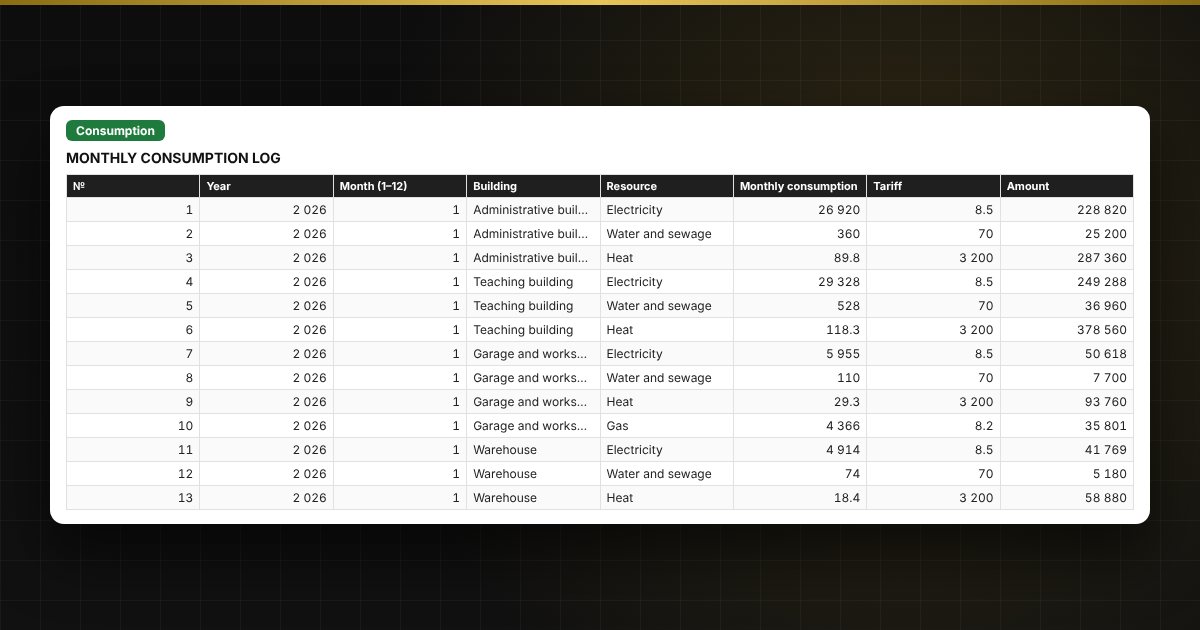
  • "Consumption": up to 1000 records — year, month, building, resource, consumption; the tariff, amount, monthly limit, overrun, traffic light and change versus last year are calculated.
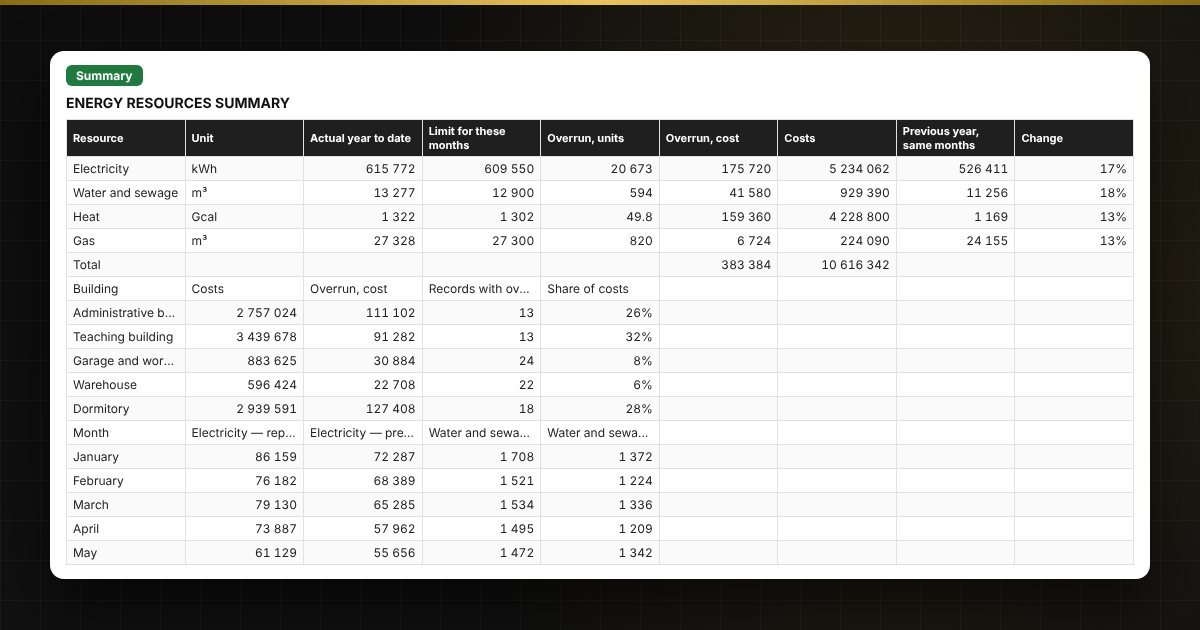
  • "Summary": totals by resource and building, overrun in money, a monthly table and two charts.

Who it is for

Chief engineers, facility managers, heads of institutions and accountants of schools, hospitals, property management companies and other organizations that report on resource consumption limits.

Compatibility

Excel 2007 and later, LibreOffice. No macros. The file is in English. Tariffs, limits and standard values are placed in the settings: check them against your own contracts and local requirements before use. The calculation is approximate.

📘 How to Track Energy Consumption and Limits in Excel

Questions and answers

How is the monthly limit calculated?
The building's annual limit for the resource is multiplied by the month's share. The shares (by default weighted toward the heating season for heat and gas) are set on the "Lists" sheet; the total for a resource must be 100%.
Where do I get tariffs and limits?
From utility supply contracts, bills and the limit documents of your organization. The figures in the sample are fictional; when setting up, check them against the current version of your documents.
What does "Close to limit" mean?
Consumption is at least the set share of the monthly limit (90% by default) but the limit has not yet been exceeded. The threshold can be changed on the "Lists" sheet.
How do I compare with last year?
Enter last year's data in the same log. The spreadsheet takes the same month, building and resource and shows the change in percent.