 KHIZHNYAKOV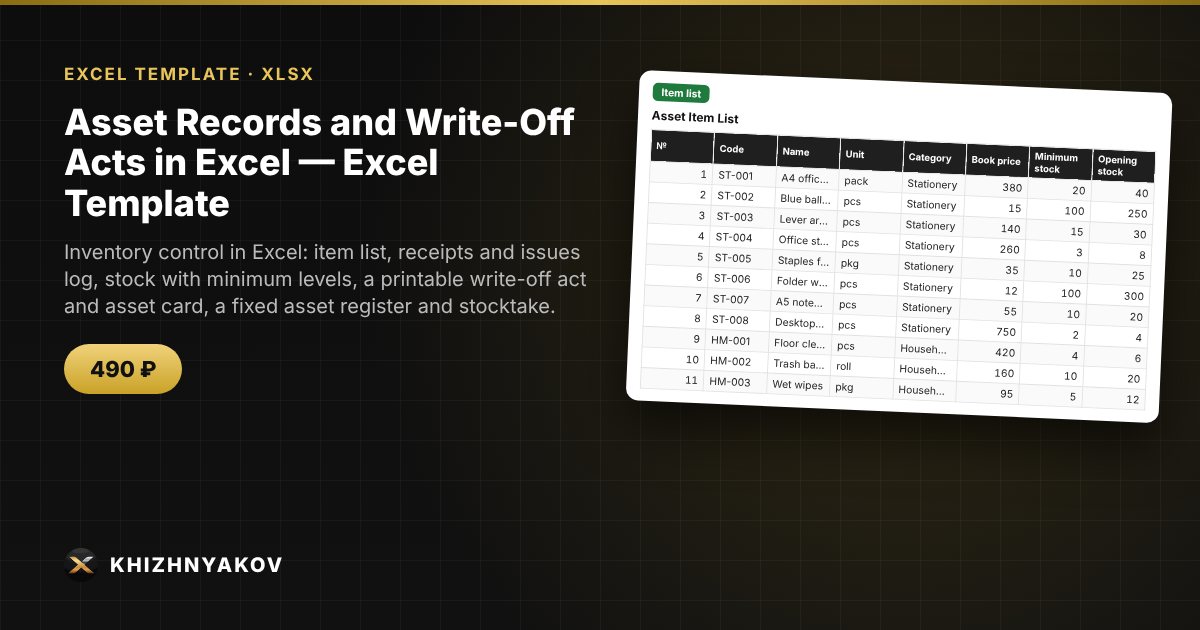
What it is for
Keep asset and stock records in Excel without bulky software: you maintain the item list and the transaction log, and the spreadsheet calculates stock for every item, shows what is below the minimum, fills in the write-off act and asset card, and compares the books with the actual count at stocktake. Suitable for a small warehouse, a facilities team, an office and a custodian.
What is inside
- "Settings": organization, warehouses and storage locations, custodians, write-off reasons, categories, write-off committee members, the "running low" threshold.
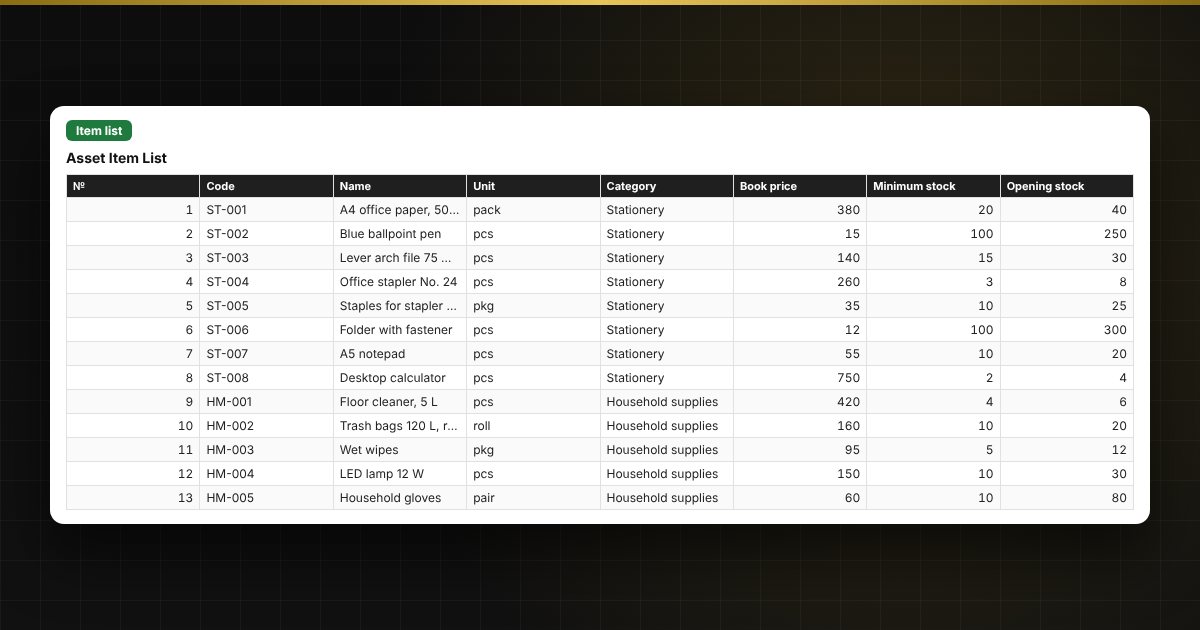
- "Item list": up to 300 items with code, unit, category, book price, minimum and opening stock; checks for duplicates and gaps.
- "Transaction log": up to 1,500 rows — receipts, issues, write-offs, transfers between warehouses; stock after each transaction and a check (issue exceeds stock, no price, write-off without an act, no reason).
- "Stock balances": receipts, issues, write-offs, current stock and value for each item, highlighting of items below minimum and negative stock, and how much to reorder.
- "Write-off act": a printable form — choose the act number, the rows are pulled from the log, with totals, "Approved" and the committee signatures.
- "Fixed assets": a register of up to 200 assets, straight-line depreciation, net book value at a chosen date, status and checks.
- "Asset card": a printable form by inventory number with a depreciation schedule by year.
- "Stocktake": a list with book and actual quantities, surpluses and shortages in units and in value.
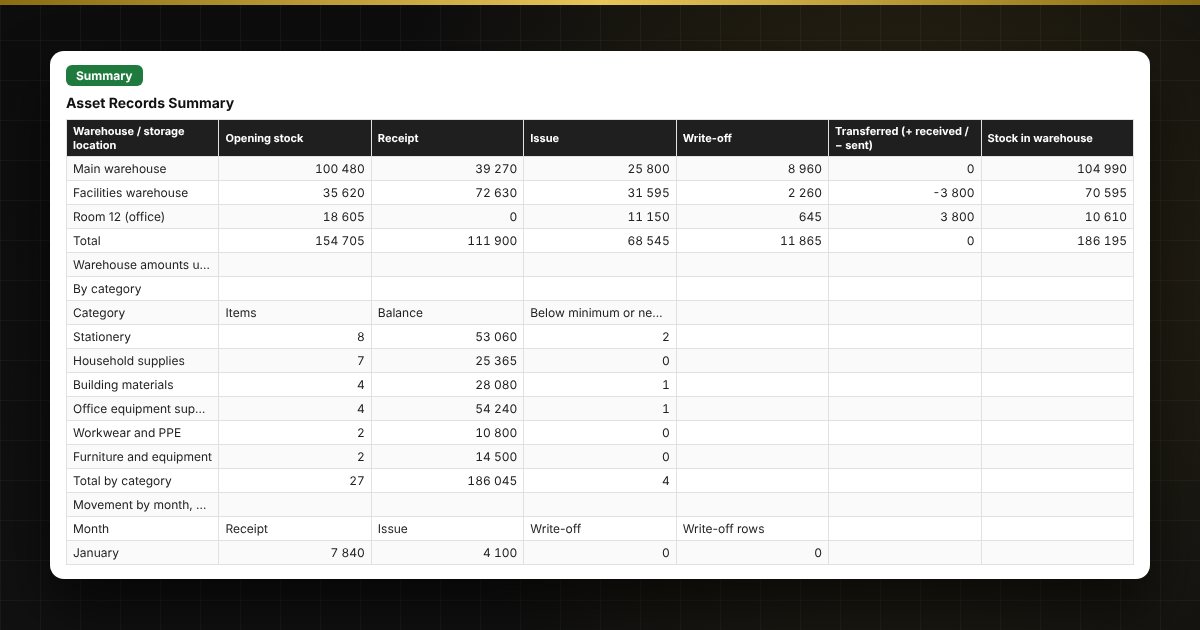
- "Summary": stock by warehouse and category, movement and write-offs by month, write-offs by reason, and control figures.
Who it is for
Facilities managers, warehouse managers, custodians, accountants responsible for materials, and administrative staff in schools, nurseries, hospitals, public institutions and small businesses.
Compatibility
Excel 2007 and later, LibreOffice. No macros. The printed forms are working forms based on the structure of typical documents, not official forms; the write-off procedure, useful lives and committee members are determined by your accounting policy and local rules — enter your own values in "Settings" and the tables. The file is in English.