 KHIZHNYAKOV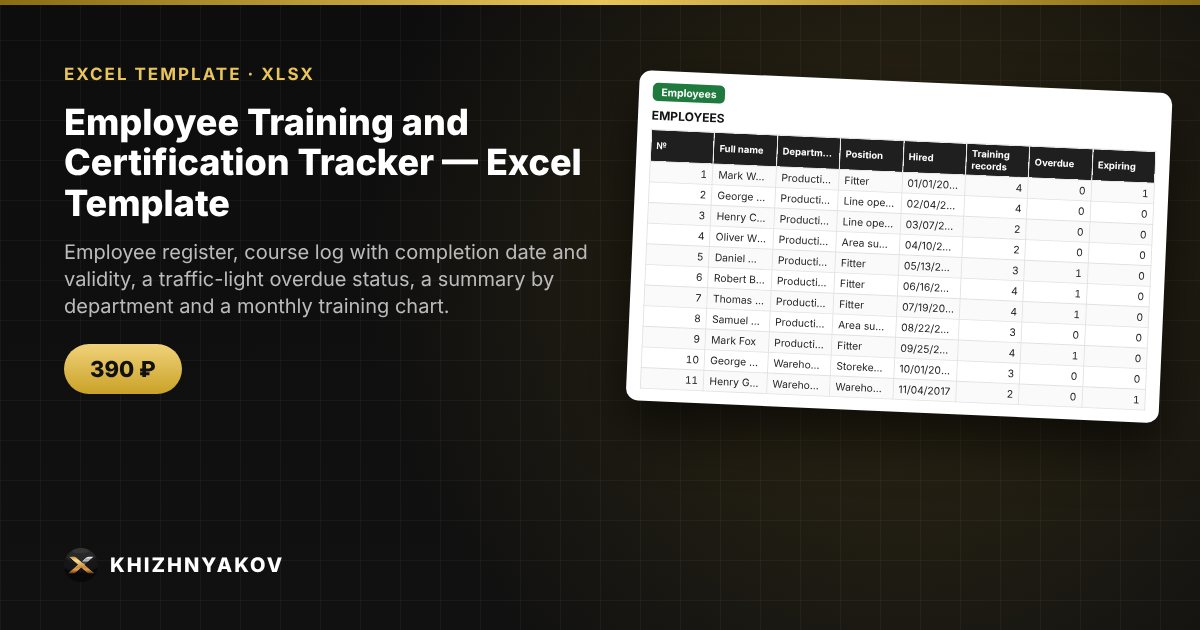
What it is for
Training deadlines for occupational safety, fire safety, electrical safety and other courses are easy to lose: certificates sit in different folders and overdue ones are noticed during an inspection. In this spreadsheet every record gets an expiry date and a color: green = valid, yellow = expiring soon, red = overdue. You can see in advance who needs to be sent for training and when.
What is inside
- "Settings": list of departments and courses with their validity period, number of days for the warning, current date.
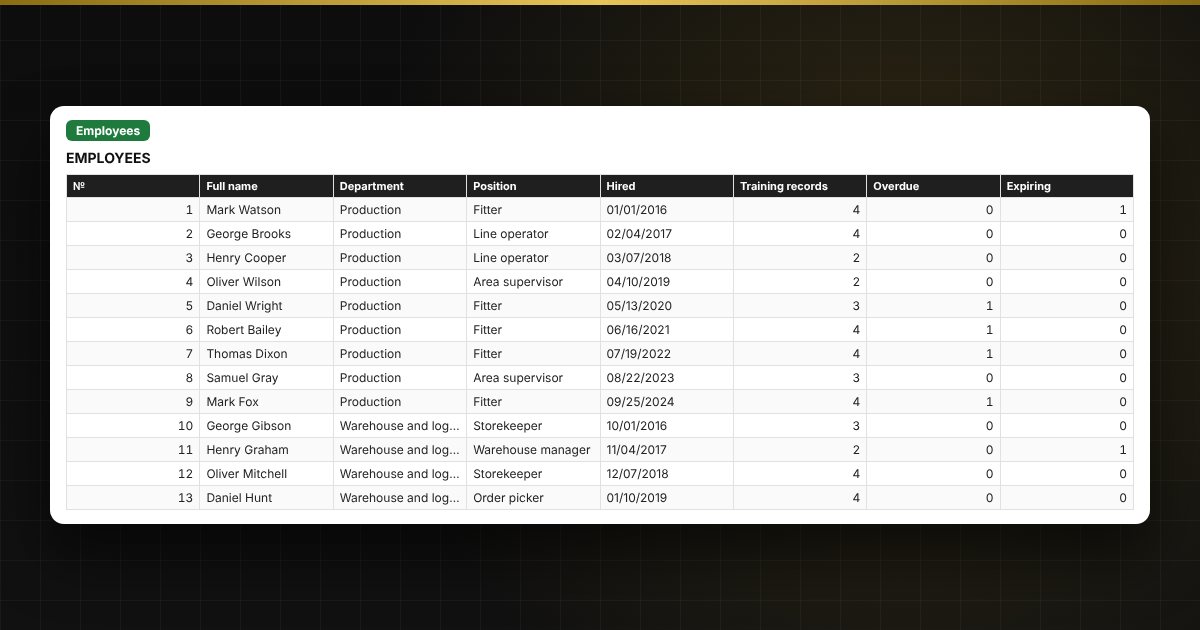
- "Employees": up to 200 people: department, position, number of records, overdue items and the nearest expiry for each person.
- "Training": up to 1000 records: employee, course, date, document, term, expiry date, days left and a traffic-light status.
- "Summary": statuses by department and course, share in good standing, a chart.
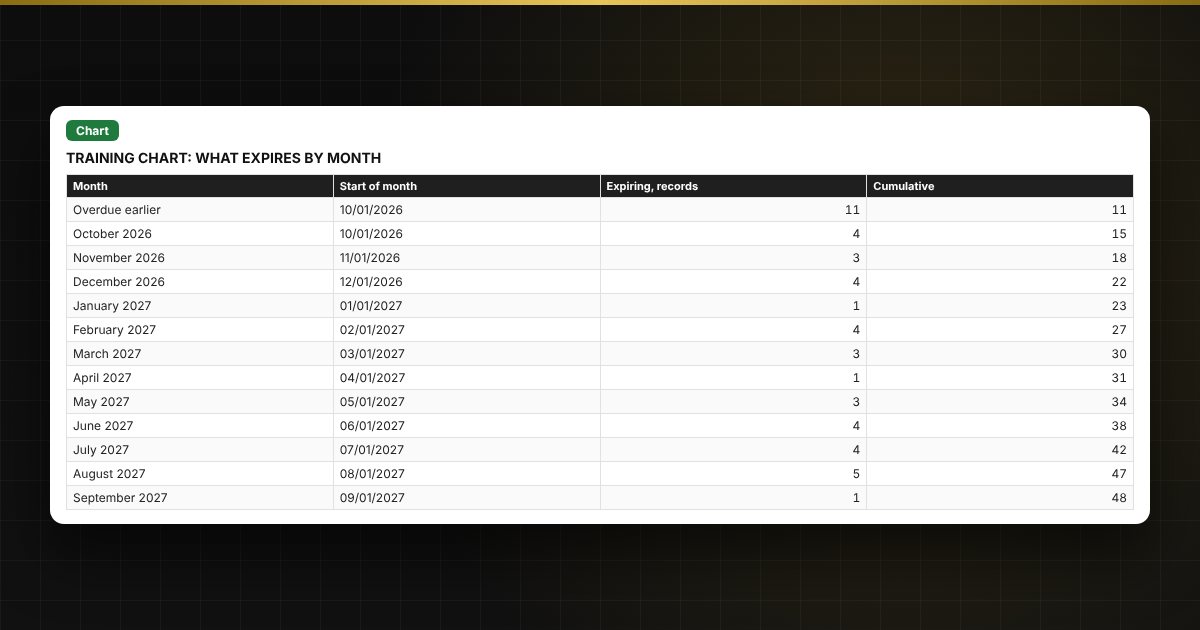
- "Chart": how many trainings expire in each of the next 12 months, with a cumulative total.
Who it is for
Occupational safety and HR specialists, managers of production sites, warehouses, vehicle fleets and organizations that need mandatory employee training and track the validity of certificates.
What you get
The package contains a blank spreadsheet and a filled-in sample with fictional data, so you can see how the formulas and checks work. It is a spreadsheet built on ordinary formulas, not accounting software. All fixes and new versions of the project are free.
Compatibility
Excel 2007 and later, LibreOffice. No macros. The file is in English. Rates, thresholds and standard values are kept in the settings: check them against your local rules before use. The calculation is approximate.